Business IT
Cloud Backup and Disaster Recovery Australia
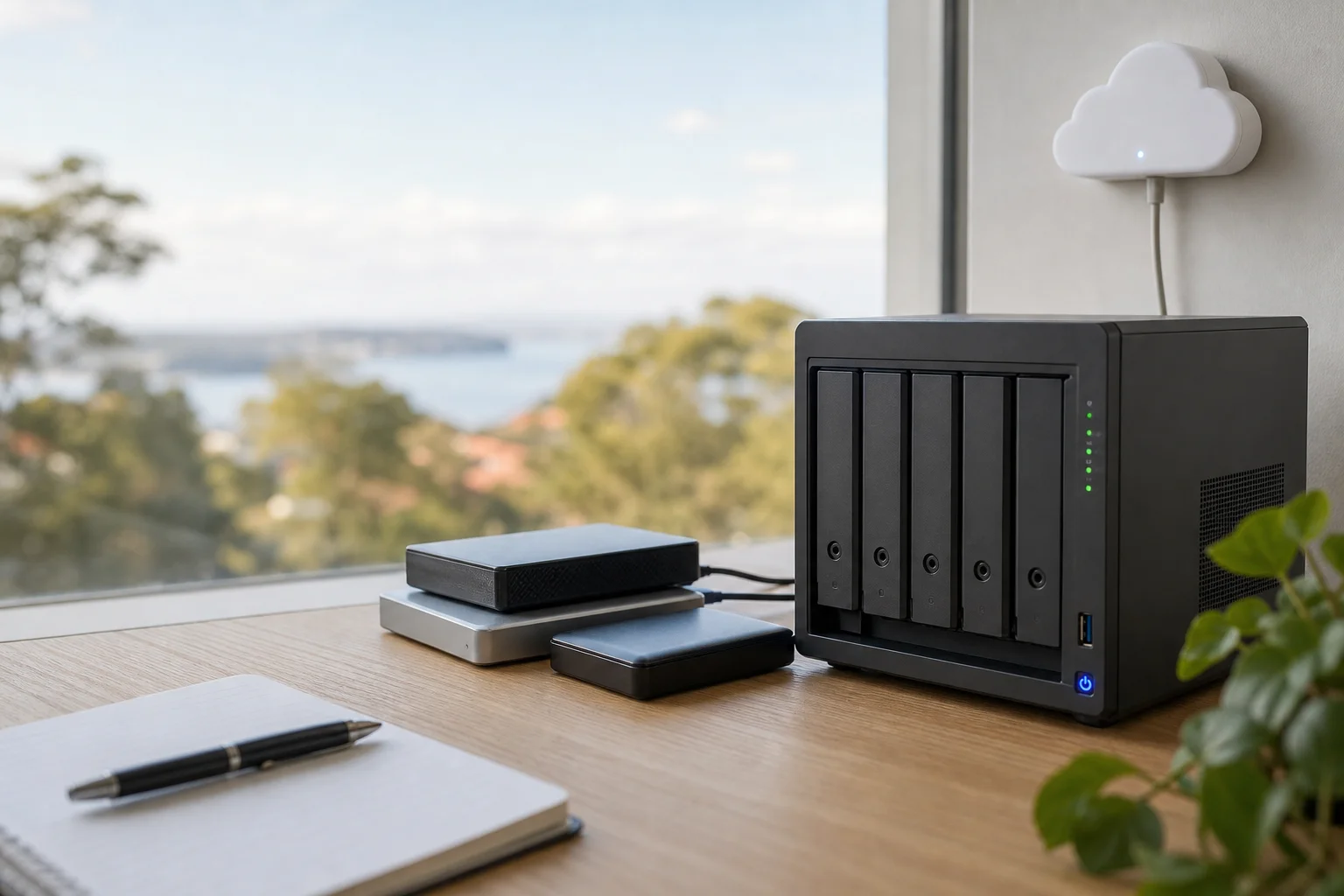
Cloud backup and disaster recovery australia is not just a product you install and forget. It is a tested strategy for getting business data back when something goes wrong. That means knowing what is backed up, where it lives, how fast it can be restored, and whether the restore actually works when you need it. At Doorstep IT, we set up backup plans that are checked, monitored, and verified with scheduled test restores.
A lot of businesses also miss the Microsoft shared-responsibility model. Microsoft runs the platform, but your Exchange, SharePoint, OneDrive, and Teams data is still your responsibility to protect. If a mailbox is deleted, files are hit by ransomware, or a sync issue wipes out content, Microsoft 365 alone is not a backup plan. We build independent backup around that gap so your records have a recoverable copy.
Our approach is simple: design for recovery, not just storage. We match backup design to your downtime tolerance, then test it so you know the data can come back clean.
What we fix
Reliance on Microsoft 365 with no independent backup of Exchange, SharePoint, OneDrive and Teams
Backups that go green but have never been test-restored
Ransomware or accidental deletion with no clean, recoverable copy
No defined RTO/RPO, so recovery expectations are guesswork
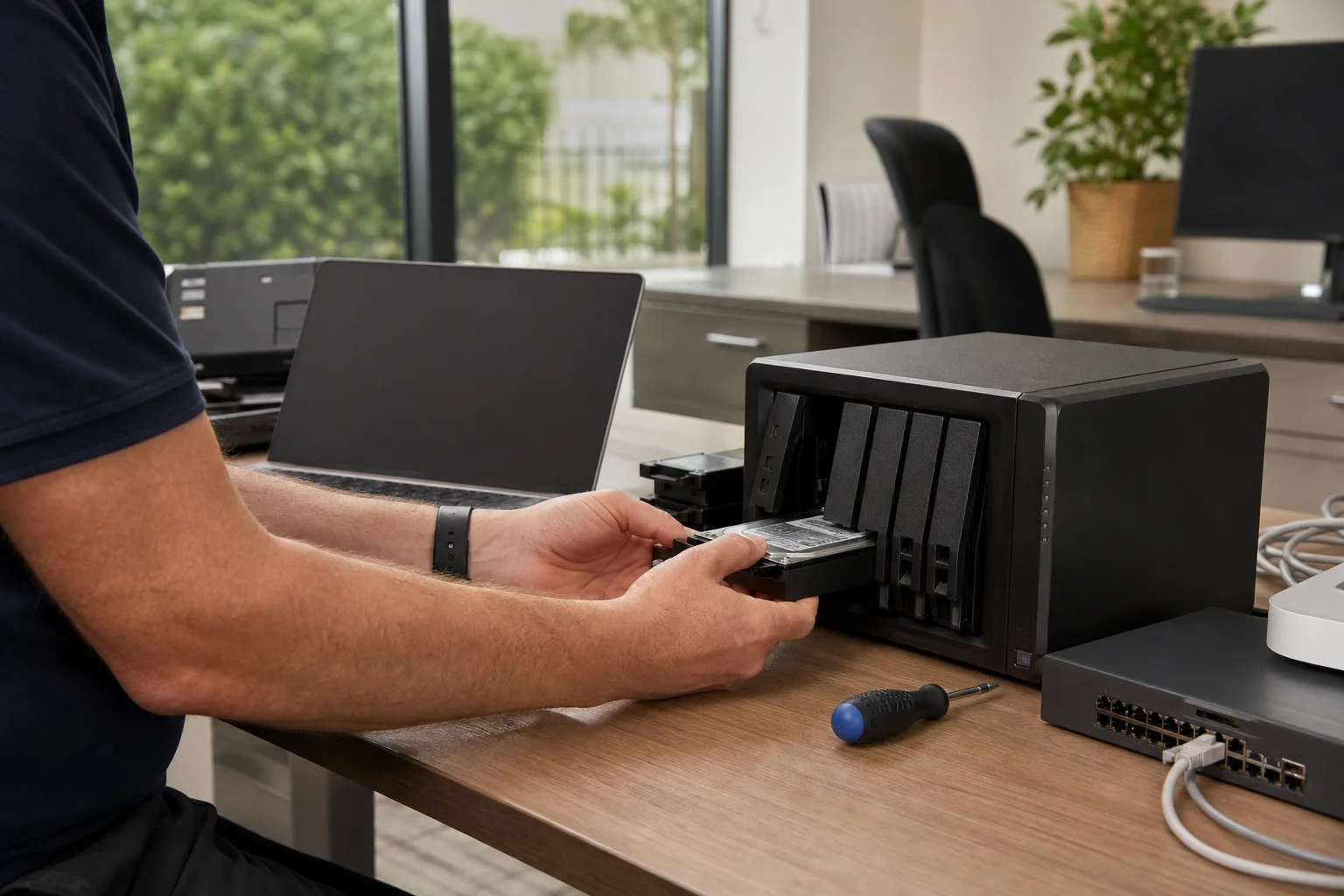
On-premises server or NAS with only a single local backup and no offsite copy
No monitoring, so backup failures go unnoticed for weeks
Your journey
How it works
Step 1
Scoping call to identify data sources and business impact of downtime.
Scoping call to identify data sources and business impact of downtime.
Step 2
Define RTO and RPO for each system and design a backup architecture to match.
Define RTO and RPO for each system and design a backup architecture to match.
Step 3
Deploy and configure backups, including independent Microsoft 365 backup where needed.
Deploy and configure backups, including independent Microsoft 365 backup where needed.
Step 4
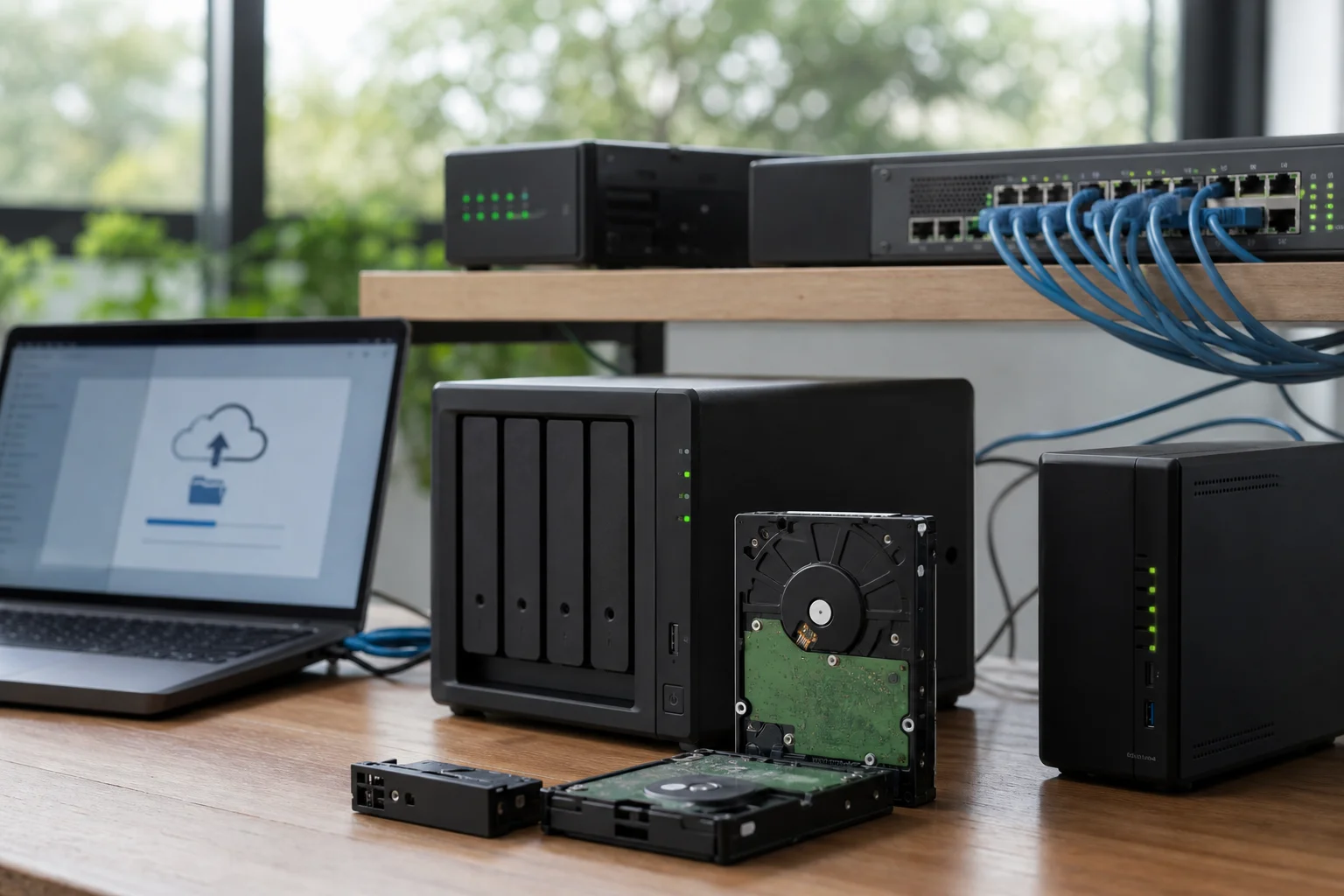
Ongoing monitoring with scheduled test restores and a backup health report.
Ongoing monitoring with scheduled test restores and a backup health report.
Transparent pricing
Live pricing (portal)
Residential account · 10% off list
$206.10
First hour · +$103.05 per 30 min
Our GST-inclusive on-site call-out is $229 for setup and assessment attendance. That covers the visit needed to review systems, scope the backup plan, and verify the setup on site.
Backup licensing and storage are scoped per environment, because a small office with a few mailboxes is not the same as a business running multiple servers or a large Microsoft 365 tenant. We do not force a one-size-fits-all figure where it does not fit.
Independent Microsoft 365 backup is recommended alongside server backup, especially where data retention and recovery matter. If you are comparing options for disaster recovery services for business, ask whether the provider tests restores and documents recovery, not just whether the backup job runs.
Why Doorstep IT
We focus on recovery, not just storage.
We understand the Microsoft shared-responsibility model.
We test restores and report on backup health.
We work with cloud, local, and hybrid setups.
We support Microsoft 365, servers, and NAS environments.
We provide on-site attendance where verification matters.
Questions & answers
Common questions
Coverage
What is the difference between business continuity and disaster recovery?
Business continuity is the broader plan for keeping the business operating during a disruption, while disaster recovery is the part that gets systems and data back after an outage, cyber incident, or hardware failure.
- In practice, continuity may include manual workarounds, alternate locations, and communication plans.
- Disaster recovery is about the restore path.