
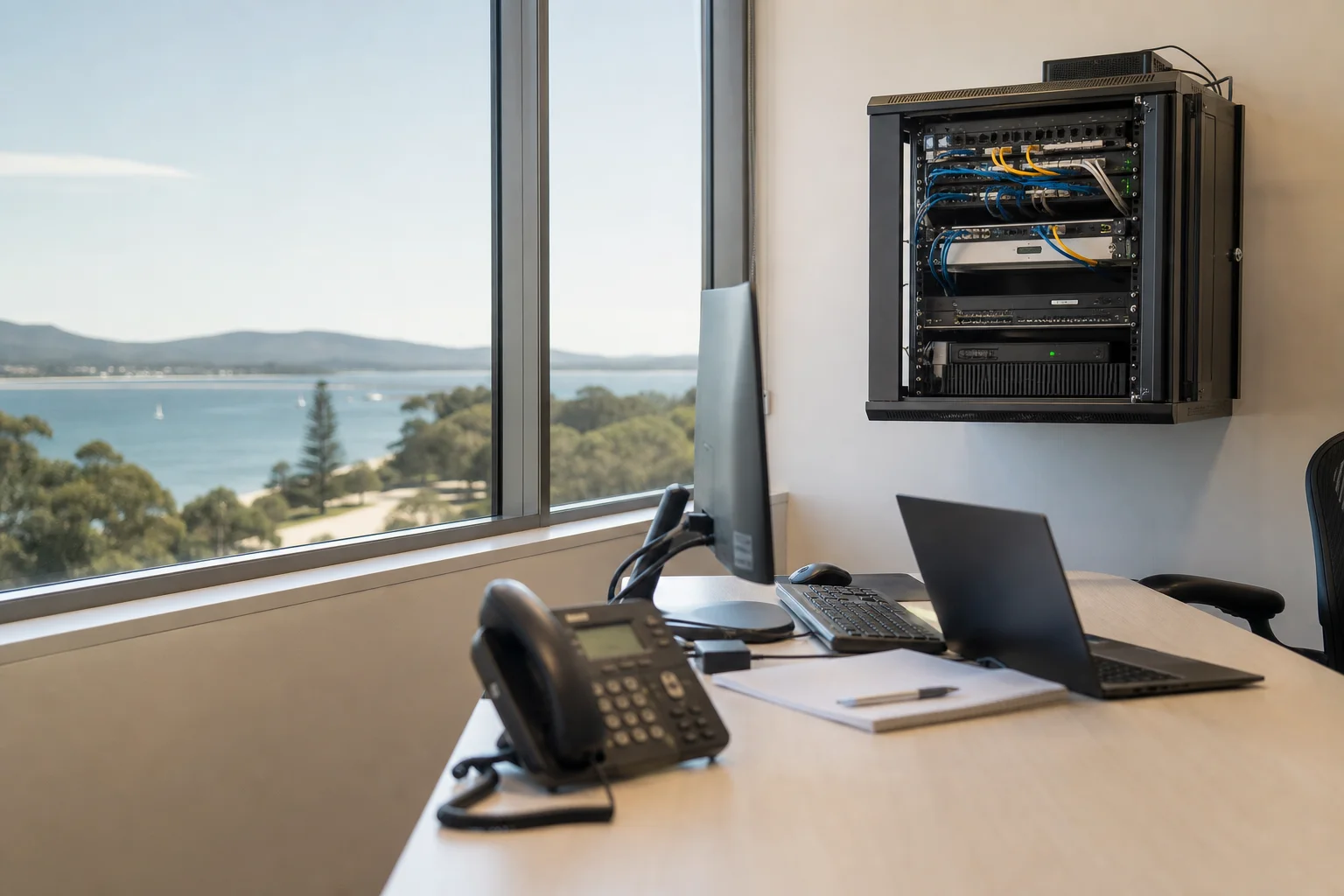
Managed IT support Port Stephens
Managed IT support Port Stephens gives small businesses a steady way to handle users, mailboxes, backups and day-to-day tech issues. We work across Port Stephens with a simple model: plan the support, keep the systems watched, and come on-site when a fault needs hands-on work. If your office is in Salamander Bay, Medowie or near Nelson Bay, we set up support around how your team actually works, not around a shop counter.
The Port Stephens tech landscape
The Port Stephens business scene is full of small offices, trades, clinics and service firms, often with five to 25 staff and a mix of desktop PCs, laptops and shared Microsoft 365 accounts. That means break-fix bills can swing from quiet months to a sudden run of password resets, mailbox issues or a failed laptop in one week. National MSP pages and enterprise-focused content usually talk past that reality. The gap here is transparent per-user managed IT priced for Port Stephens small business, with support built for teams that need practical help, not a long contract full of jargon. In Tanilba Bay, mixed Windows and Mac fleets are common, while in Nelson Bay plenty of teams have hybrid workers carrying laptops between office and home. Microsoft 365 is the shared standard for most, so the support model has to cover users, mailboxes and backups together.
Our small business IT support Port Stephens plans are built per user, so you know what each staff member is covered for each month. That suits offices that want a fixed support rhythm instead of chasing ad-hoc invoices.
Continue reading
We handle remote monitoring and patch management, Microsoft 365 admin and mailbox management, and backup verification so you are not finding out about a failed backup after an outage. We also do quarterly reviews to catch drift before it turns into downtime. If you need hardware or network work, we can come on-site to offices in Shoal Bay, Medowie or Salamander Bay. That is different from a drop-off shopfront repair, where you box up gear, wait for intake, and lose time while the fault is diagnosed elsewhere. On-site support means we can see the modem, switch, printer, laptop and user account together, which usually shortens the job. The same approach helps when you need business computer support Shoal Bay for a printer issue, a dead dock, a mailbox problem or a patching job tied to the office network.
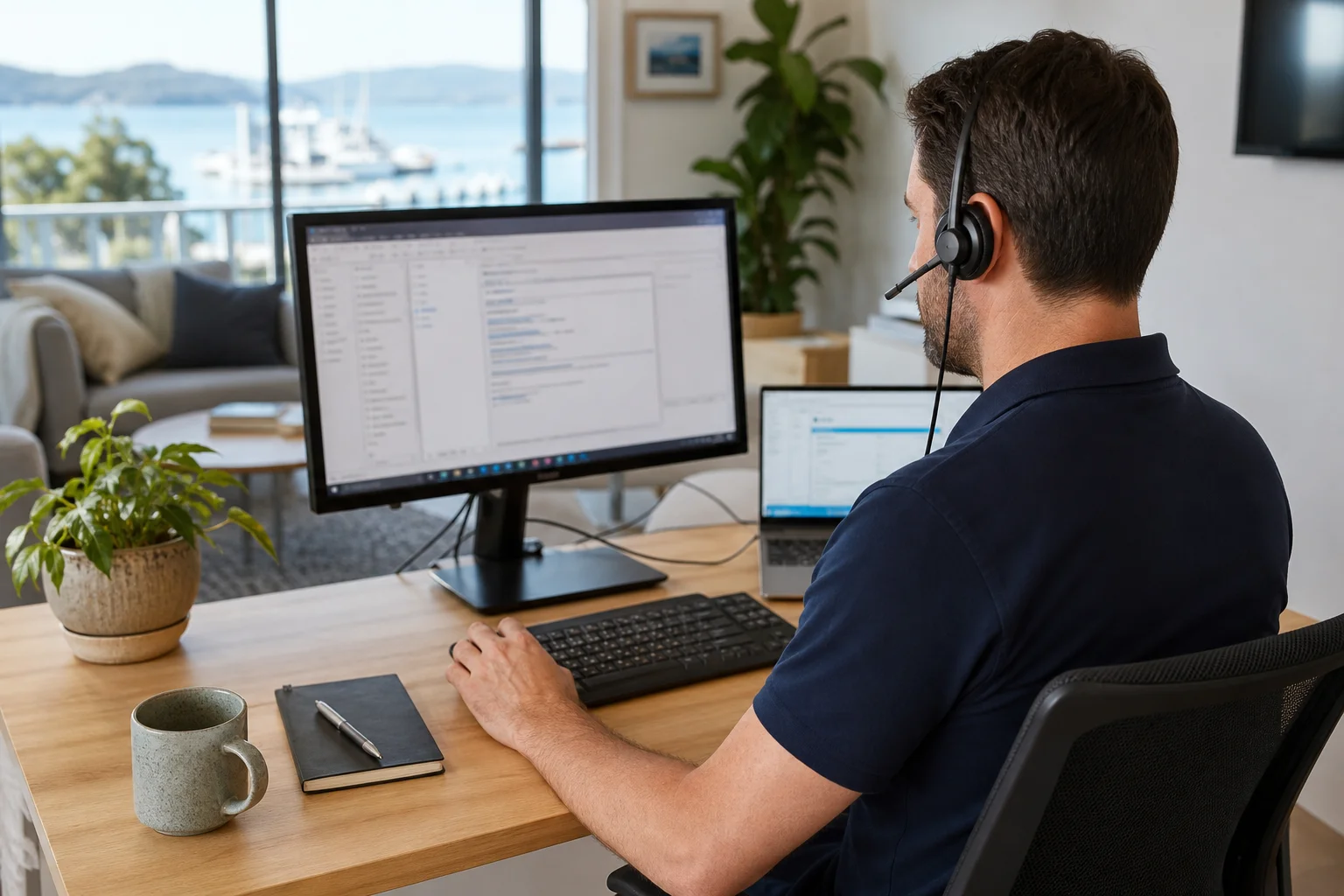
Common issues we see
The usual calls are simple to name but costly if they stack up. Password lockouts and Microsoft 365 sign-ins can stop a whole day in one hit, especially when a staff member is in Nelson Bay and trying to work from a laptop on the road.
Read the full section
New starter onboarding delays also slow things down when accounts, mailboxes and permissions are not ready on day one. Backup checks are often skipped between crises, which leaves a business exposed if a file server or shared drive fails. Patches and updates get missed too, and that can leave older Windows devices out of step with the rest of the office. Over time, ad-hoc support costs mounting each month become the bigger problem. A monthly IT plan Port Stephens businesses can understand is often easier to budget for than chasing one-off fixes every time something breaks.
Your journey
What happens on a visit
Step 1 of 5
We start with an audit of the…
We start with an audit of the current environment.
What's included in your call-out
A fully-equipped mobile technician arriving at your address
The first hour of managed it support on-site
Diagnostic report — you know exactly what's wrong before we quote parts
Endpoint monitoring and patch management review
User onboarding and access troubleshooting
Escalation path for recurring issues
Same-day parts sourcing where practical
Written invoice with the ATO ABN and GST breakdown
Response time & booking
Same-day for Nelson Bay peninsula; next-day for inland Medowie/Williamtown**Same-day for Nelson Bay peninsula; next-day for inland Medowie/Williamtown** — From Nelson Bay, Salamander Bay is 5 minutes west, Anna Bay (2316) is 15 minutes south, and Medowie (2318) is 25 minutes inland toward the F3.
Suburbs & postcodes we cover in Port Stephens
Pricing detail
| What | Price (GST-inclusive) |
|---|---|
| Standard call-out (first hour on site) | $219 |
| Each additional 30-minute block | $109.50 |
| Residential account holders | 10% off list |
| Business accounts | List price |
Parking & site access
Office access during business hours helps us get in, check the desk setup and work around staff who are still trying to use the network in Salamander Bay or Medowie. We also need access to the server or comms cabinet, plus admin sign-off for account access before we touch user settings, mailboxes or backups.
Read the full section
For many Port Stephens offices, parking is simple enough for a quick site visit, but loading bays, shared driveways or gated business parks can affect timing. If there is a narrow access point or a locked comms room, tell us up front so the visit is scheduled properly.
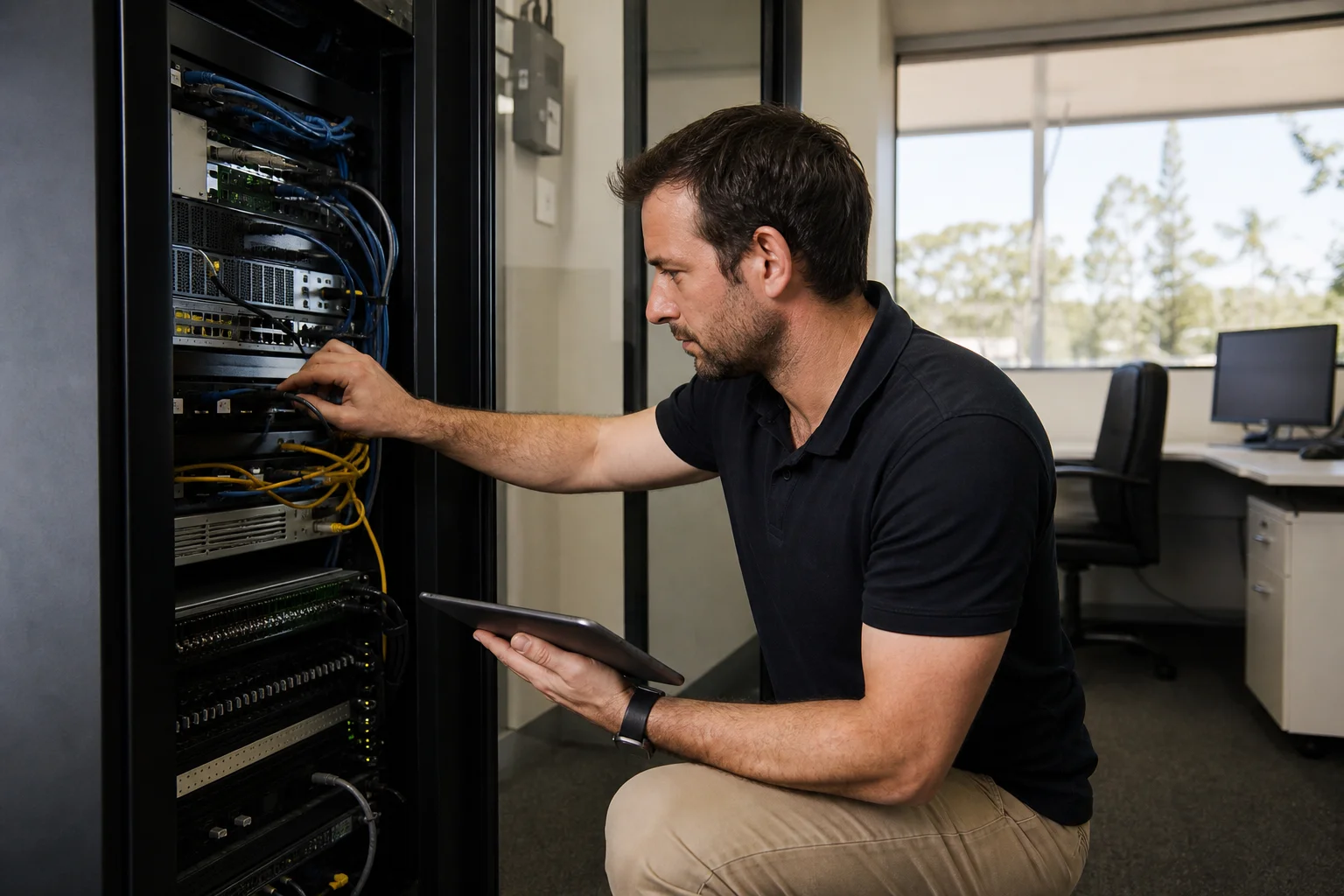
Book a managed it support technician in Port Stephens
If you need managed IT support in Port Stephens, book a site visit and we will review your users, backups and Microsoft 365 setup, then map out the right monthly plan for the office.
Questions & answers
Common questions in Port Stephens
Coverage
Do you offer managed IT for small business in Port Stephens?
Yes, we do.
- The service is set up for small offices across Port Stephens, including teams in Salamander Bay, Soldiers Point and Medowie.
- It suits businesses that want ongoing help with users, mailboxes, backups and day-to-day support rather than waiting for a fault to grow.
- If your team is five staff or closer to 25, managed support is usually a better fit than chasing one-off fixes every time a password lockout or Microsoft 365 issue appears.
Related business services in Port Stephens
Nearby areas
Newcastle
Same-day for Nelson Bay peninsula; next-day for inland Medowie/Williamtown
Maitland
Same-day for Nelson Bay peninsula; next-day for inland Medowie/Williamtown
Lake Macquarie
Same-day for Nelson Bay peninsula; next-day for inland Medowie/Williamtown
Raymond Terrace
Same-day for Nelson Bay peninsula; next-day for inland Medowie/Williamtown
Or return to the Managed IT Support hub or Port Stephens location guide.