
Microsoft 365 migration Port Stephens
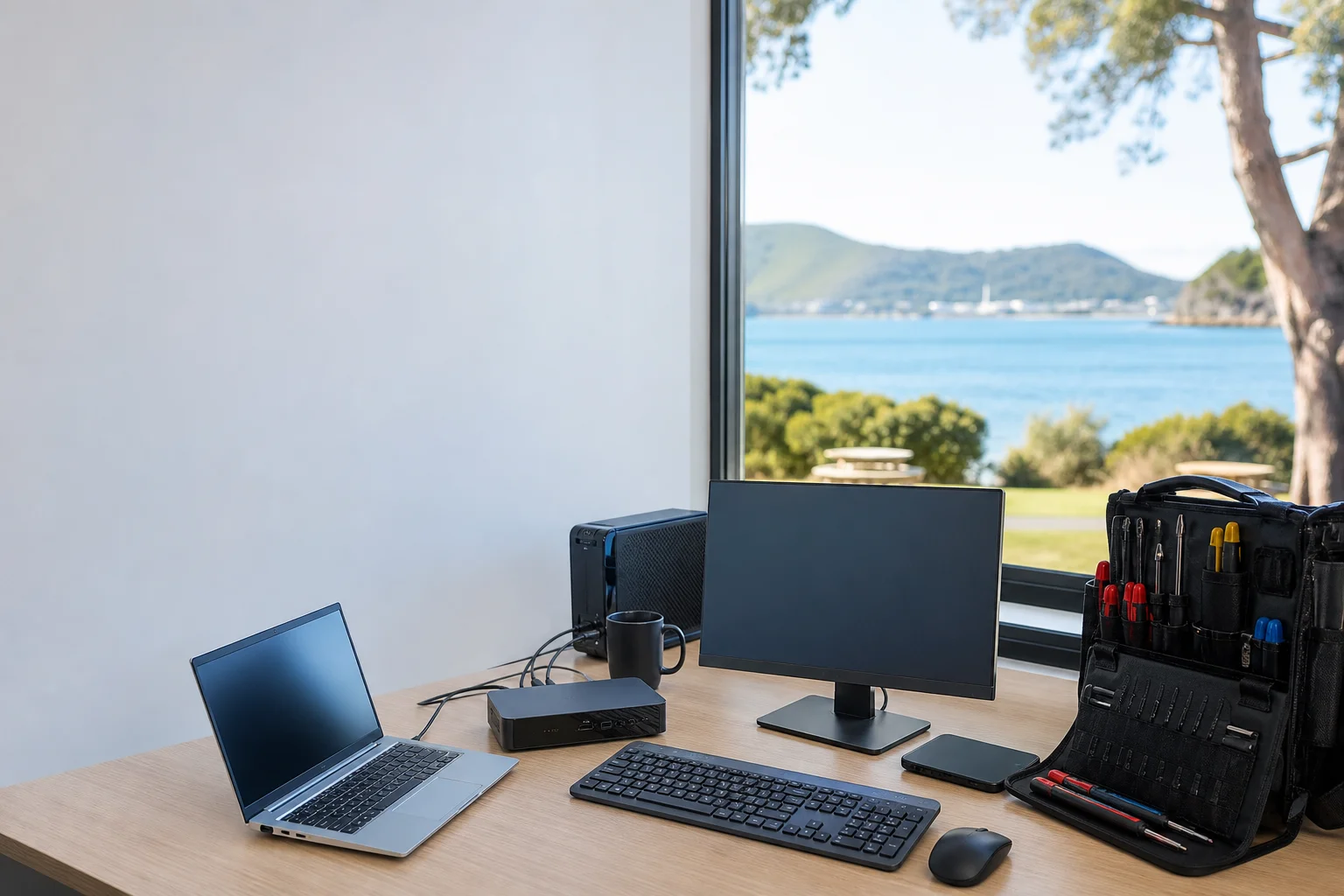
Microsoft 365 migration Port Stephens is the job when a small business in Nelson Bay, Shoal Bay or Fingal Bay needs email, files and users moved without guesswork. We plan the cut-over, move the mailboxes, and line up the DNS change so staff know what happens next. On cut-over day, we can be on-site with your office team, whether you are working from a shopfront near the bay or a home office with NBN and a few shared devices.
The Port Stephens tech landscape
Across Port Stephens, we still see old POP and IMAP inboxes in small offices, plus GoDaddy mail that has been hanging around for years. We also see Google Workspace users in Shoal Bay who want to tidy up licensing and bring mail, calendar and storage into one Microsoft tenant. The part that stalls DIY work is usually domain and DNS control, not the mailbox move itself. National MSP pages and vendor help docs talk in general terms, but the gap in Port Stephens is a fixed-price migration plan for SMBs with an on-site cut-over, especially where the office sits in Nelson Bay, a medical suite in Shoal Bay, or a trade office in Fingal Bay.
Our service starts with planning, tenant setup and an MFA baseline so the Microsoft 365 tenant is set up properly before anyone moves. That matters for small firms in Nelson Bay and for health and legal offices in Shoal Bay that need access handled cleanly.
Continue reading
We use a cut-over or staged migration plan depending on the mailbox count and how much downtime your staff can tolerate. On the day, we handle the mailbox cut-over, DNS change, Outlook profile rebuild and the checks that catch Autodiscover problems early. We also cover OneDrive Known Folder Move, Teams onboarding and SharePoint setup Port Stephens businesses need when they want files in the right place, not floating on old desktops. For one-off jobs, on-site work is usually faster than a drop-off or shopfront model, because we can test mail, profiles and permissions at your desk in the same session. If you are searching for email migration to Microsoft 365 Port Stephens, or even Google Workspace to 365 Shoal Bay, this is the kind of hands-on setup that gets staff moving.
Common issues we see
The first problem is mailbox sise overflow before migration, which is common when a business in Fingal Bay has years of mail sitting in a single inbox. The second is DNS and MX records not being planned, so the old service keeps catching messages while the new tenant is waiting.
Read the full section
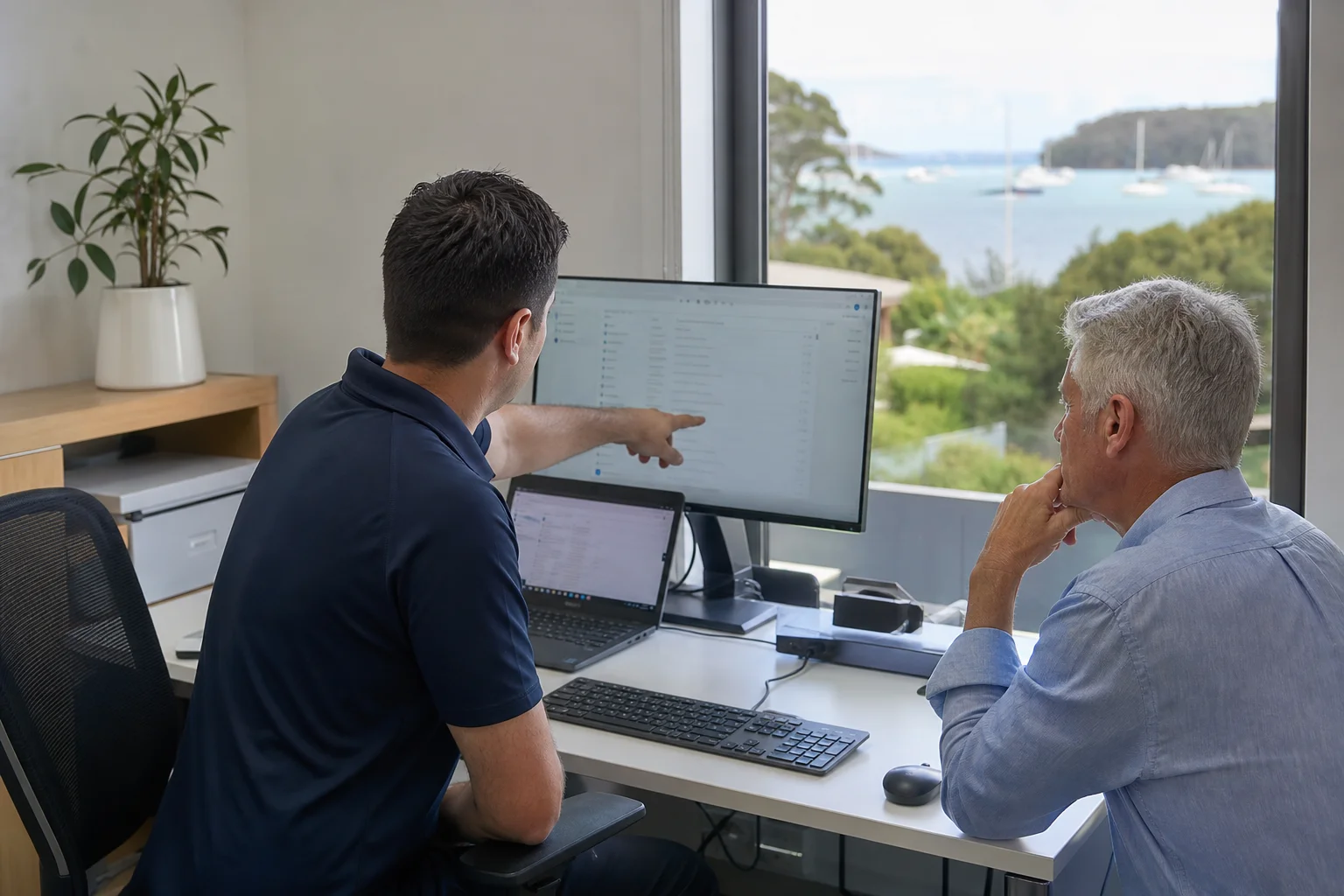
We also see Autodiscover and Outlook issues after the cut-over, especially where profiles are old or laptops have been re-used across staff. Shared mailbox and calendar delegations can be lost if they are not mapped before the move, and that slows down reception, accounts and team scheduling in Nelson Bay offices. The last issue is adoption: OneDrive and Teams are switched on, but nobody is shown how to use them, so the business keeps working the old way after the migration.
Your journey
What happens on a visit
Step 1 of 5
We start with scope and licensing
We start with scope and licensing, so you know how many users, mailboxes and shared folders are in the job, and what Microsoft 365 plan fits the business in Shoal Bay or Nelson Bay.
What's included in your call-out
A fully-equipped mobile technician arriving at your address
The first hour of microsoft 365 migration on-site
Diagnostic report — you know exactly what's wrong before we quote parts
Mailbox and OneDrive migration planning
DNS and domain cutover support
User training on Teams and SharePoint basics
Same-day parts sourcing where practical
Written invoice with the ATO ABN and GST breakdown
Response time & booking
Same-day for Nelson Bay peninsula; next-day for inland Medowie/Williamtown**Same-day for Nelson Bay peninsula; next-day for inland Medowie/Williamtown** — From Nelson Bay, Salamander Bay is 5 minutes west, Anna Bay (2316) is 15 minutes south, and Medowie (2318) is 25 minutes inland toward the F3.
Suburbs & postcodes we cover in Port Stephens
Pricing detail
| What | Price (GST-inclusive) |
|---|---|
| Standard call-out (first hour on site) | $229 |
| Each additional 30-minute block | $114.50 |
| Residential account holders | 10% off list |
| Business accounts | List price |
Parking & site access
To get the job moving, we need control of the domain DNS, current mail admin access, and a sample workstation for testing after the cut-over. If the office is in Nelson Bay, Shoal Bay or Fingal Bay, it helps to have the person who knows the registrar login and the main mailbox details close by on the day. Parking is usually manageable around most Port Stephens business addresses, but if access is tight or the office is upstairs, tell us early so we can plan the visit and bring the right laptop and test gear.

Book a microsoft 365 migration technician in Port Stephens
If you need Microsoft 365 migration Port Stephens for a small office, book the $229 GST-inclusive call-out and we will map the tenant, DNS and cut-over plan with you.
Questions & answers
Common questions in Port Stephens
General
How do I move our business email to Microsoft 365?
We start by checking the current mailbox setup, the domain name, and who holds DNS control for the business in Port Stephens.
- Then we choose a cut-over or staged move, create the Microsoft 365 tenant, and line up the DNS change so mail lands in the right place.
- For a small office in Nelson Bay or Shoal Bay, we also rebuild Outlook profiles and test delivery on a sample workstation before we finish.
Related business services in Port Stephens
Nearby areas
Newcastle
Same-day for Nelson Bay peninsula; next-day for inland Medowie/Williamtown
Maitland
Same-day for Nelson Bay peninsula; next-day for inland Medowie/Williamtown
Lake Macquarie
Same-day for Nelson Bay peninsula; next-day for inland Medowie/Williamtown
Raymond Terrace
Same-day for Nelson Bay peninsula; next-day for inland Medowie/Williamtown
Or return to the Microsoft 365 Migration hub or Port Stephens location guide.