
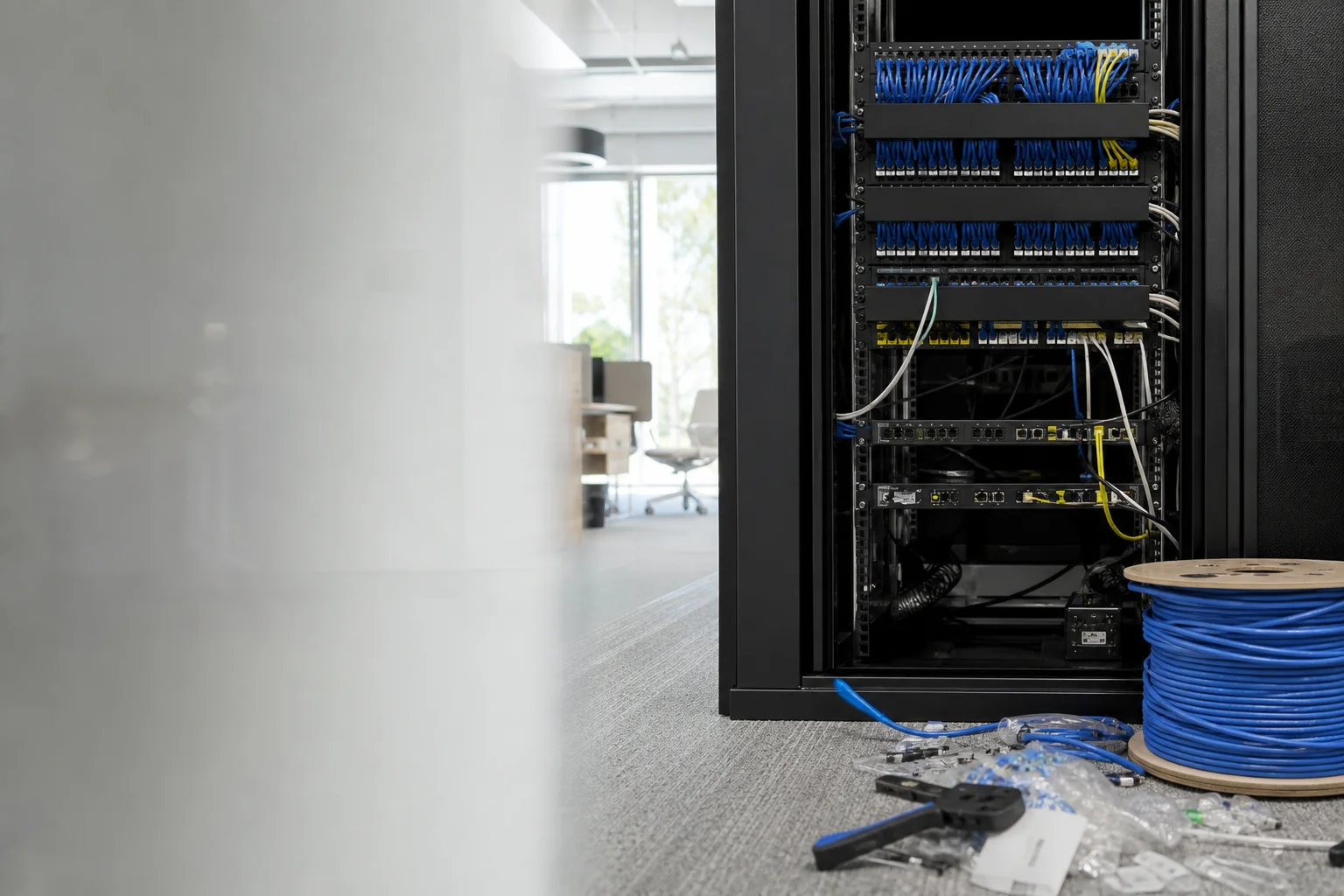
Office network installation hero

Business IT

Office network installation australia: cabling, WiFi, VLANs and documented handover

Office network installation australia means more than mounting a router and hoping for the best. It’s the full job: design, cabling, hardware selection, configuration, testing and clear documentation so the network is ready for staff to use. At Doorstep IT, we handle new office fit-outs as well as upgrades to ageing networks that have become slow, messy or hard to support.
9 service areasGST inclusive

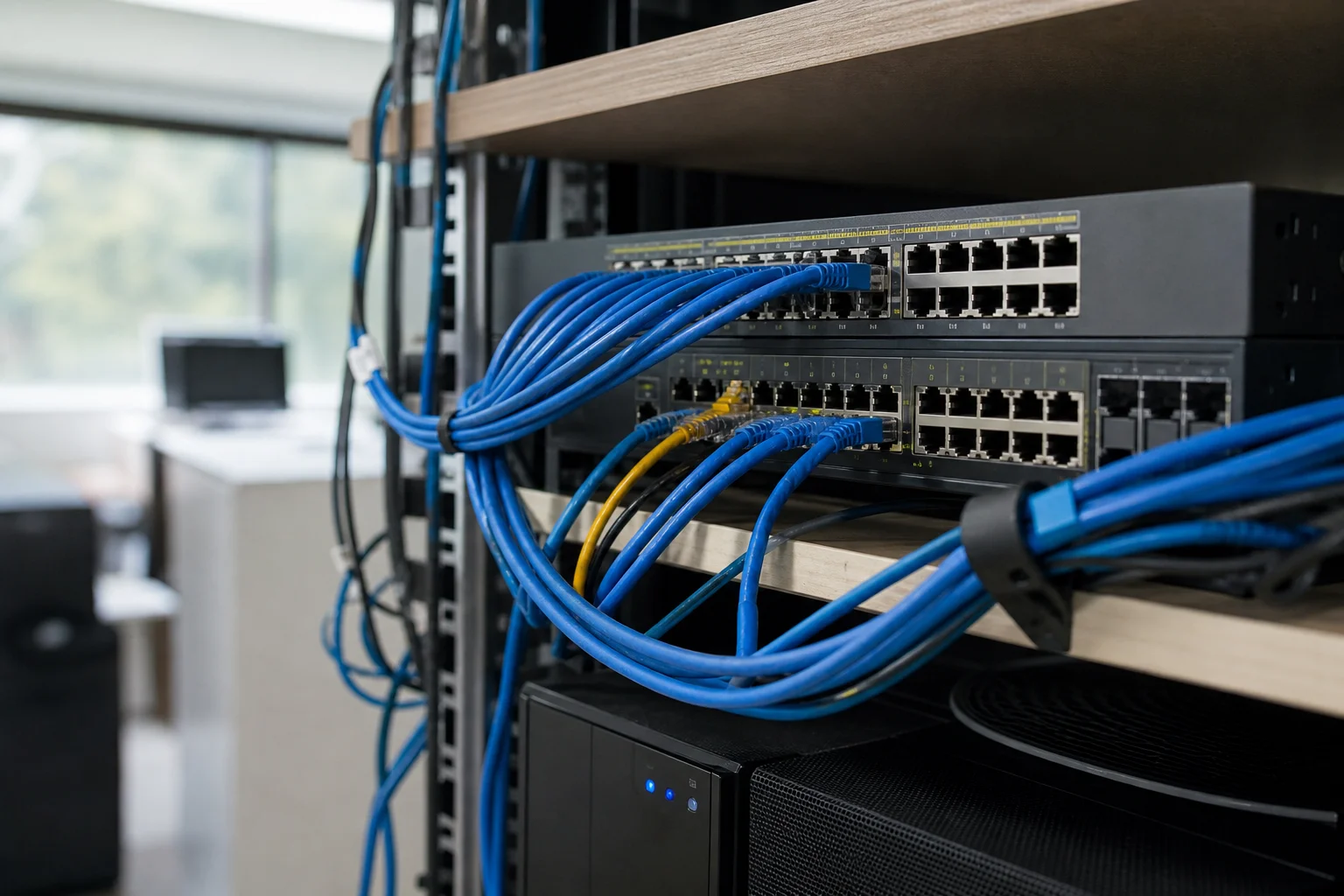
We look at the floor plan, device count, apps, phones, printers and WiFi demand, then build a business-grade setup around that. That can include Cat6 or Cat6A cabling, managed switches, PoE access points, VLANs for staff and guests, and the right gateway and firewall settings. The result is a documented network handover, not a pile of gear left on default settings.

What we fix

  • WiFi dead spots and dropouts across the floor as the team grows

  • Flat network with no separation between staff, guest, voice and device traffic

  • Ageing unmanaged switches and consumer-grade gear struggling with load

  • Messy, undocumented cabling and no network diagram

  • New office fit-out needing cabling, racks, switches and access points from scratch

  • Poor call quality once VoIP is added to an unprioritised network

  • office network cabling installation for new builds and upgrades

  • managed switch and access point installation for growing teams

Your journey

How it works

  1. Step 1

    Step 1

    Scoping call to understand the floor plan, device count and applications

  2. Step 2

    On

    site or predictive WiFi survey and network design (gateway, switching, WiFi, VLANs)

  3. Step 3

    Step 3

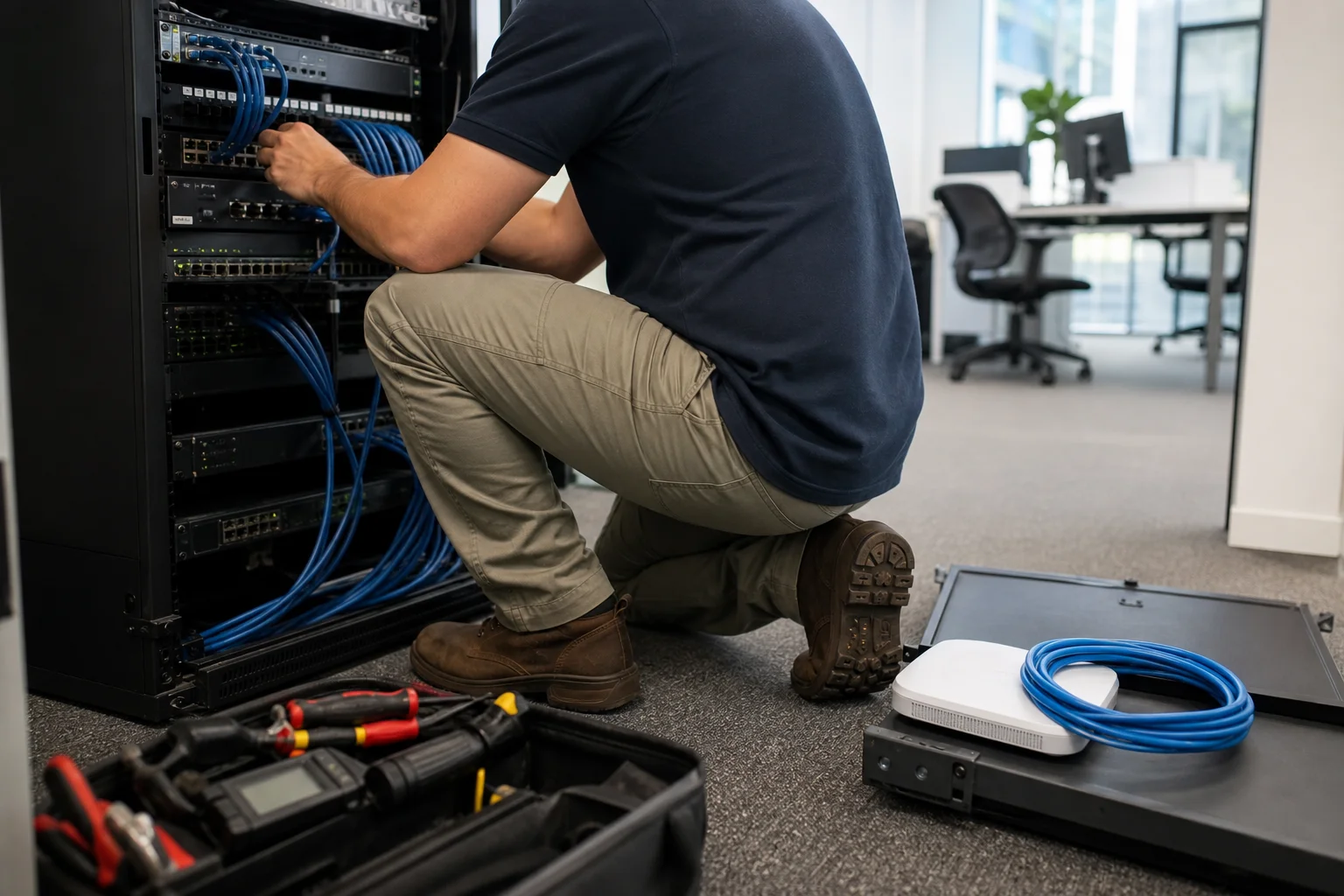
    Installation of cabling, racks, managed switches and access points, then configuration

  4. Step 4

    Post

    installation testing, sign-off and handover with a network diagram and credentials

Office network detail

Transparent pricing

Live pricing (portal)

Residential account · 10% off list

$197.10

First hour · +$98.55 per 30 min

Doorstep IT’s GST-inclusive on-site call-out is $219 for the assessment or first visit. That covers the initial site review, scoping and planning so we can quote the job properly.

Hardware and cabling are quoted per site after the survey, because every office has different device counts, layouts and cable runs. We keep the pricing clear and practical, and we hand over documentation rather than leaving default settings in place.

That handover includes the network diagram and credentials, so your team knows what was built and how to manage it.

Why Doorstep IT

  • We handle cabling, hardware install and configuration in one job

  • We build for business network setup australia, not consumer WiFi

  • We can set up VLANs, PoE access points and managed switching

  • We document the job with a diagram and credentials

  • We work on new fit-outs and upgrades alike

  • We provide commercial network installation across Australia, not just one city

Questions & answers

Common questions

Pricing

How much does it cost to set up an office network?

$219.

The first on-site assessment is GST-inclusive at $219.

  • After that, the total depends on the size of the office, the number of cable runs, the hardware chosen and whether the site needs new racks, switches, access points or VLAN design.
  • We quote hardware and cabling per site after the survey so you get pricing matched to the actual job, not a guess from a floor plan.
Doorstep IT technician
Loading coverage map…
Interactive postcode search loads shortly