Business IT
Server and NAS Setup Australia
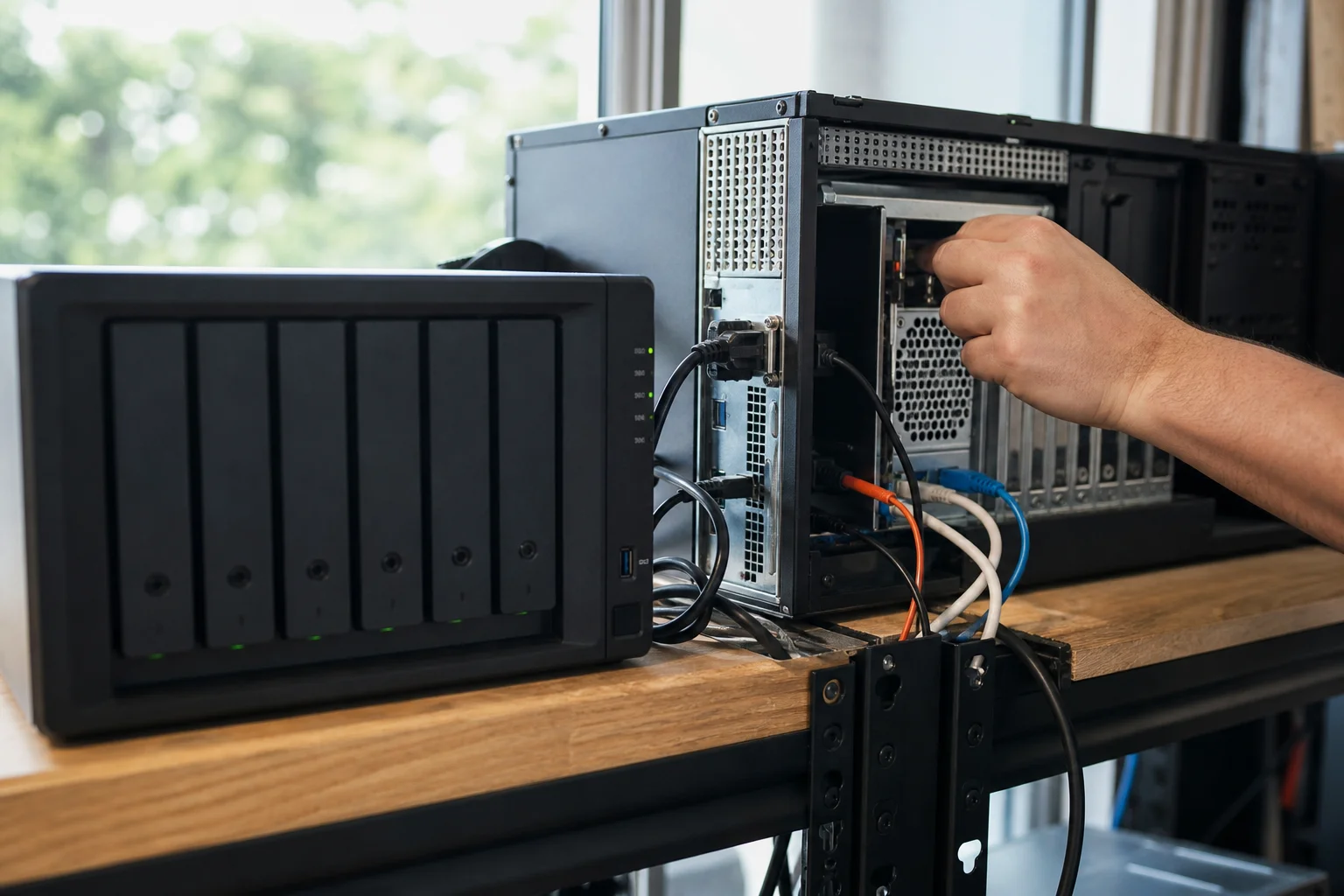
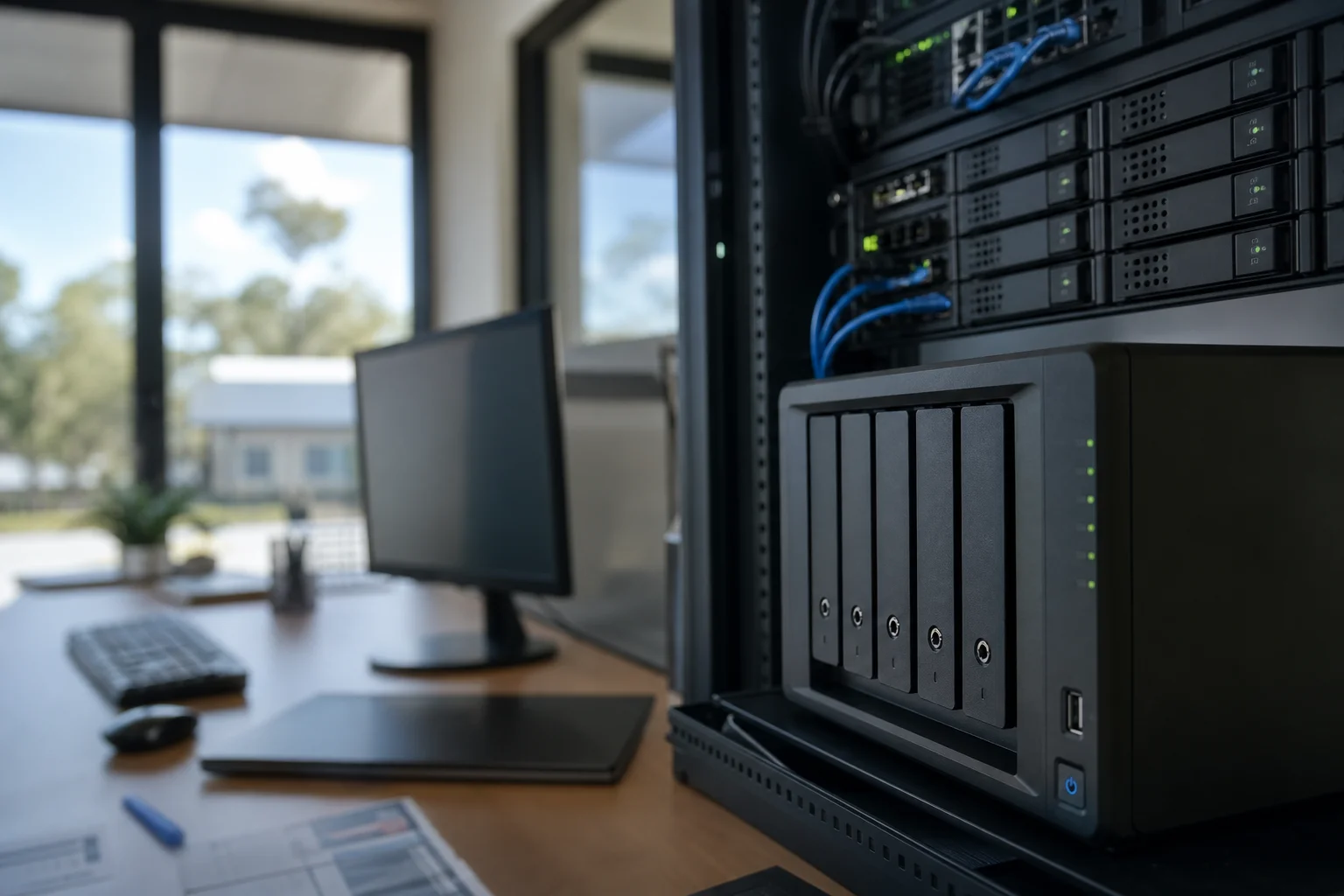
Server and NAS setup Australia is about putting your business files in one central place, then controlling who can see, edit and share them. That means a proper file store, mapped drives, named folders, user groups and a backup plan that gets checked, not just assumed. If your team is still saving work to desktops, USBs and ad hoc cloud folders, setup is the step that brings order to it.
A server and a NAS do similar jobs, but they suit different business needs. A server gives you more flexibility for apps, virtual machines and deeper Windows-based control. A NAS is often the cleaner choice for shared files, backups and local fast access, especially for smaller offices. We size the hardware to suit your users, storage growth and network speed, then set up permissions and backup properly so the system fits the business instead of the other way around.
We also keep it practical: right-sized hardware, a clear share structure, and verified backup with a test restore. That is the point of a good business server installation.
What we fix
Files scattered across desktops and personal drives with no central store
No structured folder permissions, so staff can see data they shouldn't
Ageing or undersized server/NAS running out of capacity
RAID mistaken for a backup, with no offsite copy or snapshots
Drives mapped inconsistently across workstations
No monitoring, so drive failures and capacity limits go unnoticed
Shared folders that are hard to find, hard to manage, or named differently on each PC
Backups that exist on paper but have never been tested with a restore
Your journey
How it works
Step 1
Step 1
Scoping call to map users, workloads and growth expectations
Step 2
Right
size the server/NAS (bays, drives, network) and design the share structure
Step 3
On
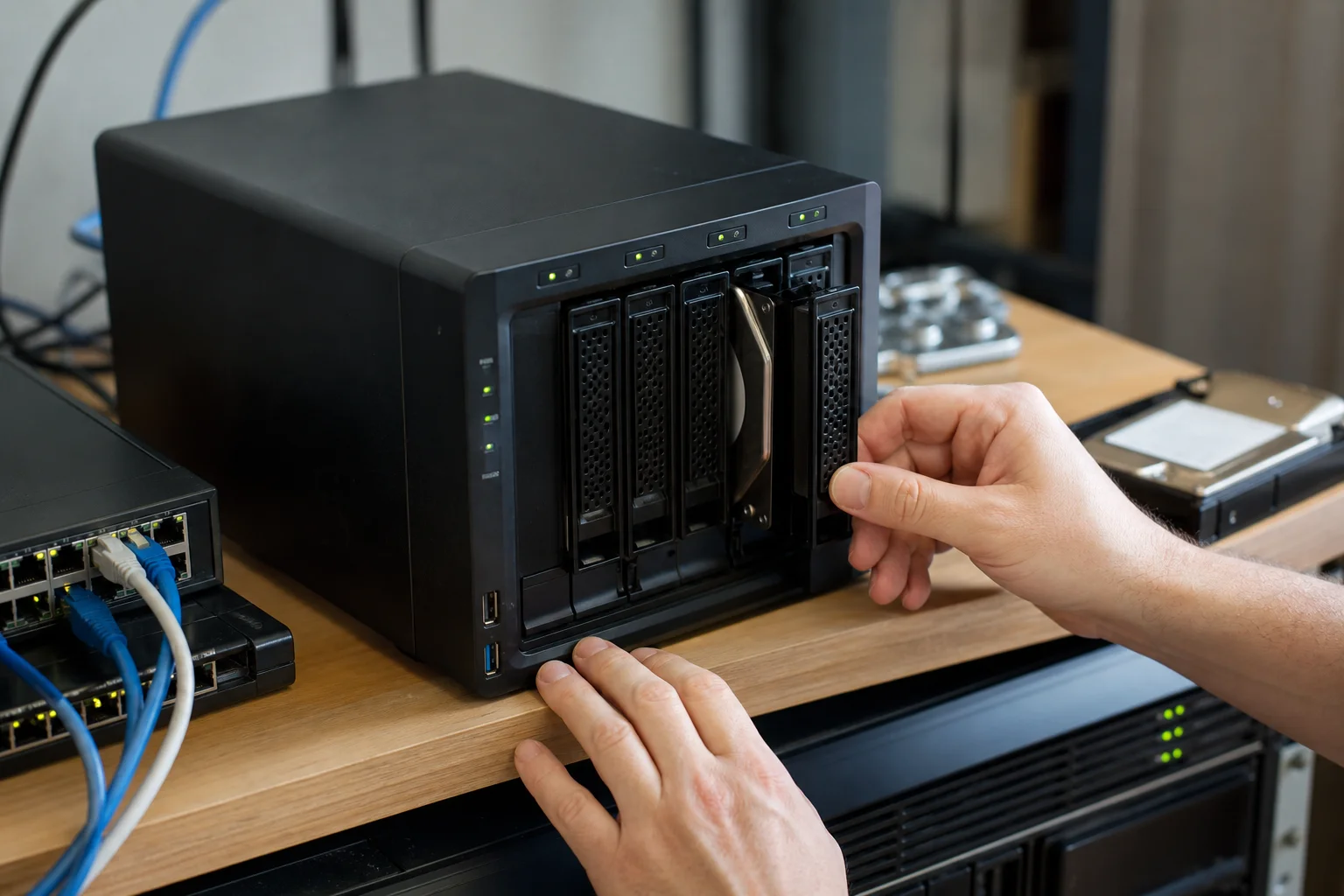
site install: static IP, storage pool, shares, groups, permissions and drive mapping
Step 4
Step 4
Configure snapshots and offsite backup, then run and document a test restore
Transparent pricing
Live pricing (portal)
Residential account · 10% off list
$224.10
First hour · +$112.05 per 30 min
Doorstep IT’s GST-inclusive on-site call-out for setup and assessment attendance is $249. Hardware, NAS units, disks and any network upgrades are quoted per business after sizing, because the right answer depends on users, storage load, performance needs and backup targets.
We are upfront about the basics: RAID is not a backup. For most jobs we configure snapshots and an offsite copy as part of the setup, then test restore the data so the recovery path is checked.
Continue reading
If you only need a half-day, the pricing lock is $124.50. Residential discounts do not apply here; this is business work with business requirements.
Why Doorstep IT
We size the system around your users, storage and growth, not guesswork
We set up shares, groups and permissions so access matches roles
We configure snapshots and offsite backup, then verify recovery with a test restore
We can handle Synology, QNAP and other business NAS setups as part of the job
We keep drive mapping consistent across workstations
We explain what you are buying and why, before hardware is ordered
We work across Australia, with on-site attendance rather than remote-only advice
Questions & answers
Common questions
Repair
What is the difference between a server and a NAS?
A server is usually the more flexible option for business apps, user management, virtual machines and deeper Windows or Linux control.
- A NAS is a dedicated storage box built mainly for shared files, backups and fast local access.
- For many small offices, a NAS is enough and cheaper to run.
- For businesses with more users, heavier workloads or special software needs, a server may be the better fit.
- We look at your users, file size, access patterns and growth before recommending either one.