
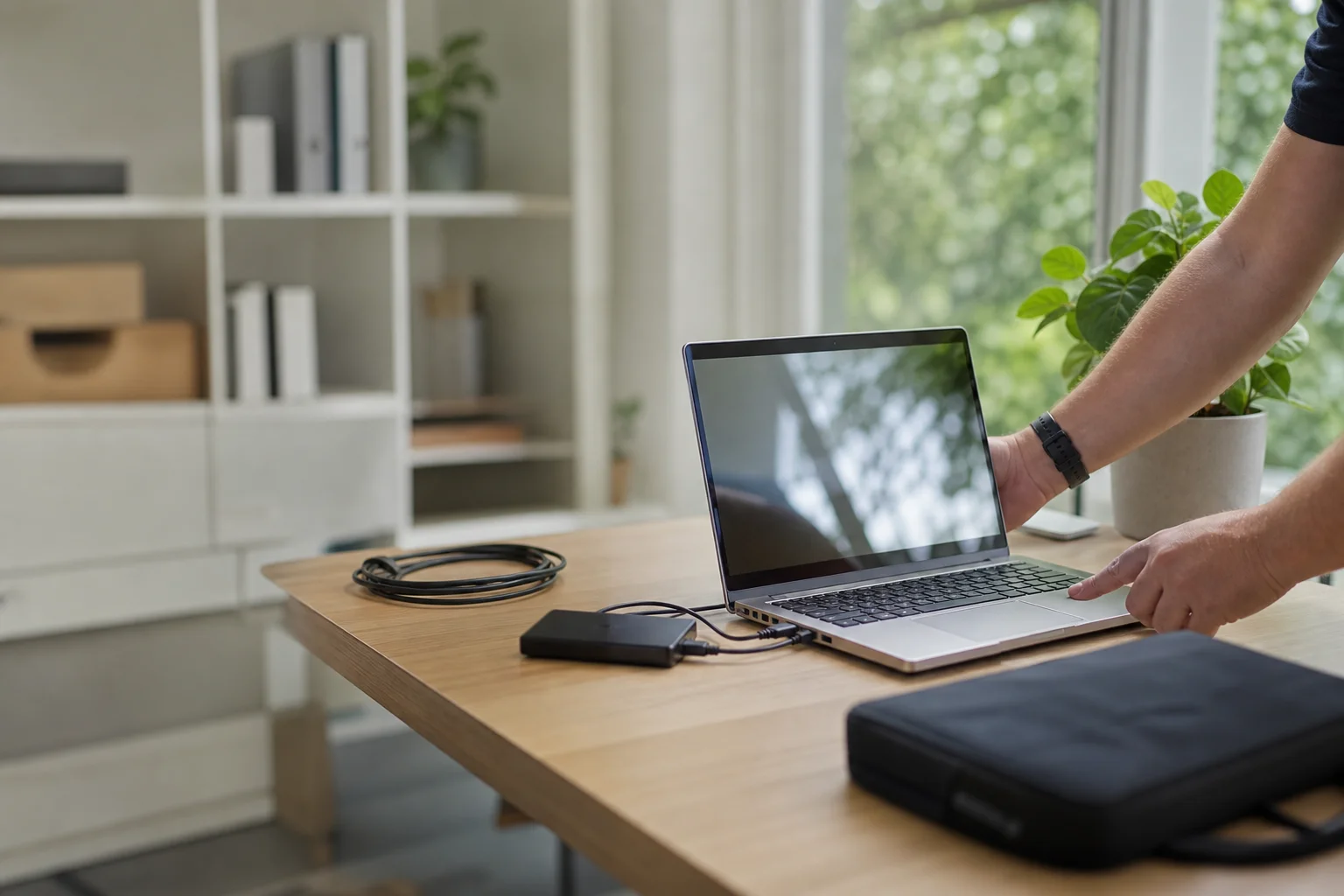
new computer setup Tuggerah
New computer setup Tuggerah starts at your place, not at a shop counter. We set up new PCs and Macs across Tuggerah, then move files, emails, apps and the little settings people forget until they need them. If the gear is ready and the accounts cooperate, we aim to get you working the same visit, whether you are in a Tuggerah unit, a home office in Long Jetty, or a retiree setup near the centre of town.
The Tuggerah tech landscape
A lot of locals buy new laptops and desktops at JB Hi-Fi Tuggerah or order online, then find the handover is the hard bit. The box boots, the updates drag on, and the old machine still has the files, browser logins and saved passwords. That is where DIY often stalls in Tuggerah and around The Entrance, especially when there is an old printer, a flaky NBN connection, or two email accounts that need to be kept alive.
The search results usually point people towards retailer setup and generic guides. That helps at the counter, but it does not solve the on-site part in a Tuggerah lounge room or home office.
Continue reading
Our job is the gap in the middle: we come to the house, migrate the data, sort the setup, and get the laptop or all-in-one ready to use on the same day where possible. That suits new-home offices in Long Jetty, families upgrading in Yarramalong, and retirees who want the new machine to feel familiar from the first login.
For file and email migration, we check what is on the old device first, then use wired or cloud file migration depending on the size of the job and the age of the computer. If you have a Windows desktop in Tuggerah, or a MacBook from a retailer run to the coast, we can restore mail accounts, browsers and common apps so your bookmarks, passwords and inboxes are not left behind. That includes jobs like new laptop setup Tuggerah when someone has only a few hours at home before work starts again.
We also handle fresh Windows or macOS configuration. That means the new machine is set up cleanly, user accounts are added properly, updates are applied, and the default settings are checked before the handover.
Continue reading
For a Windows all-in-one in The Entrance home offices, or a Mac setup Warnervale household, we keep the process practical rather than fancy. On-site work matters here because the device is already in your home, and you do not have to pack it up and wait on a shopfront queue.
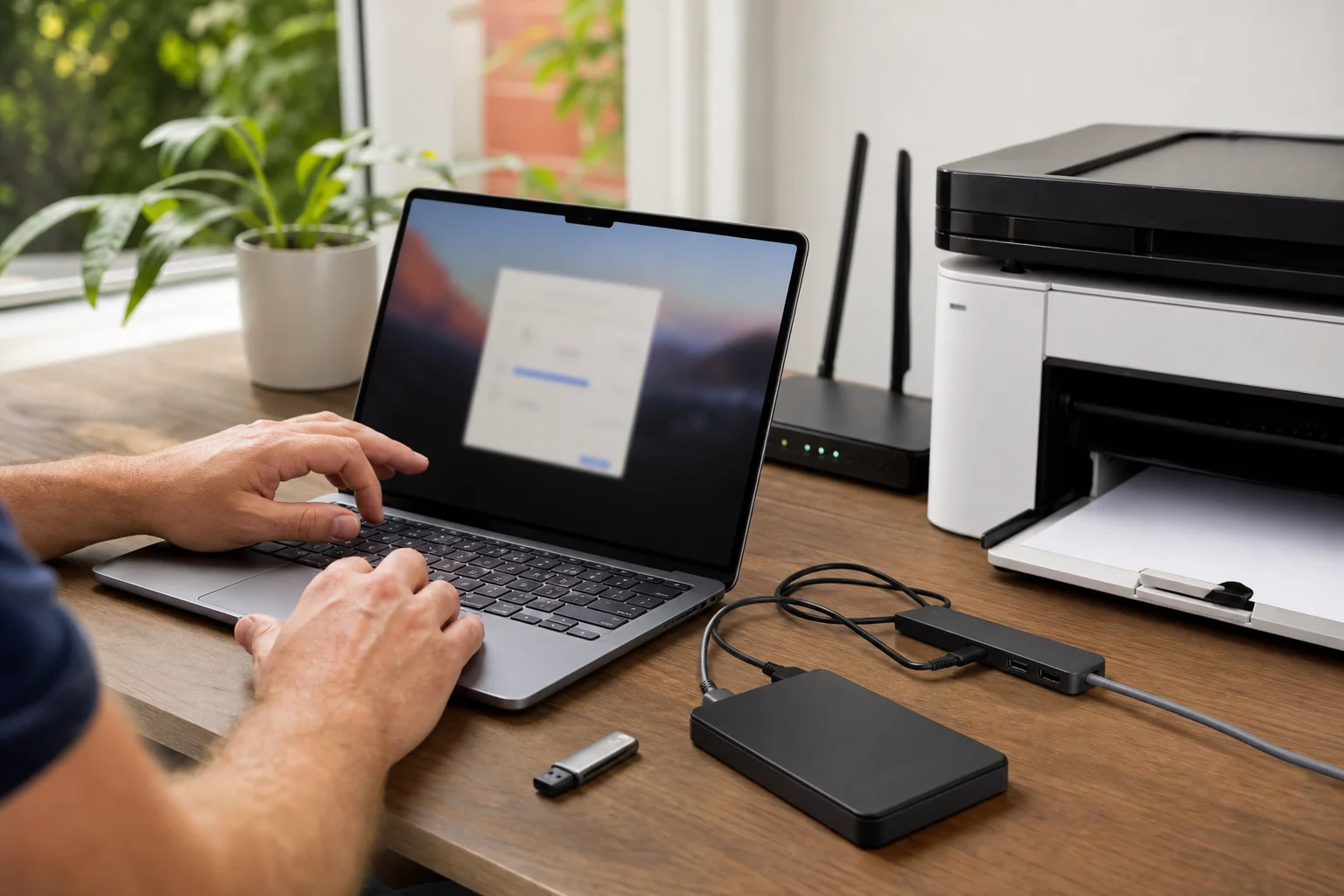
Printer, backup and Wi-Fi pairing round out most jobs. If you need printer and NBN setup with new laptop Tuggerah, we connect the laptop to the house network, test printing, and set up backup and update configuration so the machine has a proper start. We carry common cables and adaptors where needed, and we keep the work local to the device you already own instead of sending you off for another trip.
Common issues we see
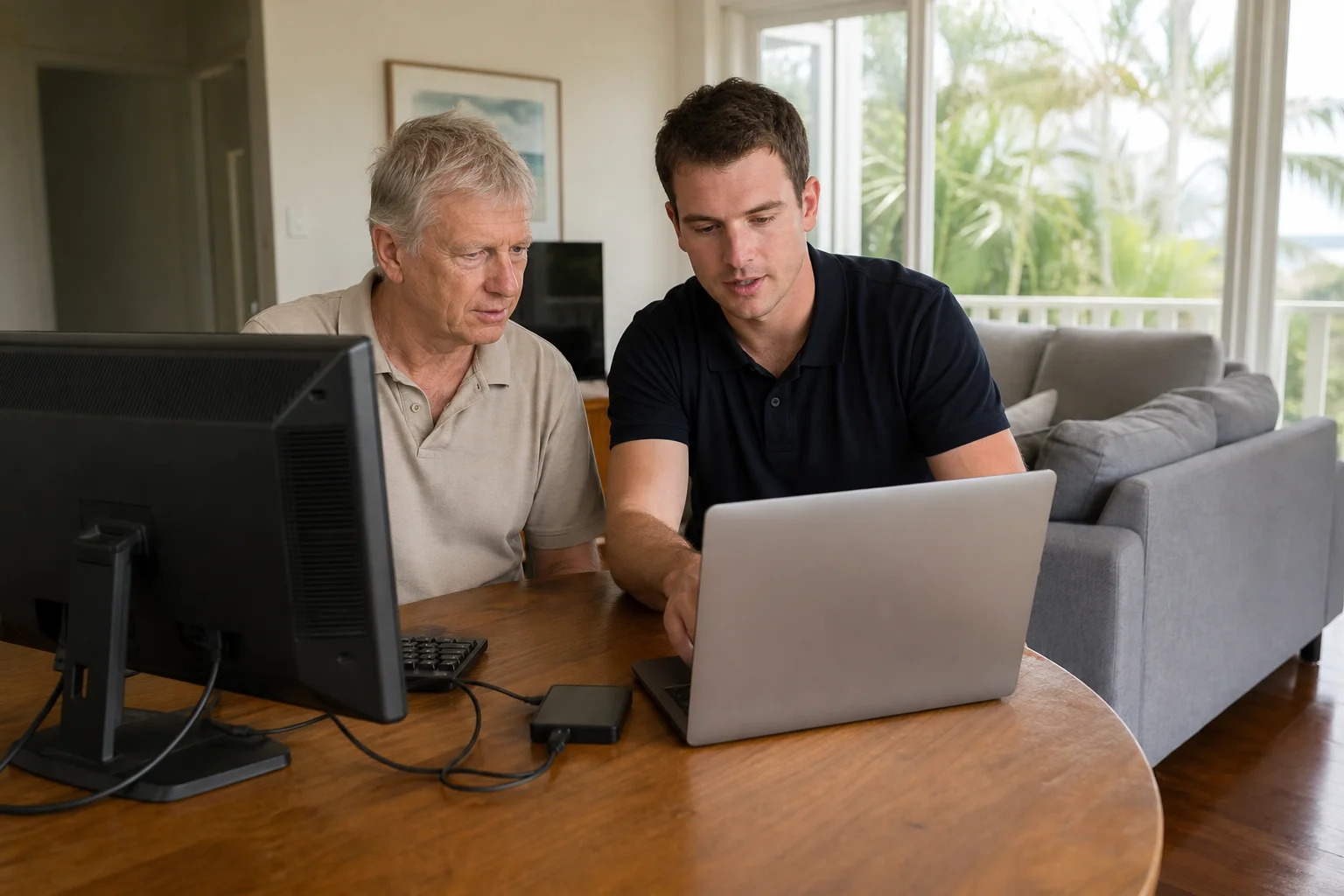
The first problem is slow first-boot and bloatware. A new computer can come full of trial software, pop-ups and setup prompts that make a fresh machine feel clumsy in a Tuggerah unit or a Long Jetty home office. We clear the clutter where we can and get the basics set up in plain order.
The second issue is files stuck on the old machine. People often think a USB stick or a drag-and-drop copy will grab everything, but old photos, saved work and hidden folders are easy to miss. The same thing happens with emails and browser data, where a bookmark bar or password manager does not make it across.
Printer not connected is another common call, especially when the internet is through NBN and the modem has already been changed once or twice. If there is no backup configured, the new device may be fine today but exposed tomorrow. That is why we check the whole handover, not just whether the laptop turns on.
Your journey
What happens on a visit
Step 1 of 5
confirming what needs to move
We start by confirming what needs to move, which accounts matter, and whether the old computer still boots.
What's included in your call-out
A fully-equipped mobile technician arriving at your address
The first hour of new device setup on-site
Diagnostic report — you know exactly what's wrong before we quote parts
Account, email, and cloud sync configuration
Transfer from your old device where practical
Printer and peripheral pairing
Same-day parts sourcing where practical
Written invoice with the ATO ABN and GST breakdown
Response time & booking
Same-day for jobs booked before 12pm**Same-day for jobs booked before 12pm** — From Tuggerah, Berkeley Vale is 5 minutes east, The Entrance and Bateau Bay (2261) are 10 minutes east on the coast, and Ourimbah (2258) is 10 minutes south.
Suburbs & postcodes we cover in Tuggerah
Pricing detail
| What | Price (GST-inclusive) |
|---|---|
| Standard call-out (first hour on site) | $159 |
| Each additional 30-minute block | $79.50 |
| Residential account holders | 10% off list |
| Business accounts | List price |
Parking & site access
Please have both the old and new devices on hand, along with the Wi-Fi password and any email login details you already know. That saves time when we arrive in Tuggerah, especially if the modem is tucked away near the TV unit or in a spare room.
Parking is usually simple in most Tuggerah streets and unit complexes, but if access is tight or the computer is upstairs, let us know when booking. We can plan around that, and it helps if the old machine, charger and any printer cables are kept together.
Book a new device setup technician in Tuggerah
Book new computer setup Tuggerah and get your files, email, printer and Wi-Fi sorted in one visit where possible.
Questions & answers
Common questions in Tuggerah
Timing
How do I transfer everything to my new laptop in Tuggerah?
Start with both devices powered on and the old laptop close by.
- We check what needs to move, then use wired or cloud file migration to bring across documents, photos, mail and common apps.
- In Tuggerah, that usually works best when the Wi-Fi password and email logins are ready before we arrive, so the handover is not held up by account recovery or missing passwords.
Related home services in Tuggerah
Nearby areas
Or return to the New Device Setup hub or Tuggerah location guide.