
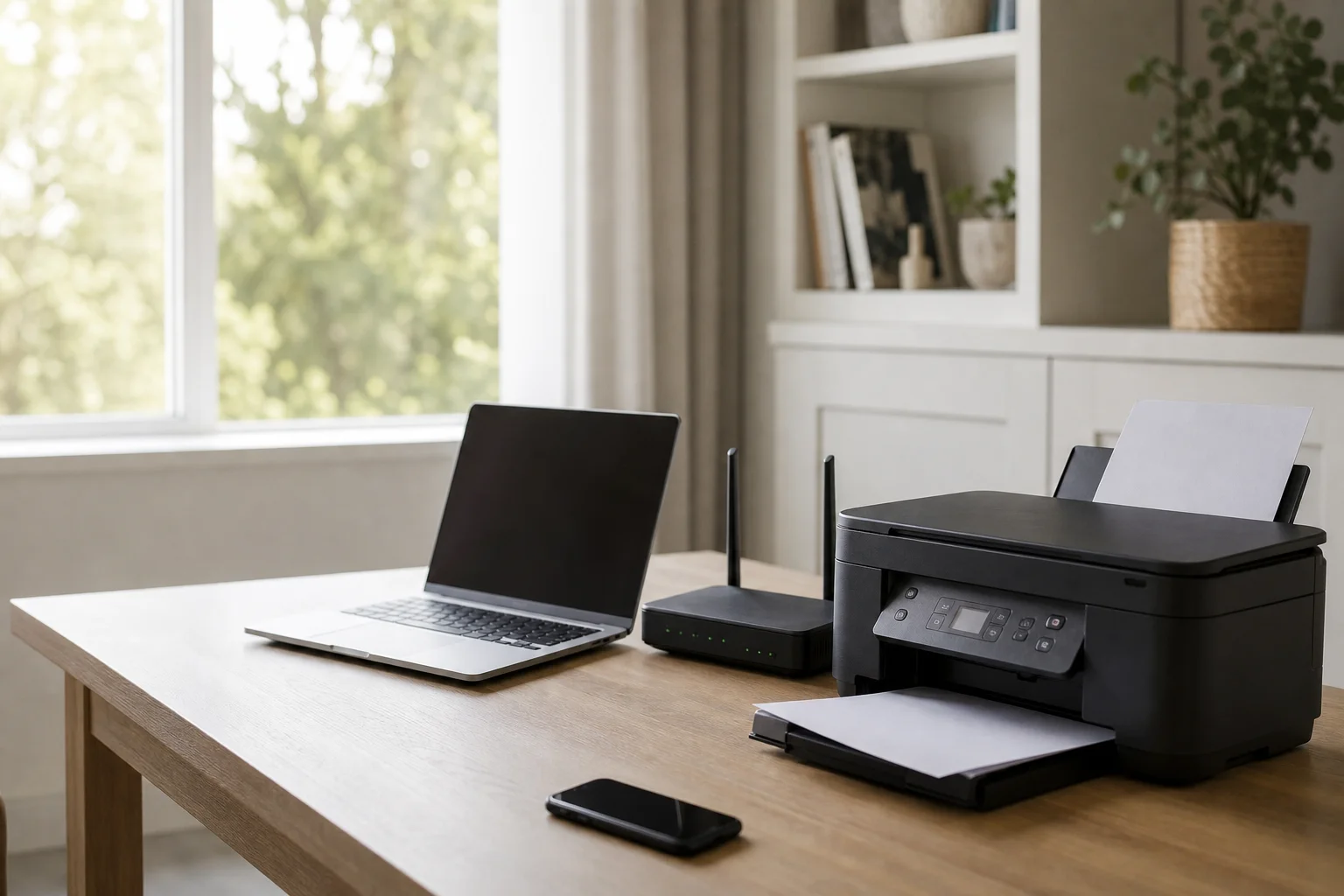
Printer setup and troubleshooting at home

Home IT support

Printer Setup Service Australia for Home Wi‑Fi, Laptops and Multiple Devices

Printer setup service australia is what you need when a new machine is sitting there stubbornly, or when an old one stops talking to your home network. Printer connection problems are one of the most common and frustrating home tech issues because the fault can sit in the printer, the router, the laptop, or all three at once. We come to your home and sort the printer, router and computers together on-site, so you are not left guessing which setting is wrong. You get a fixed quote after diagnosis, so you know the cost before any work starts. No guesswork, no run-around, just a proper fix for your home printing setup.

9 service areasGST inclusive

This service suits households with a home office or study that rely on printing for work, school and paperwork. It also helps people who find printer software and network settings fiddly, especially when the printer menu, Wi-Fi password and driver prompts all pile up at once. Families adding a printer to several devices get value too, because one setup can need a desktop, a laptop and a tablet all connected. If a printer stopped working after a new router, a new PC, or a move to a different room, we can sort that out on-site as well.

What we fix

  • Printer won't connect to Wi-Fi or keeps dropping off the network

  • Printer shows offline even though it is on

  • New printer needs installing on one or more computers

  • Driver errors, stuck queues and network mismatches

  • Printer stopped working after a new PC or router

  • 2.4GHz vs 5GHz band mismatch stopping the connection

  • printer troubleshooting help for home offices and family devices

  • wireless printer setup for Windows and Mac households

  • printer not printing fix when the queue or profile is stuck

  • connect printer to wifi after a password, router or signal change

  • install printer on laptop with the right driver and device entry

  • printer offline fix when the computer is talking to the wrong profile

Your journey

How it works

  1. Step 1

    We check the printer, router and computers together on

    site, because the fault often lives in the hand-off between devices.

  2. Step 2

    We confirm the correct network name, password and band, then reconnect the printer to the right Wi

    Fi.

  3. Step 3

    Step 3

    We install the right drivers, clear the print queue, and add the printer to each device that needs it.

  4. Step 4

    We run a test print from each computer and give you simple advice to keep it connected.

    We run a test print from each computer and give you simple advice to keep it connected.

Technician setting up a home printer and Wi-Fi connection

Transparent pricing

Live pricing (portal)

Residential account · 10% off list

$134.10

First hour · +$67.05 per 30 min

Our pricing is clear from the start. The call-out starts from $149 GST-inclusive for a residential printer setup or troubleshooting visit. If cables or accessories are needed, we quote them separately before anything is purchased, so there are no surprise extras. In many cases we can book next-day service, and same-day is possible when a qualified technician is available for your postcode. After diagnosis, you get a fixed, upfront quote before work continues. That way you can decide with the numbers in front of you.

Why Doorstep IT

  • We work on the printer, router and computer together, which is where the real fault usually lives.

  • We support major printer brands plus Windows and Mac homes.

  • We clear stuck queues, fix driver issues, and re-add printers cleanly.

  • We explain what changed and what was fixed in plain language.

  • We give a fixed quote after diagnosis, so you know the cost before work continues.

  • We can help when the printer stopped working after a new PC, new router, or a network change.

Questions & answers

Common questions

General

Why won't my printer connect to Wi-Fi?

The usual causes are simple but annoying: the password is wrong, the printer is trying to join the wrong network, the router was replaced, or the printer is on the wrong band.

  • A printer can also fail if it remembers an old network profile or if the signal is weak where it sits.
  • We check the printer, router and computer together, then reconnect it properly and confirm it with a test print.
  • That is often faster than trying to work through menus and resets on your own.
Technician completing a printer setup visit
Loading coverage map…
Interactive postcode search loads shortly