Home IT support
Virus removal service australia | On-site virus and malware removal
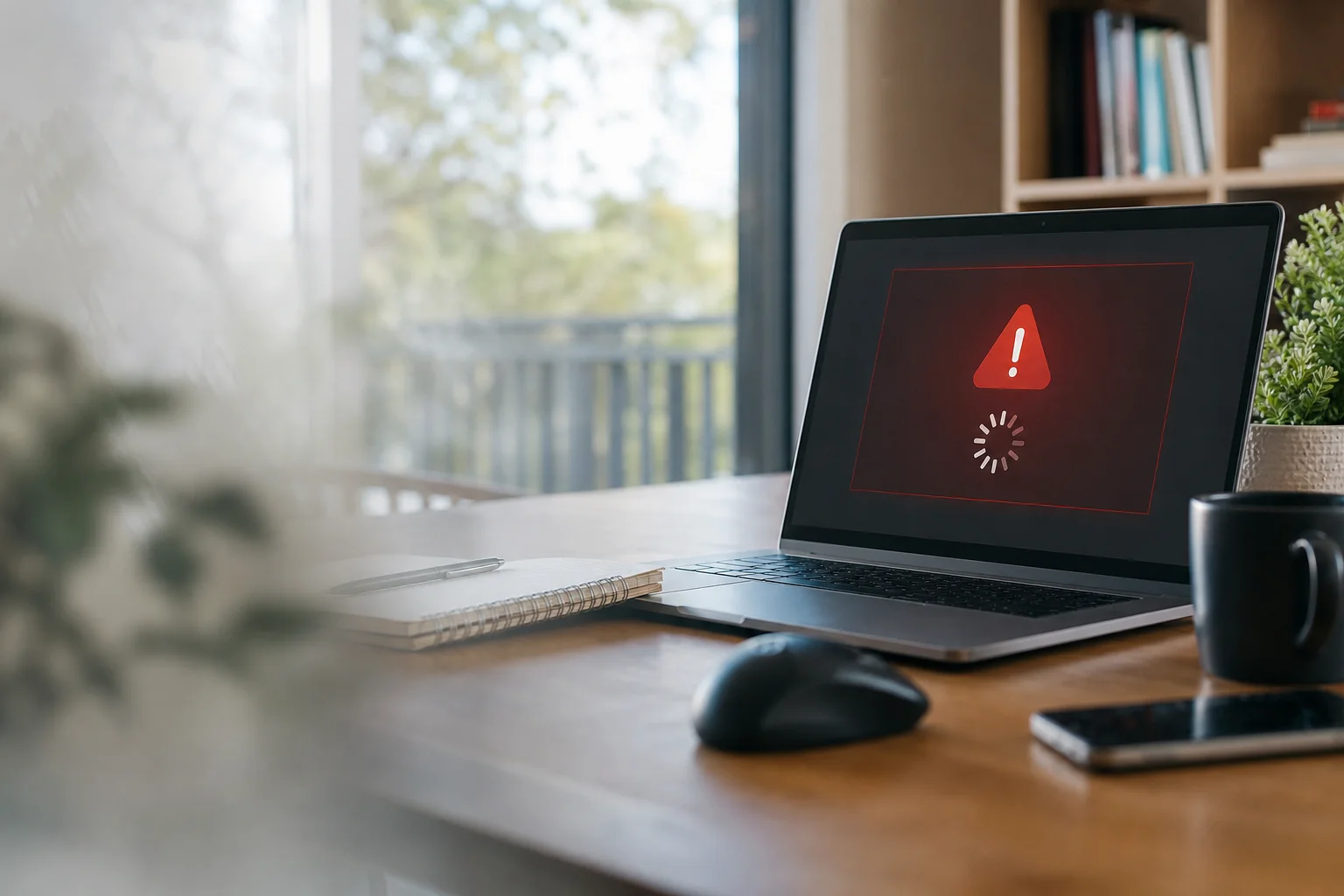
A virus removal service australia visit is for when your computer starts slowing down, throwing pop-ups, or acting like it has a mind of its own. It can also be a sign that personal data is at risk. We don’t just do a quick clean and walk away. If files may be affected, we back up important data first before any work starts.
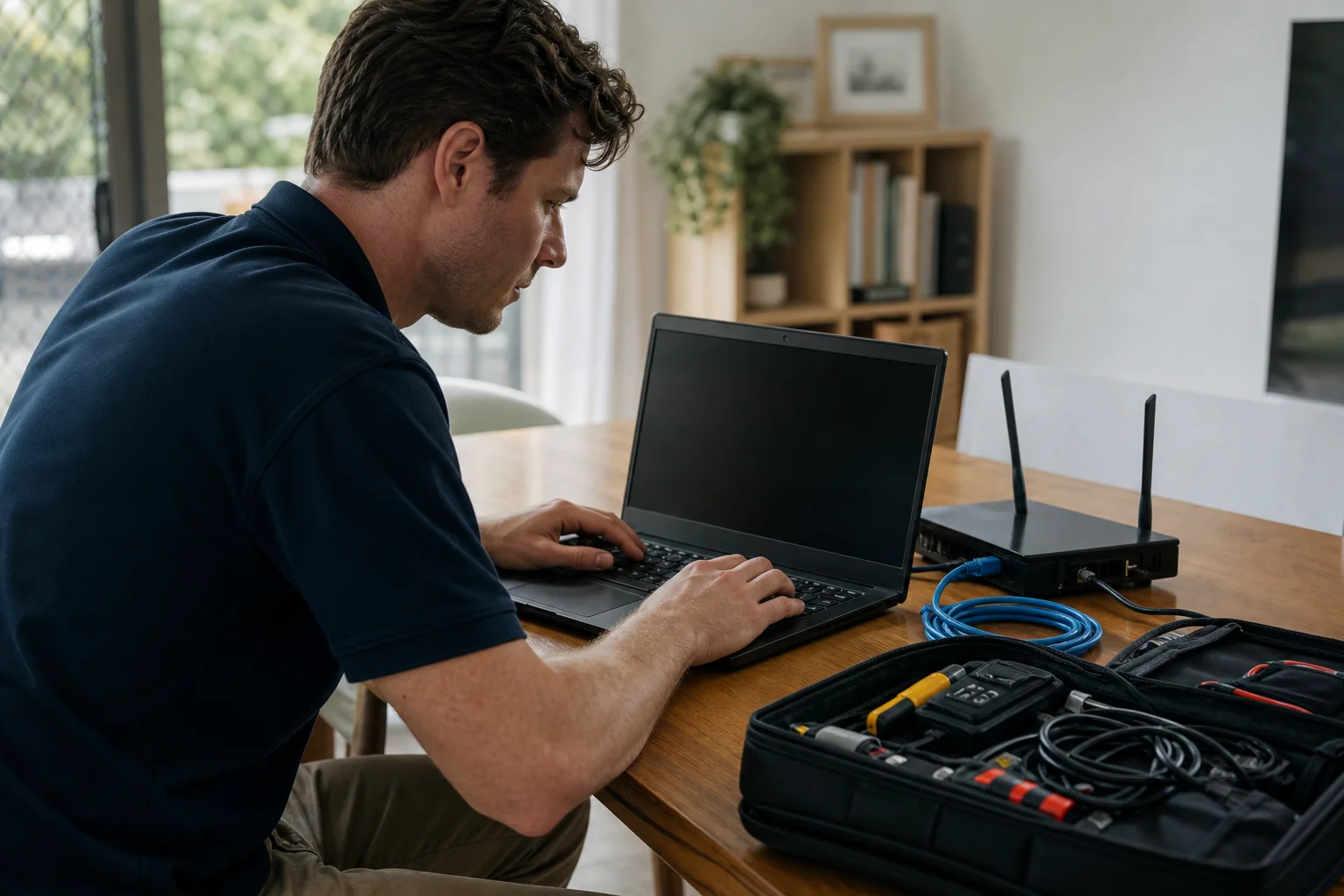
From there, a technician can attend on-site, remove the infection, repair the damage, and set up protection afterwards. That means proper malware removal, not a band-aid fix. We work on Windows and Mac computers across Australia, and we explain the job in plain English so you know what happened and what to do next.
What we fix
Frequent pop-ups, fake alerts and browser redirects
Computer suddenly very slow or crashing
Ransomware message demanding payment to unlock files
Unwanted toolbars, programs or extensions installed without consent
Antivirus disabled or subscription expired
Suspicious activity after clicking a scam link or attachment
Spyware removal service needs when hidden tracking software keeps coming back
pop up virus fix issues that keep reappearing after a restart
Your journey
How it works
Step 1
Check the machine and back up important files first if data is at risk.
Check the machine and back up important files first if data is at risk.
Step 2
Run a deep multi
tool scan and remove threats manually where needed.
Step 3
Repair browser and system settings, update the OS, and set up antivirus.
Repair browser and system settings, update the OS, and set up antivirus.
Step 4
Walk you through what happened and give prevention advice based on ACSC guidance.
Walk you through what happened and give prevention advice based on ACSC guidance.
Transparent pricing
Live pricing (portal)
Residential account · 10% off list
$143.10
First hour · +$71.55 per 30 min
Our call-out starts from $159 GST-inclusive for residential virus and malware removal. That’s a fixed starting point for the visit, with the final quote confirmed after diagnosis. If extra work is needed, we explain it before we proceed.
Any recommended security software is confirmed before purchase. If the job needs more time because the infection has done deeper damage, we’ll tell you upfront. Same-day service may be available when a qualified technician is open for your postcode, and next-day bookings are available too.
Why Doorstep IT
Practical on-site help for home users and families
Clear steps: diagnose, remove, repair, harden, explain
Files backed up first where data is at risk
Works on Windows and Mac computers
Security settings and antivirus checked after removal
Honest pricing with no surprise charges
Residential bookings across Australia
Good option when you need to remove malware from laptop or desktop properly
Common questions
### How much does virus removal cost in Australia? ### How do I know if my computer has a virus? ### Can you remove a virus without losing my files? ### What should I do if I get a ransomware message? ### Do I still need antivirus after removal? ### How long does virus removal take?