
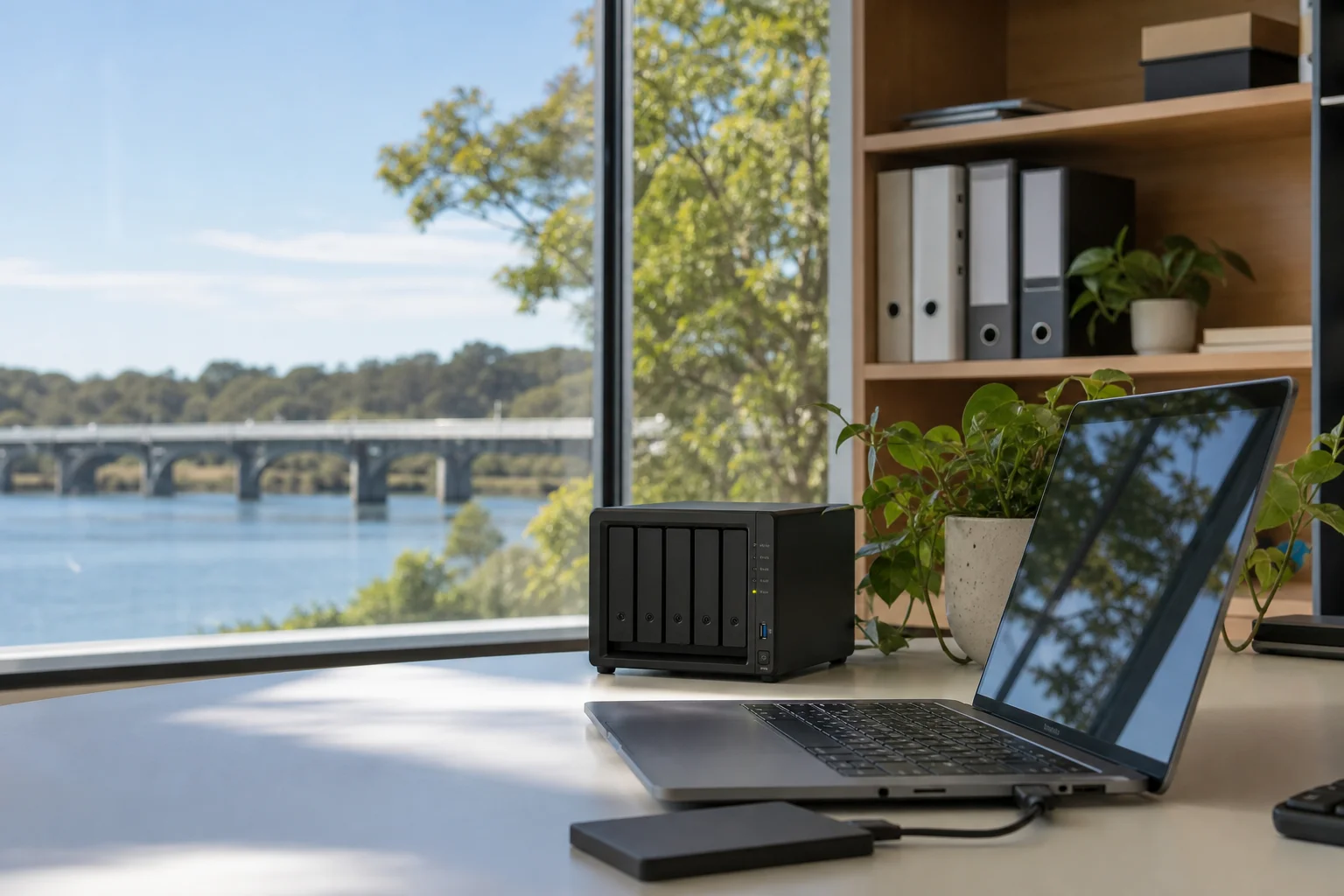
cloud backup Wyong for business
cloud backup Wyong is for businesses that need their mail, files and servers copied properly, not left to chance. We work across Wyong for offices, workshops and home-based businesses, with the backup checked against the system you actually use. That means Microsoft 365 mail, OneDrive, SharePoint and servers are covered, then restore-tested on a quarterly schedule so you know what can come back and how fast.
The Wyong tech landscape
A lot of Wyong businesses assume Microsoft 365 is already protected, but the standard tenant does not give you a true backup. That matters for small teams in Mardi, retail offices near Kanwal, and trades moving between jobs in Jilliby. The other issue is ransomware, which is still the most common real-world disaster recovery trigger. When a locked server or encrypted mailbox hits, the first question is not where the data lives, but whether it can be restored cleanly. The SERP is full of national vendors and MSPs, but the gap for Wyong SMB is right-sized backup that is restore-tested, documented and set up around your actual systems rather than a one-size template.
Our business backup Wyong work starts with the data that matters most: Microsoft 365 tenants, local file servers, and line-of-business apps that keep invoices, bookings and stock moving. For Microsoft 365 backup Warnervale jobs, we cover mail, OneDrive, SharePoint and Teams so deleted items, overwritten files and mailbox gaps are not left to Microsoft retention settings alone.
Continue reading
For server backup Jilliby and Mardi sites, we use image-level server backup with offsite copy, so a full machine can be rebuilt after hardware loss, malware or a failed update. We also set documented recovery-time and recovery-point objectives, so the owner knows how long recovery should take and how much data might be lost between backups. Quarterly restore tests are part of the job, because a backup you never restore is only a guess. We do not work like a drop-off shopfront where you leave gear and wait; this is on-site or remote setup, with the backup built around your tenant, server room or NAS, then checked against real files and folders.

Common issues we see
The most common fault we see in Wyong is simple: 365 mail and OneDrive not backed up, even though staff assume they are. Next is the backup that runs every night but has never been restored, so no one knows if it will open when needed.
Read the full section
We also see a single external drive used as the only backup, which is risky for small offices in Kanwal or a workshop in Jilliby. Another gap is no offsite copy, which leaves the business exposed if theft, fire or flood takes out the premises. Finally, backup admin left the business is a real problem in growing teams, especially where the person who set it up has gone and nobody has the admin password or the retention settings documented.
Your journey
What happens on a visit
Step 1 of 6
inventorying data and systems across the Wyong site
We start by inventorying data and systems across the Wyong site, including Microsoft 365, any local server, NAS units and line-of-business software.
What's included in your call-out
A fully-equipped mobile technician arriving at your address
The first hour of cloud backup & disaster recovery on-site
Diagnostic report — you know exactly what's wrong before we quote parts
Backup scope and retention review
Restore test on a sample file set
Disaster-recovery runbook notes
Same-day parts sourcing where practical
Written invoice with the ATO ABN and GST breakdown
Response time & booking
Same-day for jobs booked before 11am**Same-day for jobs booked before 11am** — From Wyong town, Warnervale and Hamlyn Terrace are 10 minutes north, Lake Munmorah (2259) is 15 minutes north on the lake, and Budgewoi (2262) is 15 minutes east.
Suburbs & postcodes we cover in Wyong
Pricing detail
| What | Price (GST-inclusive) |
|---|---|
| Standard call-out (first hour on site) | $229 |
| Each additional 30-minute block | $114.50 |
| Residential account holders | 10% off list |
| Business accounts | List price |
Parking & site access
To set up cloud backup properly, we need Microsoft 365 admin access, plus access to the server room, NAS or whichever device holds the live data in Wyong. Owner sign-off on retention is also important, because file history, mailbox retention and legal hold choices all affect what can be recovered later. Parking is usually simple around most office and light industrial sites in Wyong, but if access is tight at a shared complex or behind a trades yard in Jilliby, let us know up front so we can plan the visit and avoid delays.
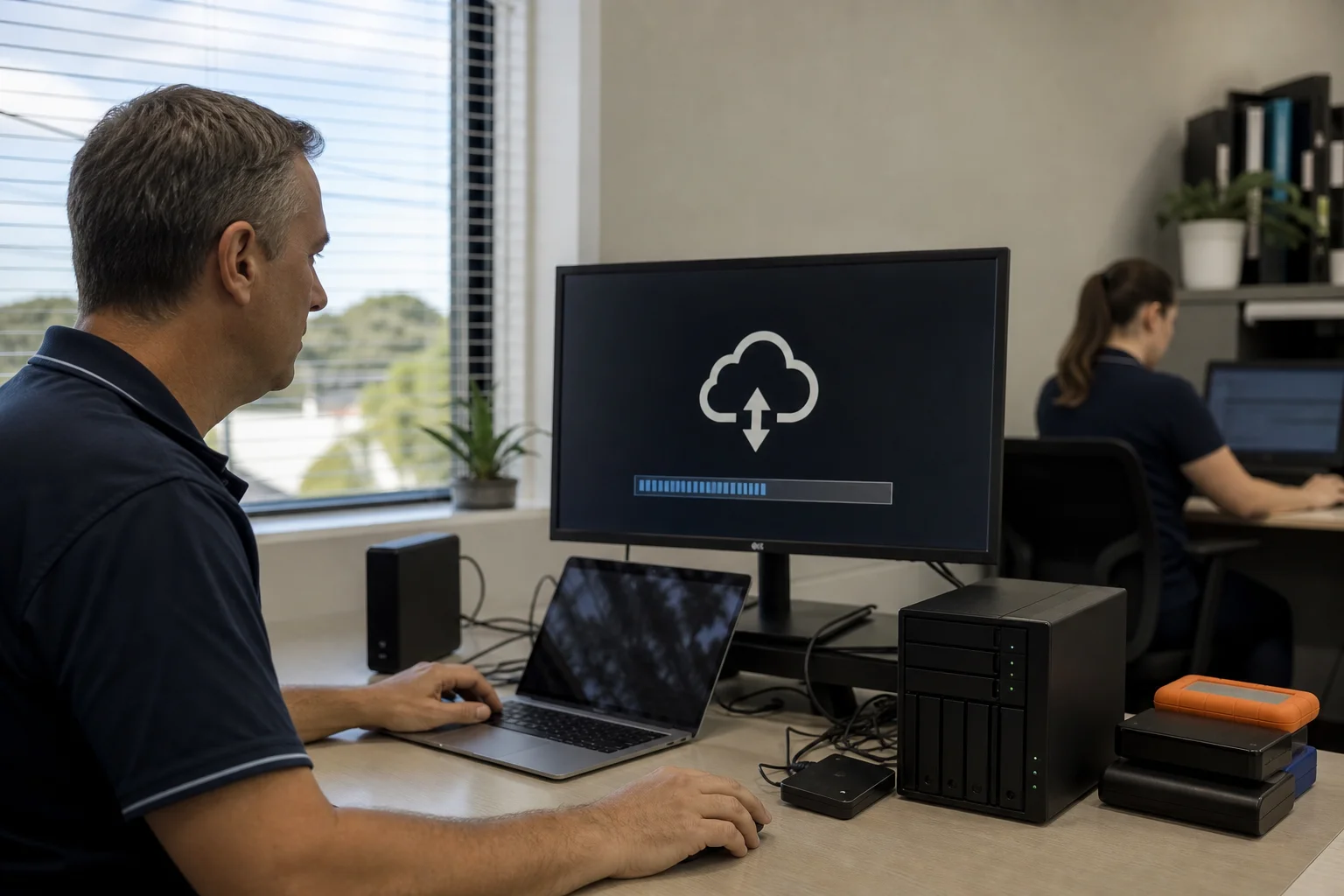
Book a cloud backup & disaster recovery technician in Wyong
If your Wyong business needs cloud backup and disaster recovery, book a $229 GST-inclusive call-out and we will check your 365, server and offsite recovery setup.
Questions & answers
Common questions in Wyong
General
Do we need to back up Microsoft 365?
Yes.
- Microsoft 365 backup matters because the tenant is not a full backup of your data.
- In Wyong, we see mailboxes, OneDrive files and SharePoint sites assumed to be safe just because they live in the cloud.
- They are still exposed to deletion, overwrite, retention gaps and account problems.
- A proper backup gives you a second copy you control, and that is the part many small businesses miss.
Related business services in Wyong
Nearby areas
Or return to the Cloud Backup & Disaster Recovery hub or Wyong location guide.