
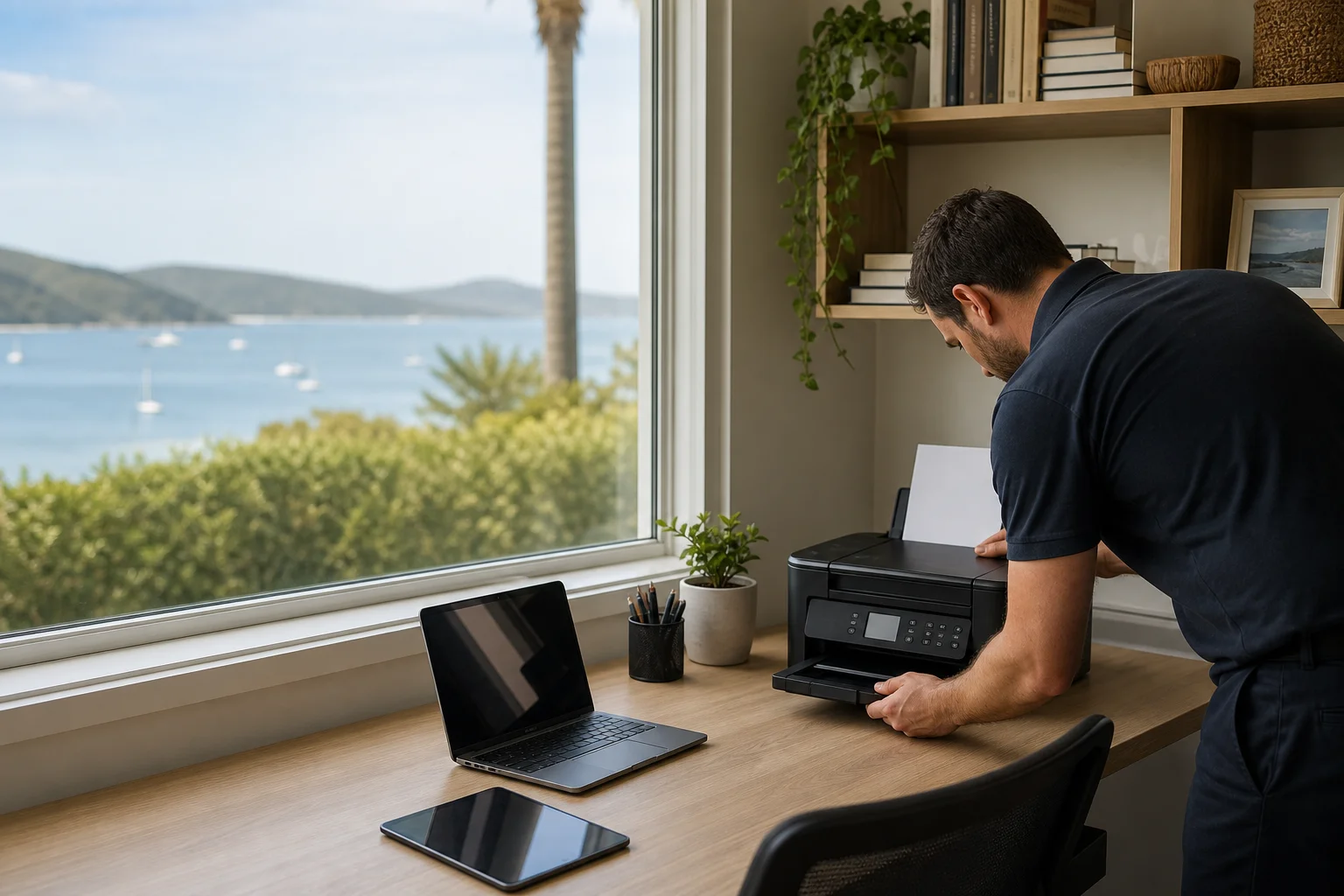
printer setup Port Stephens
printer setup Port Stephens starts at your place, not at a counter in town. We come to homes and small offices across Nelson Bay, Shoal Bay and Fingal Bay, then sort the printer on the desk where it actually lives. That covers offline faults, wireless setup, and scan-to-email setup, so your printer is ready for the laptop, phone and tablet you use day to day.
The Port Stephens tech landscape
Most homes in Port Stephens now run a wireless printer beside the modem, often in family rooms, studies or a spare room office. The usual call is not a dead machine; it is driver trouble, a Wi-Fi drop at range, or a printer that stays offline after a Windows or macOS update. HP, Canon, Brother and Epson units all do it. In Taylors Beach, ink-tank printers are common for family use, while Salamander Bay home businesses often use small-office multifunction units for printing, copying and scanning. The search results are mostly vendor help pages and DIY guides, which are fine for general steps but do not leave the printer working with every device in your house. That is the gap we fill with local on-site work in Port Stephens, from the modem room to the home office.
For wireless printer setup Port Stephens jobs, we start with a fresh driver install and a queue reset, because half the time the computer is still holding an old print path. If the printer keeps dropping off the network, we can set a static IP or change the Wi-Fi channel so the printer stays visible when the router is in another room.
Continue reading
That helps in larger homes around Nelson Bay and in units where the printer is tucked away from the access point. We also do scan-to-email configuration end-to-end, which means checking the SMTP details, sender address, security settings and the scan profile on the machine. On-site matters here. A drop-off shopfront can plug the printer in, but it cannot always test your NBN router, your home Wi-Fi, and the laptop in the study at the same time. We work at the location, update firmware, clean hardware faults if needed, and aim to leave the printer usable before we pack up.
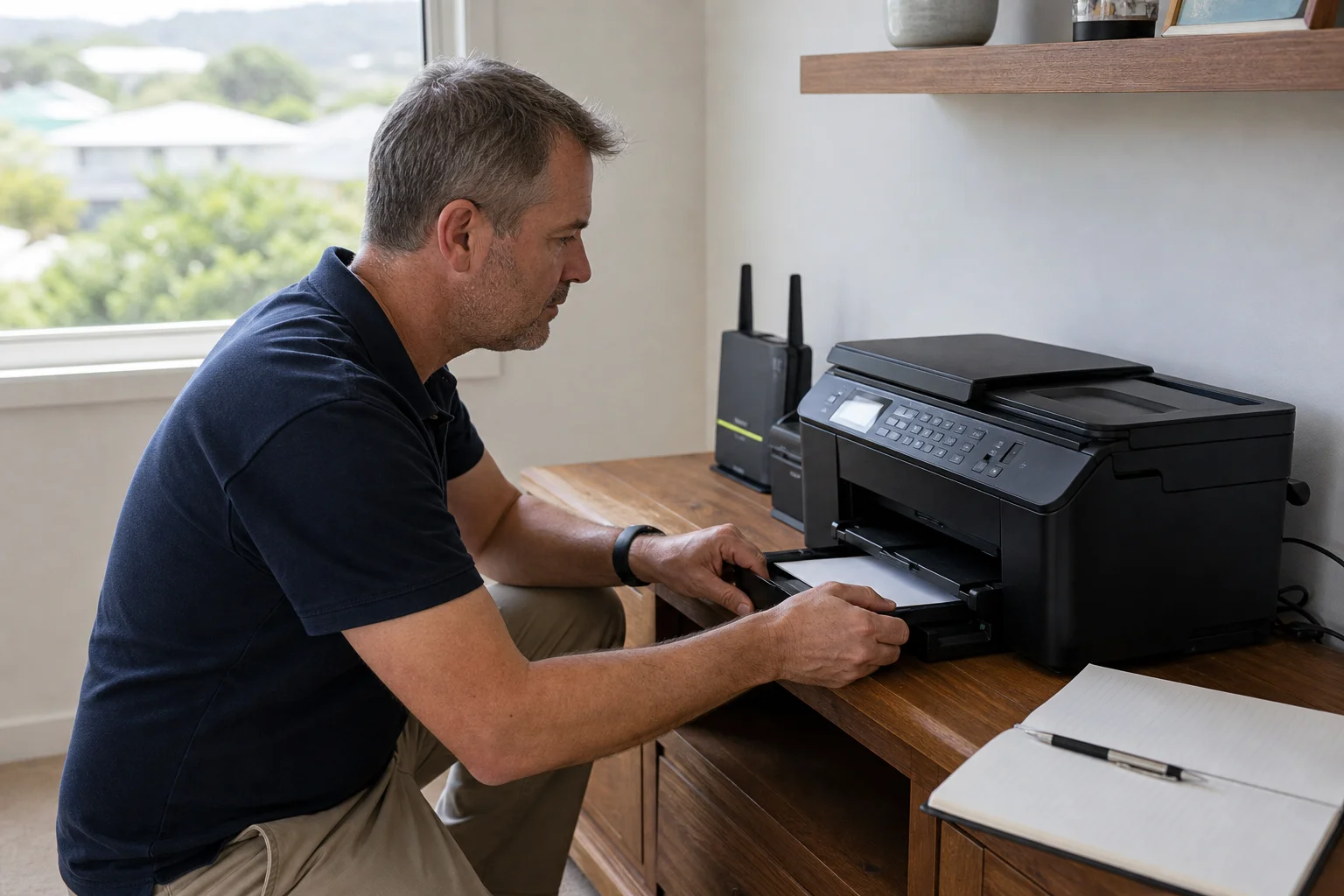
Common issues we see
The most common call is a printer offline in Windows or macOS, even though the lights on the machine look normal. Weak Wi-Fi at the printer is another one, especially when the router sits across the house in a Shoal Bay villa or a Fingal Bay office.
Read the full section
Driver install failures are common after a new laptop, a fresh Windows build, or a printer bought online and never fully added. Scan-to-email broken is a regular fault on HP and Brother units, and scan-to-folder can fail for the same reason if the network path or credentials are wrong. Paper feed jams and cartridge issues also show up, especially on machines that have sat unused for a while in a Port Stephens holiday home.
Your journey
What happens on a visit
Step 1
confirming the printer model
We start by confirming the printer model, the fault message and the device it is failing on, whether that is a Mac, a Windows laptop or a phone in Nelson Bay.
Step 2
Next we reset the queue and drivers…
Next we reset the queue and drivers so the computer stops sending jobs to the wrong port or old copy of the printer.
Step 3
Then we configure the network and scan settings
Then we configure the network and scan settings, including Wi-Fi details, IP settings and email credentials where scan-to-email is part of the job.
Step 4
we test from every device at the location
Last, we test from every device at the location, so the printer works from the family PC, the laptop in the study and the phone in the kitchen, not just from one test computer.
What's included in your call-out
A fully-equipped mobile technician arriving at your address
The first hour of printer setup & troubleshooting on-site
Diagnostic report — you know exactly what's wrong before we quote parts
Wi-Fi or USB printer installation
Driver and queue troubleshooting
Mobile printing setup on phones and tablets
Same-day parts sourcing where practical
Written invoice with the ATO ABN and GST breakdown
Response time & booking
Same-day for Nelson Bay peninsula; next-day for inland Medowie/Williamtown**Same-day for Nelson Bay peninsula; next-day for inland Medowie/Williamtown** — From Nelson Bay, Salamander Bay is 5 minutes west, Anna Bay (2316) is 15 minutes south, and Medowie (2318) is 25 minutes inland toward the F3.
Suburbs & postcodes we cover in Port Stephens
Pricing detail
| What | Price (GST-inclusive) |
|---|---|
| Standard call-out (first hour on site) | $149 |
| Each additional 30-minute block | $74.50 |
| Residential account holders | 10% off list |
| Business accounts | List price |
Parking & site access
Please have the Wi-Fi password ready, and if the printer sits far from the modem, access to the router can save time. In Port Stephens homes, the printer is often in a study, spare room or family area, so we need to test each device at the location, not just one laptop.
Read the full section
Parking is usually easiest when there is room close to the front door or side access, especially in units and tighter streets around Nelson Bay and Shoal Bay. If the printer is behind a closed office door in Fingal Bay, just let us know so we can plan the visit.
Book a printer setup & troubleshooting technician in Port Stephens
If your printer is offline, refusing to scan or not joining Wi-Fi in Port Stephens, book an on-site visit and we will sort the setup at your place.
Questions & answers
Common questions in Port Stephens
Timing
Why does my printer keep going offline?
Most offline faults come from the connection, not the printer itself.
- In Port Stephens we often find an old driver, a bad port setting, or Wi-Fi dropouts when the printer is too far from the modem.
- Windows and macOS both cache printer paths, so a fresh driver install and queue reset usually help.
- If the printer is in a back room in Nelson Bay or Shoal Bay, a static IP or Wi-Fi channel change can stop the dropouts.
Related home services in Port Stephens
Nearby areas
Newcastle
Same-day for Nelson Bay peninsula; next-day for inland Medowie/Williamtown
Maitland
Same-day for Nelson Bay peninsula; next-day for inland Medowie/Williamtown
Lake Macquarie
Same-day for Nelson Bay peninsula; next-day for inland Medowie/Williamtown
Raymond Terrace
Same-day for Nelson Bay peninsula; next-day for inland Medowie/Williamtown
Or return to the Printer Setup & Troubleshooting hub or Port Stephens location guide.