
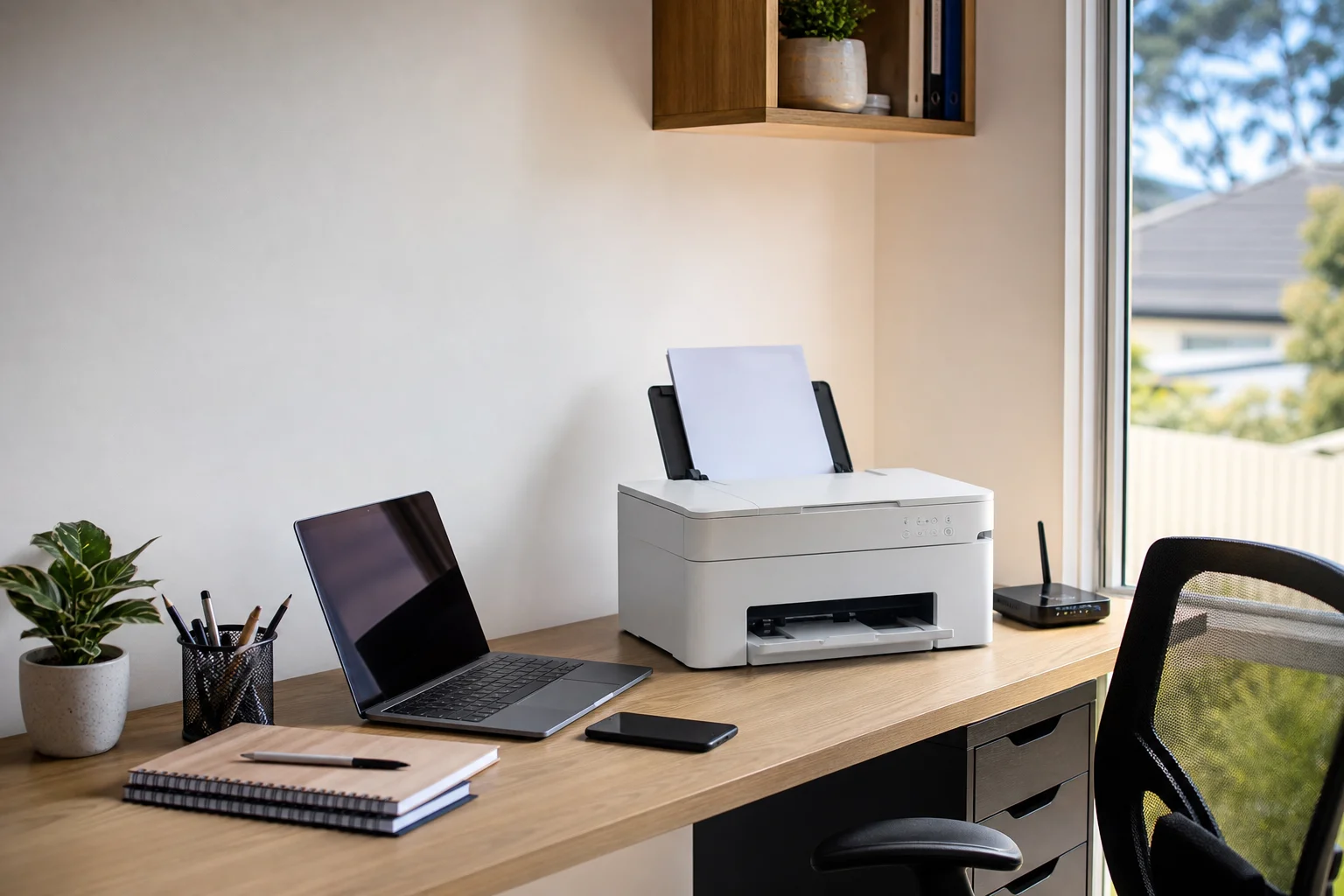
printer setup Tuggerah
printer setup Tuggerah starts at your place, not at a counter in town. We come out to homes and small offices around Tuggerah, then sort wireless printing, offline faults, and scan settings on the spot.
Read the full section
If your HP, Canon, Brother or Epson will not stay connected, we check the printer, the router, and the laptop or phone together. That saves you from guessing which bit is causing the problem.
The Tuggerah tech landscape
Most homes in Tuggerah now run a wireless printer beside a family laptop, tablet, or phone. In Kanwal, that often means an ink-tank printer used for school pages, while home businesses in Warnervale may rely on a small multifunction unit that has to print, copy, and scan every day. The common trouble is not the machine itself. It is the printer driver, the Wi-Fi setup, or a device that was never added properly after a new modem install. Scan-to-email adds another layer because it needs SMTP details, login details, and the right sender address, and that is where a lot of DIY setups fall over. The SERP is full of vendor help pages and generic DIY guides, but that does not leave you with a working printer in Tuggerah. We focus on local on-site repair so the printer is set up against your own Wi-Fi and tested from every device in the house or office.
For printer setup Tuggerah jobs, we start with a fresh driver install and a queue reset, then clear out old printer entries that keep Windows or macOS pointing at the wrong device. If the printer keeps dropping off the network, we may set a static IP or change the Wi-Fi channel so it stays visible from the study, living room, or front office.
Continue reading
For wireless printer setup Tuggerah homes often need a clean pass through the app, the computer, and the router, not just one device. We also handle scan-to-email setup Tuggerah customers need for invoices, school forms, and office admin, including scan-to-folder where the printer supports it. The job is done on-site, so you are not hauling a Brother or Epson to a shopfront and hoping the issue shows up there. We bring the tools, check the cable and Wi-Fi path, update firmware when needed, and do a hardware clean if paper feed or cartridge issues are part of the fault. If the printer is under manufacturer warranty or Apple support applies for an in-warranty Mac, we will say so plainly. For older gear that is worth keeping, we aim to leave it ready to print from the actual devices you use at home in Tuggerah.
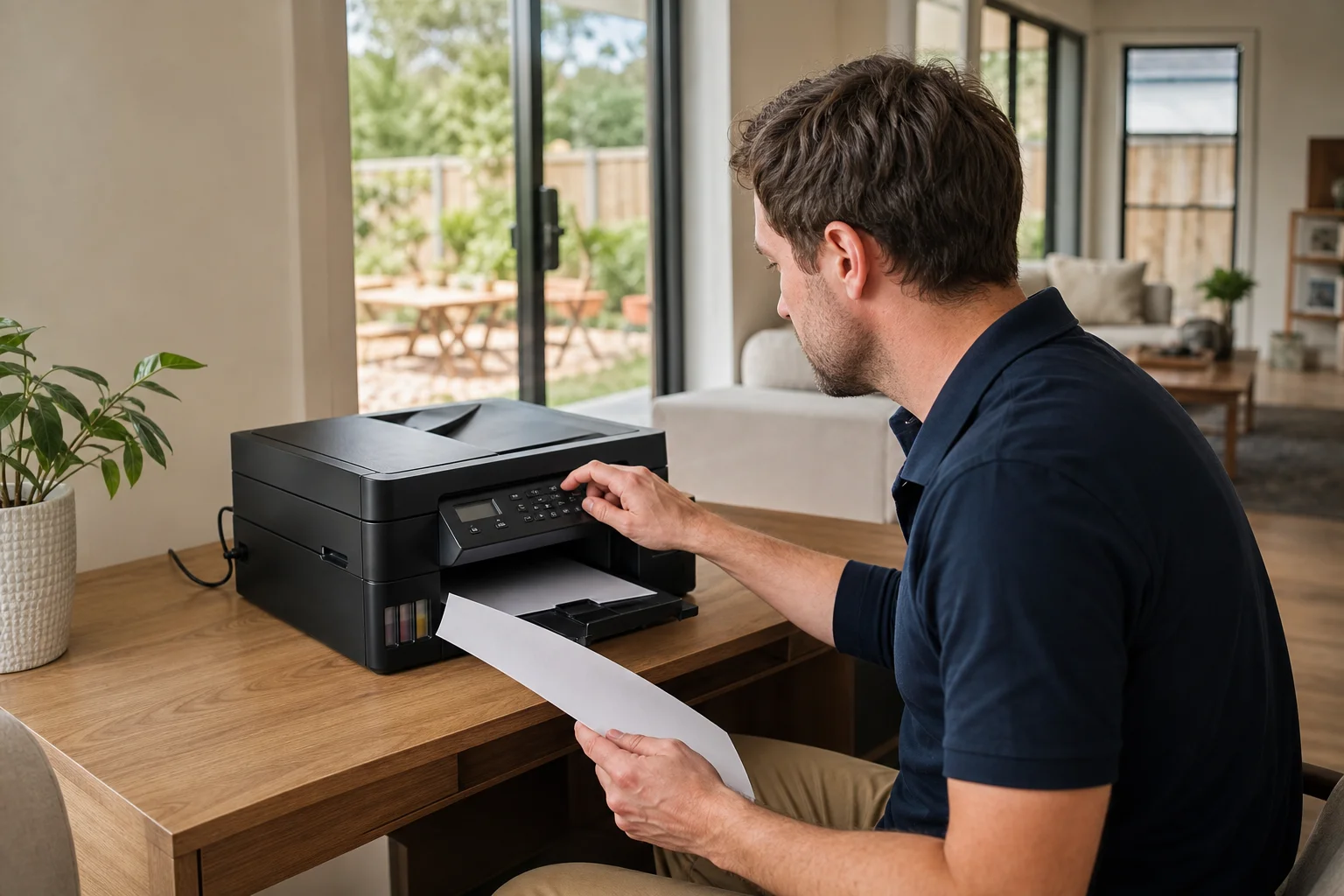
Common issues we see
The faults we see most around Tuggerah are pretty consistent. A printer may show as offline in Windows or macOS even though it is switched on, because the computer is talking to an old driver or a stale queue.
Read the full section
Weak Wi-Fi at the printer is common when the unit is in a far room or near a brick wall, and that can also cause a printer offline fix Warnervale call to keep coming back. Driver install failures happen when an update was half-done or the wrong package was used. Scan-to-email can break after a password change, a modem swap, or a provider security change. We also deal with paper feed jams, missed pages, and cartridge faults, especially on family printers in Tuggerah where the machine gets heavy use through the week and then sits idle on weekends.
Your journey
What happens on a visit
Step 1 of 5
confirming the printer model
We begin by confirming the printer model, the device you want to print from, and the exact fault you are seeing.
What's included in your call-out
A fully-equipped mobile technician arriving at your address
The first hour of printer setup & troubleshooting on-site
Diagnostic report — you know exactly what's wrong before we quote parts
Wi-Fi or USB printer installation
Driver and queue troubleshooting
Mobile printing setup on phones and tablets
Same-day parts sourcing where practical
Written invoice with the ATO ABN and GST breakdown
Response time & booking
Same-day for jobs booked before 12pm**Same-day for jobs booked before 12pm** — From Tuggerah, Berkeley Vale is 5 minutes east, The Entrance and Bateau Bay (2261) are 10 minutes east on the coast, and Ourimbah (2258) is 10 minutes south.
Suburbs & postcodes we cover in Tuggerah
Pricing detail
| What | Price (GST-inclusive) |
|---|---|
| Standard call-out (first hour on site) | $149 |
| Each additional 30-minute block | $74.50 |
| Residential account holders | 10% off list |
| Business accounts | List price |
Parking & site access
Please have the Wi-Fi password ready and, if possible, access to the router or modem cabinet. That helps when the printer needs a channel change, a static IP, or a modem reset during the visit.
Read the full section
We also need each device you want tested at the location, whether that is a Windows laptop, Mac, iPhone, or Android tablet. In Tuggerah and nearby streets, parking is usually easiest when we know if the printer is in a front unit, a townhouse, or a home office out the back, so tell us about access when you book.
Book a printer setup & troubleshooting technician in Tuggerah
Need printer setup Tuggerah today? Book an on-site visit and we will get your printer, Wi-Fi, and scan settings sorted at your place.
Questions & answers
Common questions in Tuggerah
Repair
Why does my printer keep going offline?
The usual cause is a mix of driver trouble, a bad Wi-Fi link, or an old printer entry on the computer.
- In Tuggerah, we often find the printer is still switched on but Windows or macOS is talking to the wrong queue.
- If the router changed, or the printer sits too far from the modem, it can keep dropping out.
- We check the printer, the network, and the device together, then reset the setup so it stays online at your place.
Related home services in Tuggerah
Nearby areas
Or return to the Printer Setup & Troubleshooting hub or Tuggerah location guide.