
Senior tech help Tuggerah
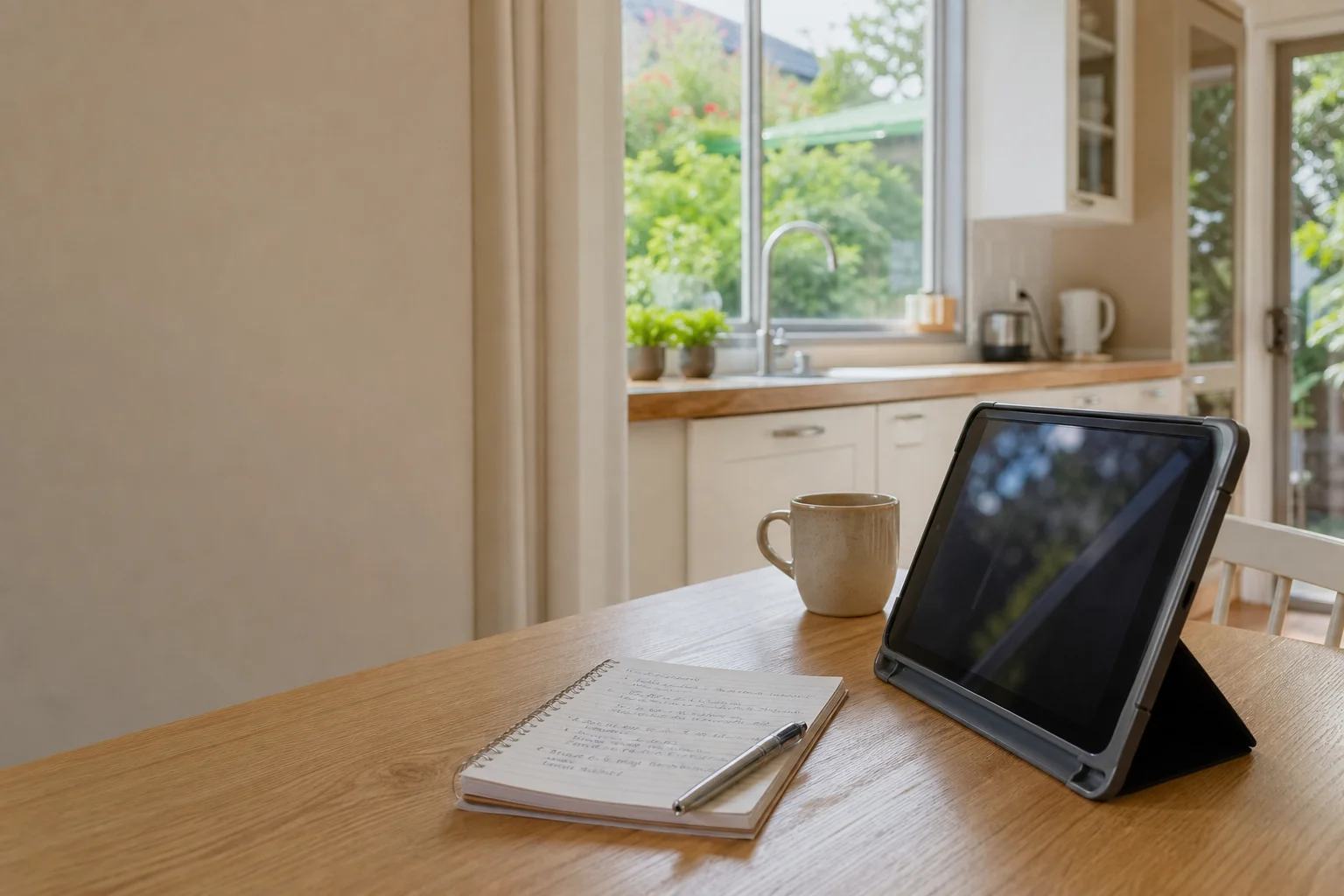
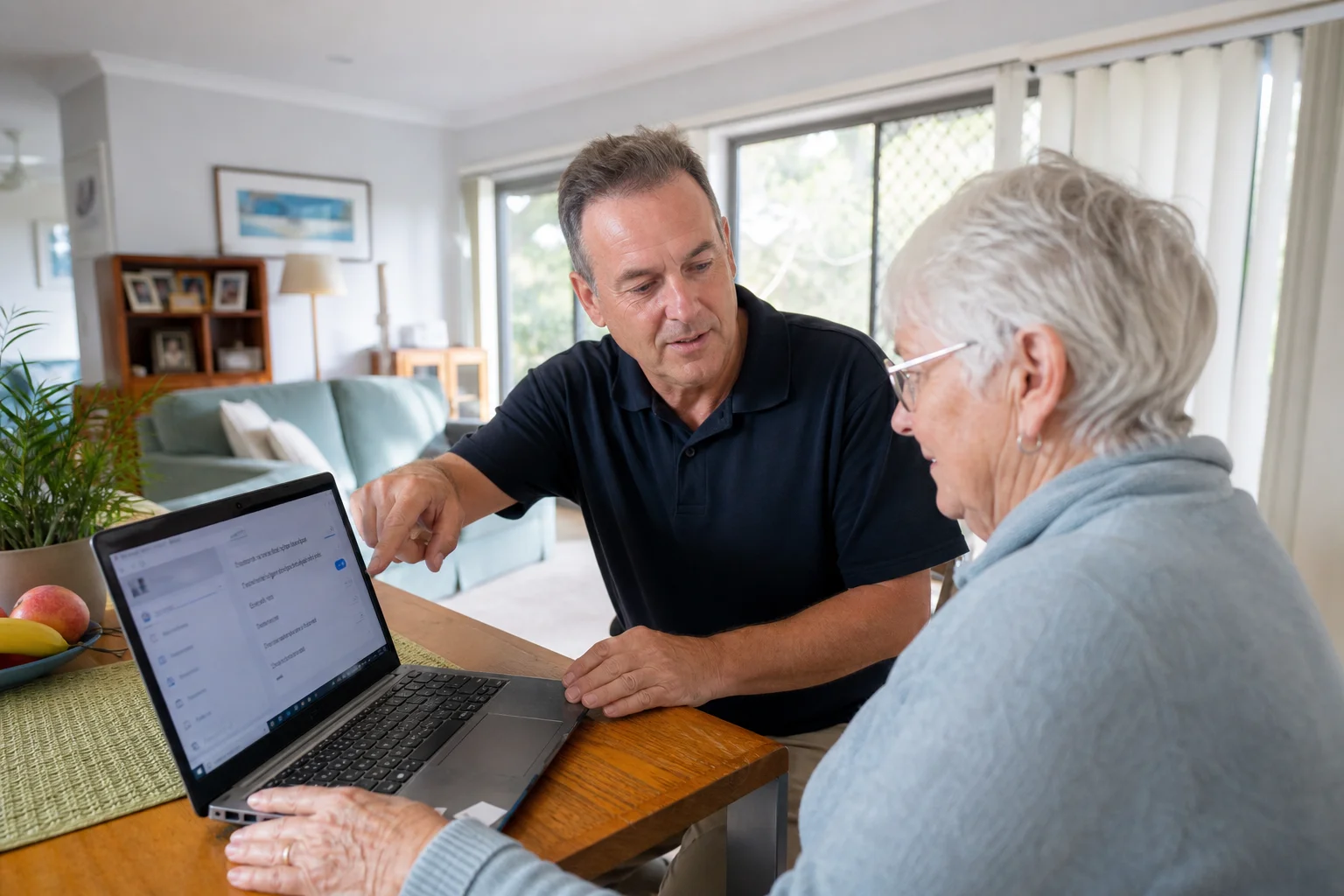
Senior tech help Tuggerah starts at your kitchen table, not a shop counter. We work one-on-one with seniors across Tuggerah and nearby homes, so the person using the device can ask questions without feeling rushed.
Read the full section
If needed, we leave written notes behind in plain English, so the steps are still there after we’ve packed up. That suits iPads, older laptops and family tablets used around Tuggerah, Chittaway Bay and Long Jetty.
The Tuggerah tech landscape
A lot of calls in Tuggerah are about the same few problems: scam texts, fake pop-ups, locked accounts and devices that feel hard to read. Many seniors get told to “just Google it”, but that is no help when you are trying to answer a phone in Tuggerah or sort out an iPad in a Chittaway Bay unit. Family members can’t always be there in person, especially when they live across the Coast or are tied up with work. Small setting changes make a big difference on older laptops and iPads, and that is where patient help matters. The SERP is full of generic guides and national brands, but the gap in Tuggerah is patient one-on-one help with written notes left behind so the steps are still clear later.
We help with accessibility and large-text setup on iPads and older laptops used across Tuggerah, Berkeley Vale and Bateau Bay. That can mean larger text, stronger contrast, bigger icons and a cleaner home screen for someone who finds the default layout too busy.
Continue reading
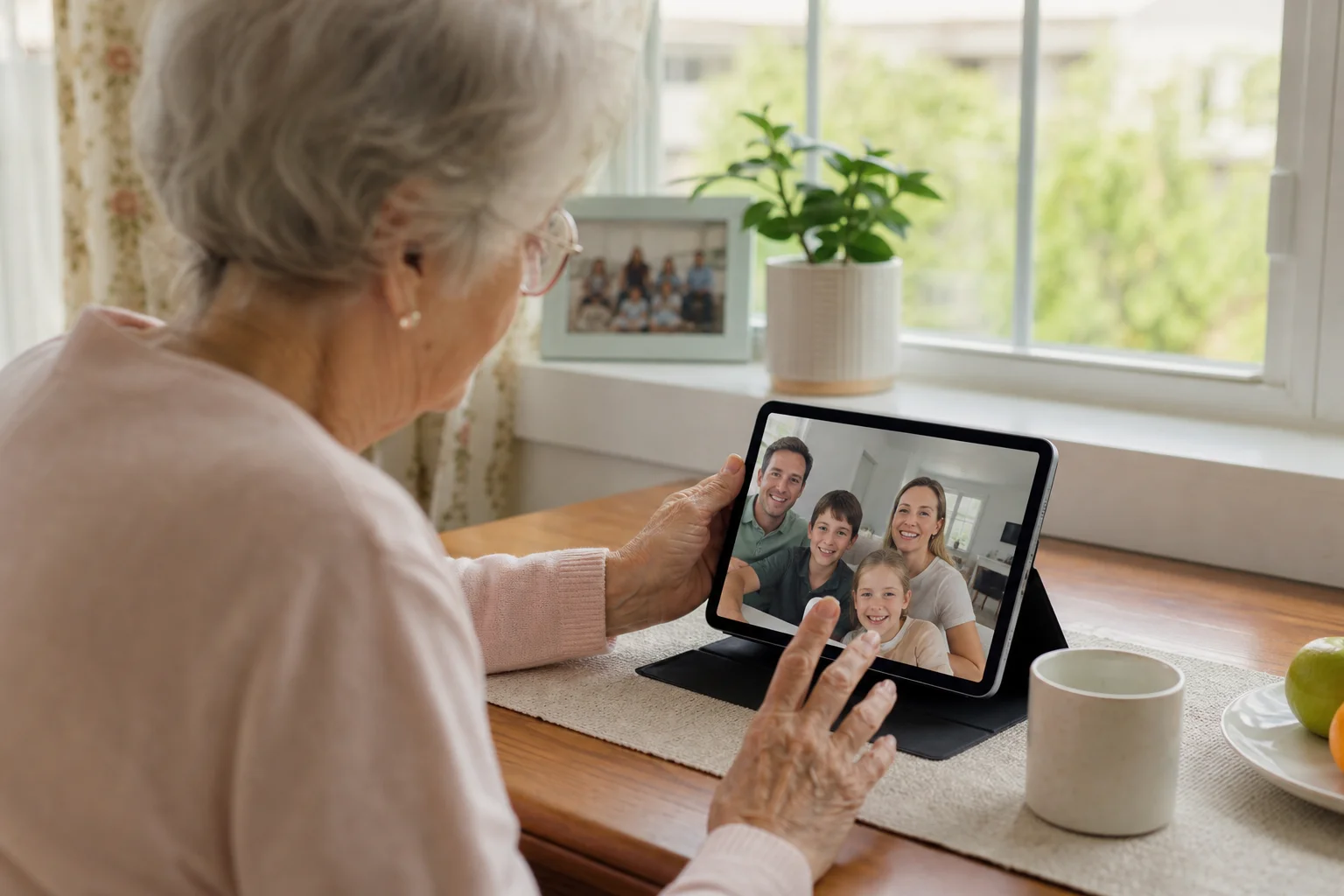
We also do a scam-awareness walk-through, so the person knows what a real bank call sounds like and what to do when a strange message lands on the screen. For family contact, we set up video calls on iPad or Windows laptops, then show how to find the app again next time. We use accessibility settings and large-text setup, password reset with proper ID checks, and simple written instructions left on paper. If your job is a single fault, most of these are done in one visit. That is different from a drop-off shopfront, where the device leaves with you and the user misses the chance to talk through the setup while it is being changed.
Common issues we see
The usual jobs in Tuggerah start with scam call and pop-up aftermath. A senior taps on a fake warning, the browser fills with alerts, and then the device feels unsafe.
Read the full section
We also see forgotten Apple ID or Microsoft account password issues, especially on iPads and older laptops that have not been used much. Another common one is screen too small or bright, which makes reading emails harder at home in Long Jetty or Berkeley Vale. Email or Facebook lockouts happen a lot too, and that can shut down family contact and photo sharing. If the goal is video call setup for family, we sort the app, the camera and the contact list, then show the steps again in plain language. For many seniors in Tuggerah, the fix is not a new device. It is a few settings, a calmer layout and a clear note to follow later.
Your journey
What happens on a visit
Step 1 of 5
sitting down and understanding how the device…
We start by sitting down and understanding how the device is used day to day in Tuggerah, whether that is checking family photos, banking, emails or calls from the grandkids.
What's included in your call-out
A fully-equipped mobile technician arriving at your address
The first hour of senior tech help on-site
Diagnostic report — you know exactly what's wrong before we quote parts
Patient, plain-language walkthroughs
MyGov, Medicare, and scam-awareness support
Video-call setup for family contact
Same-day parts sourcing where practical
Written invoice with the ATO ABN and GST breakdown
Response time & booking
Same-day for jobs booked before 12pm**Same-day for jobs booked before 12pm** — From Tuggerah, Berkeley Vale is 5 minutes east, The Entrance and Bateau Bay (2261) are 10 minutes east on the coast, and Ourimbah (2258) is 10 minutes south.
Suburbs & postcodes we cover in Tuggerah
Pricing detail
| What | Price (GST-inclusive) |
|---|---|
| Standard call-out (first hour on site) | $149 |
| Each additional 30-minute block | $74.50 |
| Residential account holders | 10% off list |
| Business accounts | List price |
Parking & site access
We can work through front-door or intercom access in Tuggerah, and a family carer is welcome to attend or join by phone. Most visits happen at the kitchen or living-room table, which suits older laptops, iPads and printed notes.
Read the full section
Parking is usually easiest when there is driveway or street access close to the entry, but we will work around unit blocks and shared spaces where needed. The goal is to keep the visit calm for the person using the device.
Book a senior tech help technician in Tuggerah
Book senior tech help Tuggerah for a patient home visit, clear pricing and written notes left behind.
Questions & answers
Common questions in Tuggerah
Pricing
Do you help seniors with computers in Tuggerah?
$149 GST-inclusive
Yes, we do one-on-one senior tech help in Tuggerah for computers, iPads and phones.
- That includes older laptops, Apple devices and the simple things that matter day to day, like email, photos, video calls and reading text more easily.
- We come to the home, talk through the problem in plain English, and leave written notes so the user or a carer can follow the steps later.
- The $149 GST-inclusive call-out applies, with parts quoted separately if needed.
Related home services in Tuggerah
Nearby areas
Or return to the Senior Tech Help hub or Tuggerah location guide.