
Senior tech help Wyong
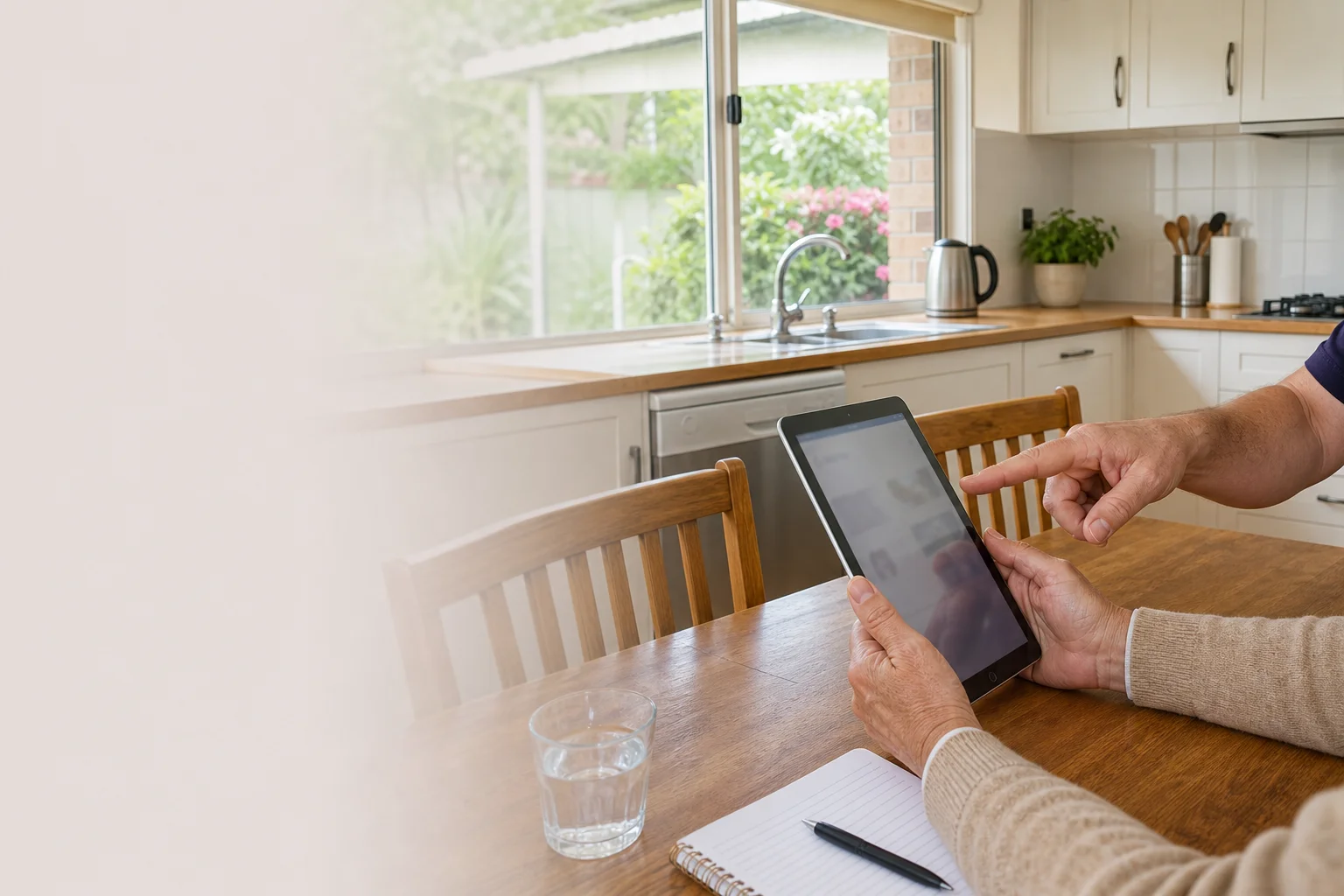
Senior tech help Wyong starts at your place, not at a shop counter. We come to homes in Wyong, Mardi and Kanwal, then sit down at the kitchen table or living-room table and work through the issue in plain English.
Read the full section
The visit includes patient, jargon-free support, and we leave written notes behind so the steps are there after we pack up. That suits older iPads, family laptops and the day-to-day questions that come up when a son, daughter or carer is not in the room.
The Wyong tech landscape
In Wyong, a lot of the calls we hear about are scam calls, fake security warnings and pop-ups that worry people more than the device itself. Retirees in Mardi and independent-living residents in Kanwal often just want someone to check what is safe, what can be closed, and what should be ignored. Family members in Jilliby and Blue Haven cannot always get there in person, so the job often sits on hold until the screen has already become a bigger headache. Most of the time, small setting changes make a big difference. Bigger text, clearer sound, stronger password habits and a calmer setup can turn a frustrating iPad or laptop into something the owner is happy to use again. The SERP is full of generic guides and national brands, but that does not replace patient one-on-one help in Wyong with written notes left behind.
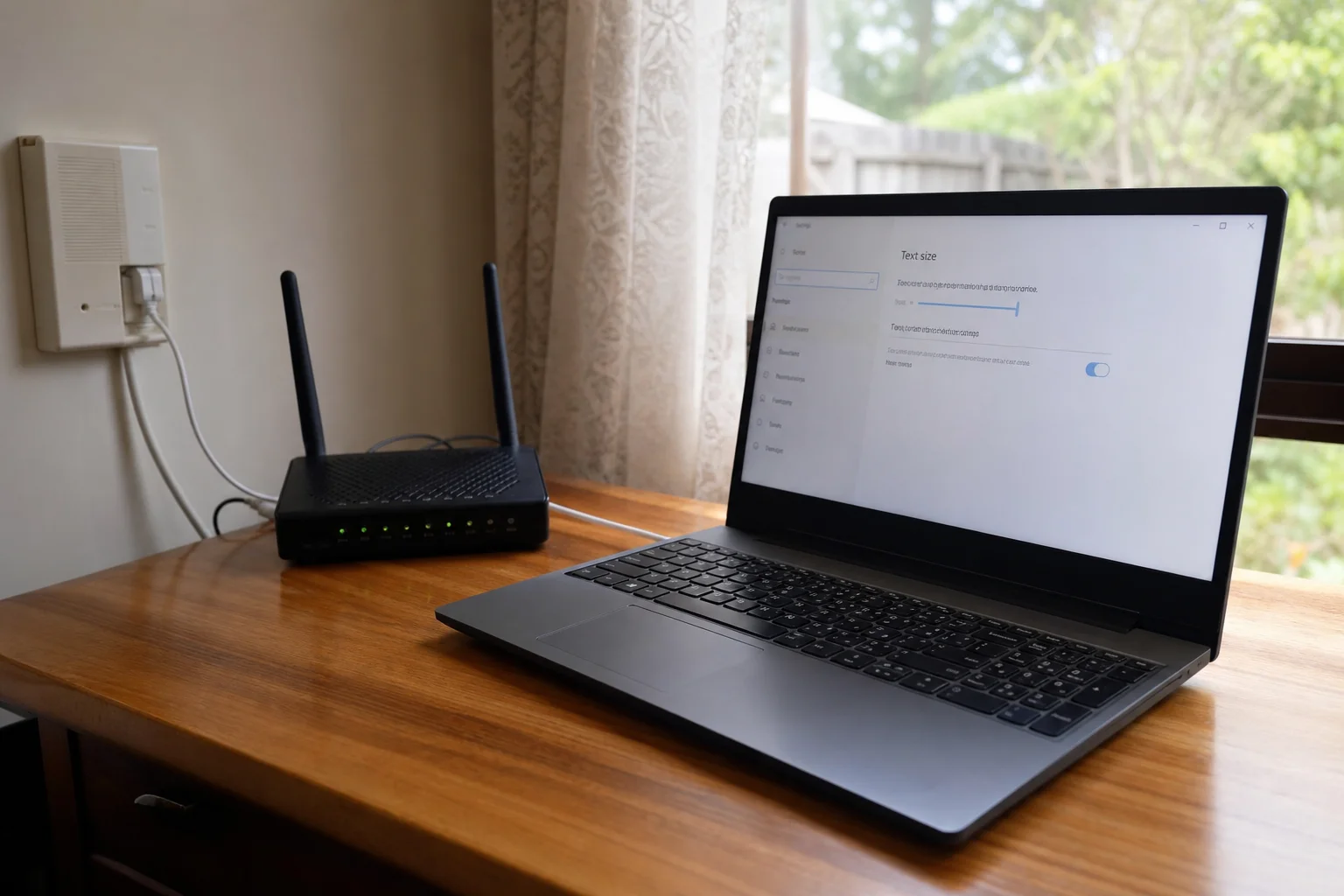
We work on iPads and older laptops used by seniors across Wyong, including family iCloud photo albums in Blue Haven homes and Windows laptops with large-text setups in Buff Point. A lot of the work is accessibility and large-text setup, because reading the screen should not feel like squinting through a small window.
Continue reading
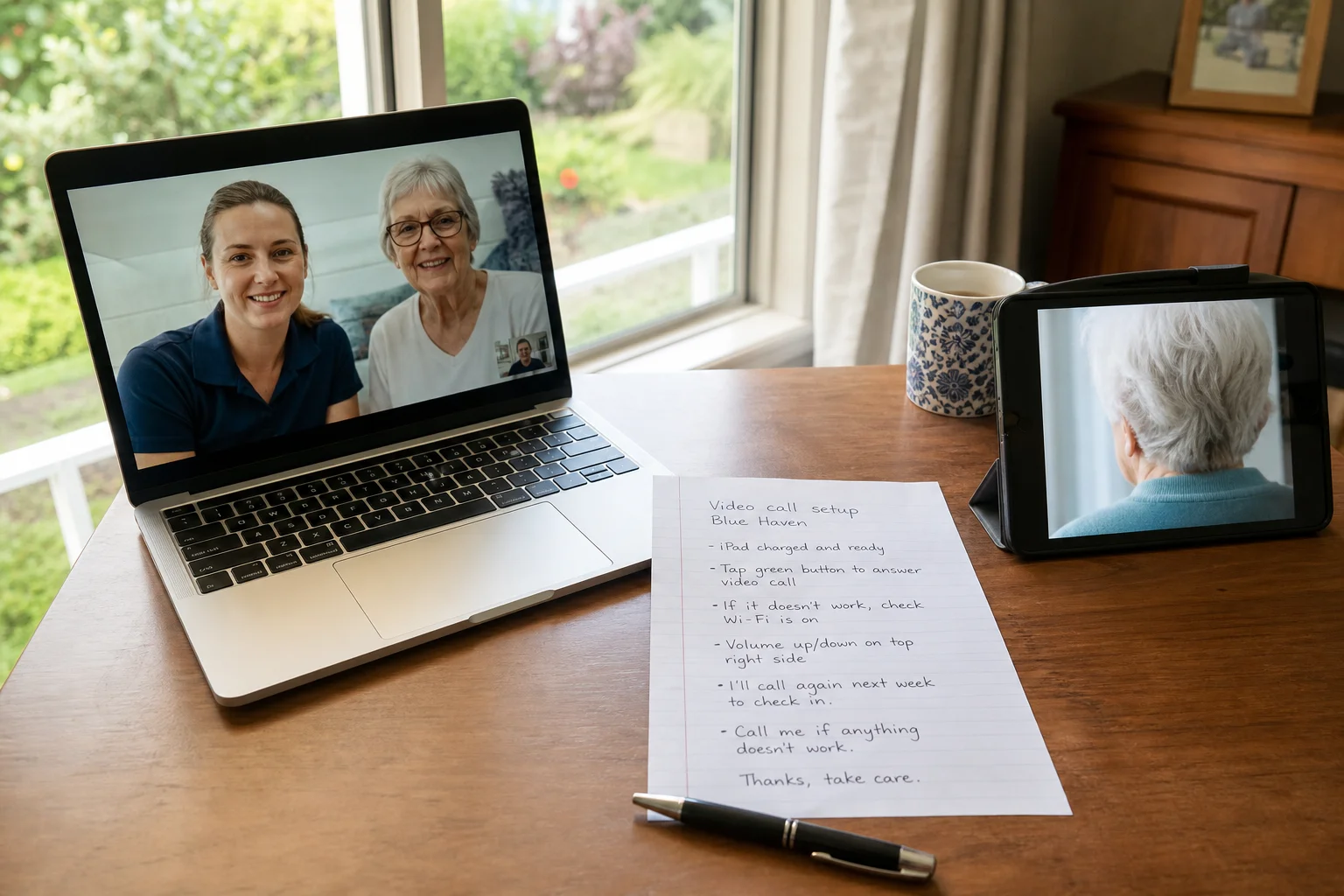
We also do a scam-awareness walk-through, so the owner knows which messages to close, which calls to distrust, and which buttons should never be clicked. If a password has been forgotten, we use proper ID checks before any reset. For family contact, we set up video calls and test the microphone, camera and Wi-Fi. That is the difference between on-site help and a drop-off shopfront repair: we can see how the computer is used in the home, on the actual chair, at the actual desk, with the actual internet connection. For many people looking for computer lessons for seniors Wyong, that one-on-one format is easier than trying to explain things over a counter.
Common issues we see
The usual problems in Wyong are the same ones that cause the most stress. Scam call and pop-up aftermath can leave a person worried they have broken the iPad or clicked something dangerous.
Read the full section
Forgotten Apple ID or Microsoft account password blocks email, photo syncing and app updates. Screen too small or bright makes older eyes work too hard, especially on Windows laptops with large-text setups in Buff Point. Email or Facebook lockouts can stop messages, photos and family updates. Video call setup for family is another common one, because the app is there but the camera, sound or sign-in is not quite right. We also get calls for scam call help senior Buff Point when the issue started with one bad phone call and ended with a scrambled screen.
Your journey
What happens on a visit
Step 1 of 6
sitting down and understanding how the device…
We start by sitting down and understanding how the device is used day to day in Wyong, not just what error is on the screen.
What's included in your call-out
A fully-equipped mobile technician arriving at your address
The first hour of senior tech help on-site
Diagnostic report — you know exactly what's wrong before we quote parts
Patient, plain-language walkthroughs
MyGov, Medicare, and scam-awareness support
Video-call setup for family contact
Same-day parts sourcing where practical
Written invoice with the ATO ABN and GST breakdown
Response time & booking
Same-day for jobs booked before 11am**Same-day for jobs booked before 11am** — From Wyong town, Warnervale and Hamlyn Terrace are 10 minutes north, Lake Munmorah (2259) is 15 minutes north on the lake, and Budgewoi (2262) is 15 minutes east.
Suburbs & postcodes we cover in Wyong
Pricing detail
| What | Price (GST-inclusive) |
|---|---|
| Standard call-out (first hour on site) | $149 |
| Each additional 30-minute block | $74.50 |
| Residential account holders | 10% off list |
| Business accounts | List price |
Parking & site access
We can come through a front door or intercom in Wyong, and a family carer is welcome to attend if that makes things easier. The work is usually done at the kitchen or living-room table, where there is room for the laptop, charger, glasses and a notepad.
Read the full section
Parking is usually simpler than a shop run, because there is no need to haul the device into a mall car park or wait at a counter. If the entry has steps, a gate code or a shared driveway, it helps to mention that when booking so the visit starts smoothly.
Book a senior tech help technician in Wyong
Book senior tech help in Wyong and we will come to your home, sort the problem in plain English, and leave notes you can keep.
Questions & answers
Common questions in Wyong
Repair
Do you help seniors with computers in Wyong?
Yes, we do one-on-one senior tech help Wyong residents can use at home, in a unit, or with a family carer beside them.
- That usually means iPads, older laptops, email, photos, video calls and safer settings.
- We keep the language plain, work at the kitchen table, and leave written notes so the owner and family can follow the steps later.
- Retirees in Mardi and Kanwal often find that easier than trying to explain the fault over the phone.
Related home services in Wyong
Nearby areas
Or return to the Senior Tech Help hub or Wyong location guide.