
smart home setup Newcastle
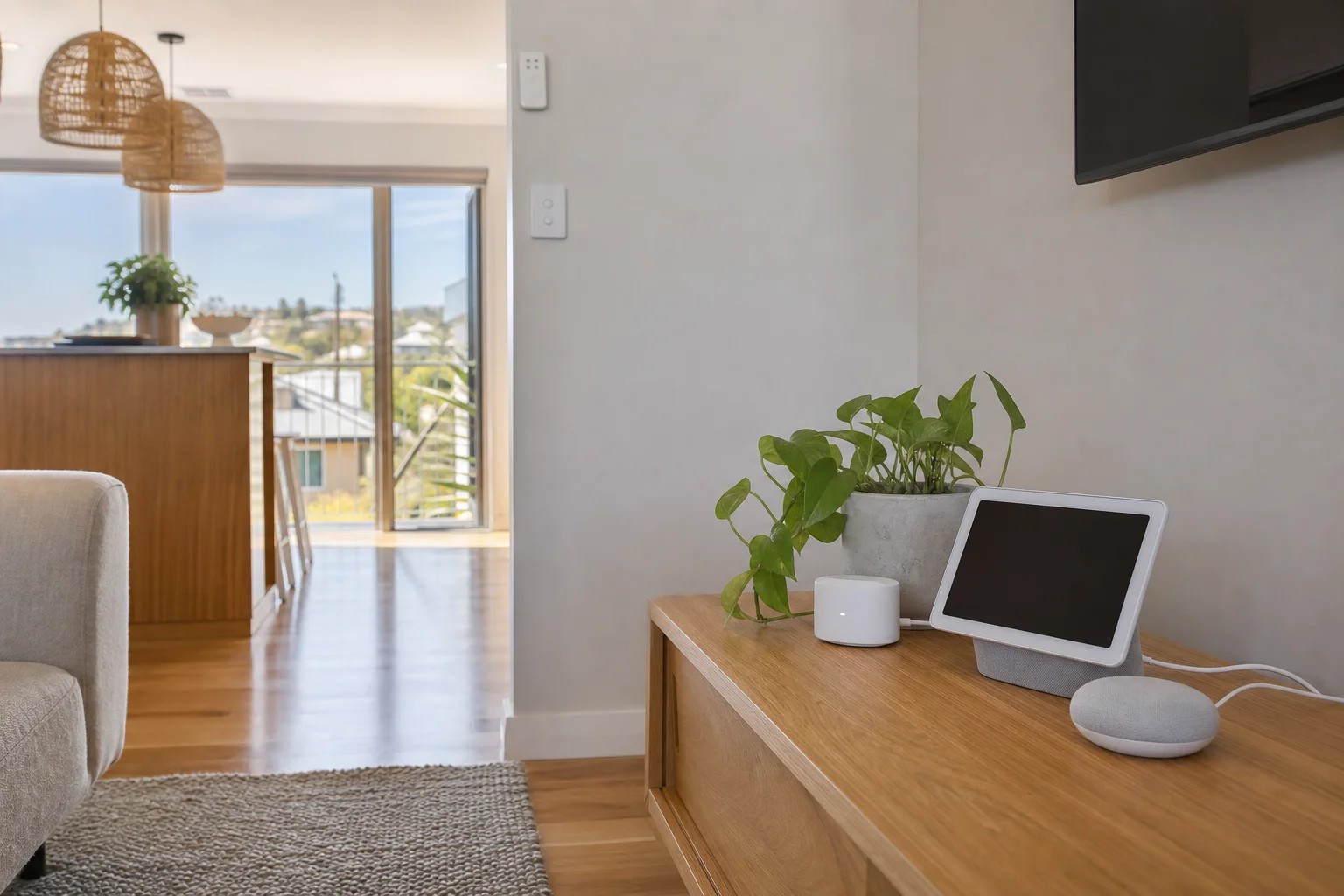
smart home setup Newcastle starts on site, not with a box of parts left on the bench. We come to homes across Newcastle, sort the device list, and get your speakers, lights, cameras and doorbells talking to the Wi-Fi and app you actually use. Whether it is Google Nest in a newer place near Kotara South or Alexa gear in a renovated house in New Lambton Heights, the job is to make the setup practical for the people living there.
The Newcastle tech landscape
A lot of Newcastle homes now have some smart gear already. New-build homes in Newcastle come loaded with smart devices, while older places around The Hill often have mixed brands added over time. The main issue is not the hardware itself. It is the network behind it. Camera and doorbell setups need reliable Wi-Fi, especially in street-facing houses and apartments where the signal has to push through brick, levels, and distance from the router. The SERP is full of retailer guides and installers focused on cameras only. The gap is full smart-home setup across Newcastle that ties into your Wi-Fi properly, so the lights, speakers, cameras and routines all work together instead of acting like separate gadgets. Family app linking is where most DIY setups stall, especially when one person sets it up and everyone else still cannot see the devices in their own app.
We set up smart homes with a trade approach, not a shop counter approach. On site, we can do Wi-Fi band and channel tuning so Google Nest, Alexa and Apple HomeKit devices in Newcastle homes stay on the right network.
Continue reading
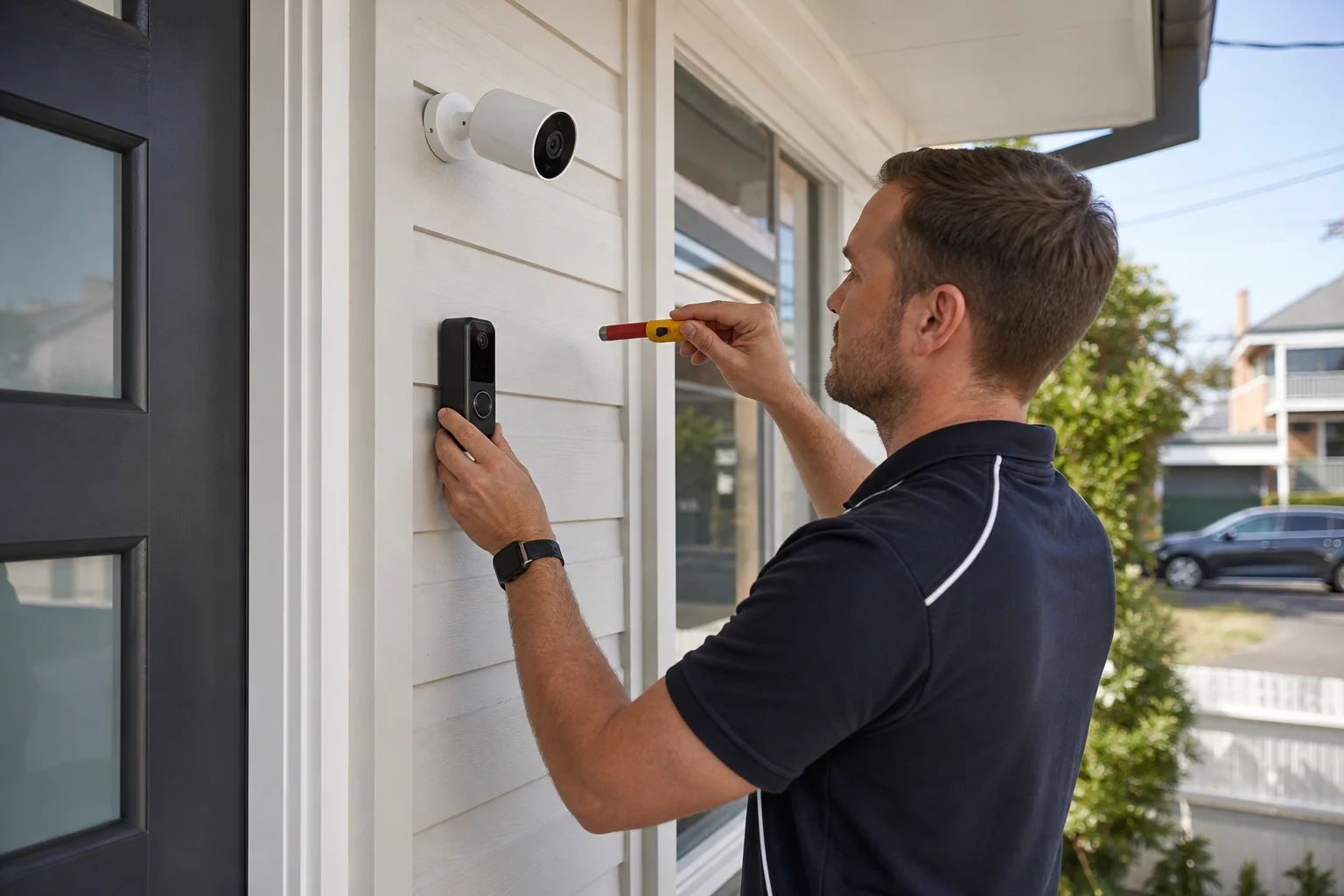
We also handle camera and doorbell placement and pairing, using mesh node placement near cameras when the front of the house is a long way from the modem. In Waratah South street-facing houses, that often makes the difference between a camera that drops out and one that keeps a steady feed. For families, we take care of family sharing and account linking so everyone can use the system without passing the phone around. We also set up automation rules and voice routines, from a simple lights-on schedule to a door chime that talks to the speaker. Compared with drop-off or shopfront repair, smart home work is usually better on site because the Wi-Fi, mounting spots, and app accounts all need to be checked in the house where the gear lives. Most single-fault jobs are done in one visit when the network is sound and the owner has the device ready.
Common issues we see
The usual problems in Newcastle are pretty plain once you see them. Devices not joining Wi-Fi is often a band issue, especially when a smart plug or speaker keeps trying to join 5 GHz instead of 2.4 GHz.
Read the full section
Cameras cutting out on 2.4 GHz is common when the router is too far back in the house or blocked by brick. A weak signal at the front door can leave a smart doorbell Newcastle setup missing rings or loading slowly. Apps not linking shows up when family members use different logins or when the device was set up in the wrong account. Automation routines not triggering can be a simple naming problem, a bad schedule, or a voice assistant that was not linked properly. These faults show up across Stockton Beach, The Hill and older houses near the harbour, so the fix is usually to check the network, the account, and the device order one by one.
Your journey
What happens on a visit
Step 1 of 6
confirming the devices and app of choice
We start by confirming the devices and app of choice.
What's included in your call-out
A fully-equipped mobile technician arriving at your address
The first hour of smart home setup on-site
Diagnostic report — you know exactly what's wrong before we quote parts
Smart speaker, display, and hub configuration
Camera and doorbell network setup
Voice-assistant routines tailored to your home
Same-day parts sourcing where practical
Written invoice with the ATO ABN and GST breakdown
Response time & booking
Same-day for jobs booked before 2pm**Same-day for jobs booked before 2pm** — From central Newcastle, Merewether (2291) is 5 minutes south, Hamilton (2303) is 5 minutes west, and Charlestown (2290) is 15 minutes down the road via the Pacific Highway.
Suburbs & postcodes we cover in Newcastle
Pricing detail
| What | Price (GST-inclusive) |
|---|---|
| Standard call-out (first hour on site) | $179 |
| Each additional 30-minute block | $89.50 |
| Residential account holders | 10% off list |
| Business accounts | List price |
Parking & site access
Please have the Wi-Fi password on hand before we arrive, along with access to power points and any mounting spots for cameras or doorbells. It helps if the app accounts are ready on a phone, because family sharing and login checks go faster when the owner can approve them on the spot. Parking can be tight near The Hill and some inner Newcastle streets, so clear access to the front door or driveway saves time, especially when we are carrying a ladder or mesh gear.
Book a smart home setup technician in Newcastle
Book smart home setup in Newcastle and we will come to your place, set up the devices, and get the Wi-Fi and apps sorted before we leave.
Questions & answers
Common questions in Newcastle
Repair
Can you install smart lights and speakers at home?
Yes.
- We install smart lights and speakers in Newcastle homes, and we set them up so they work from the same app or voice assistant where possible.
- That includes Google Nest, Alexa and Apple HomeKit gear.
- If the home is in Kotara South, New Lambton Heights or The Hill, we will also check the Wi-Fi path so the lights and speakers stay connected after we leave.
Related home services in Newcastle
Nearby areas
Or return to the Smart Home Setup hub or Newcastle location guide.