
NBN Wi-Fi setup Newcastle
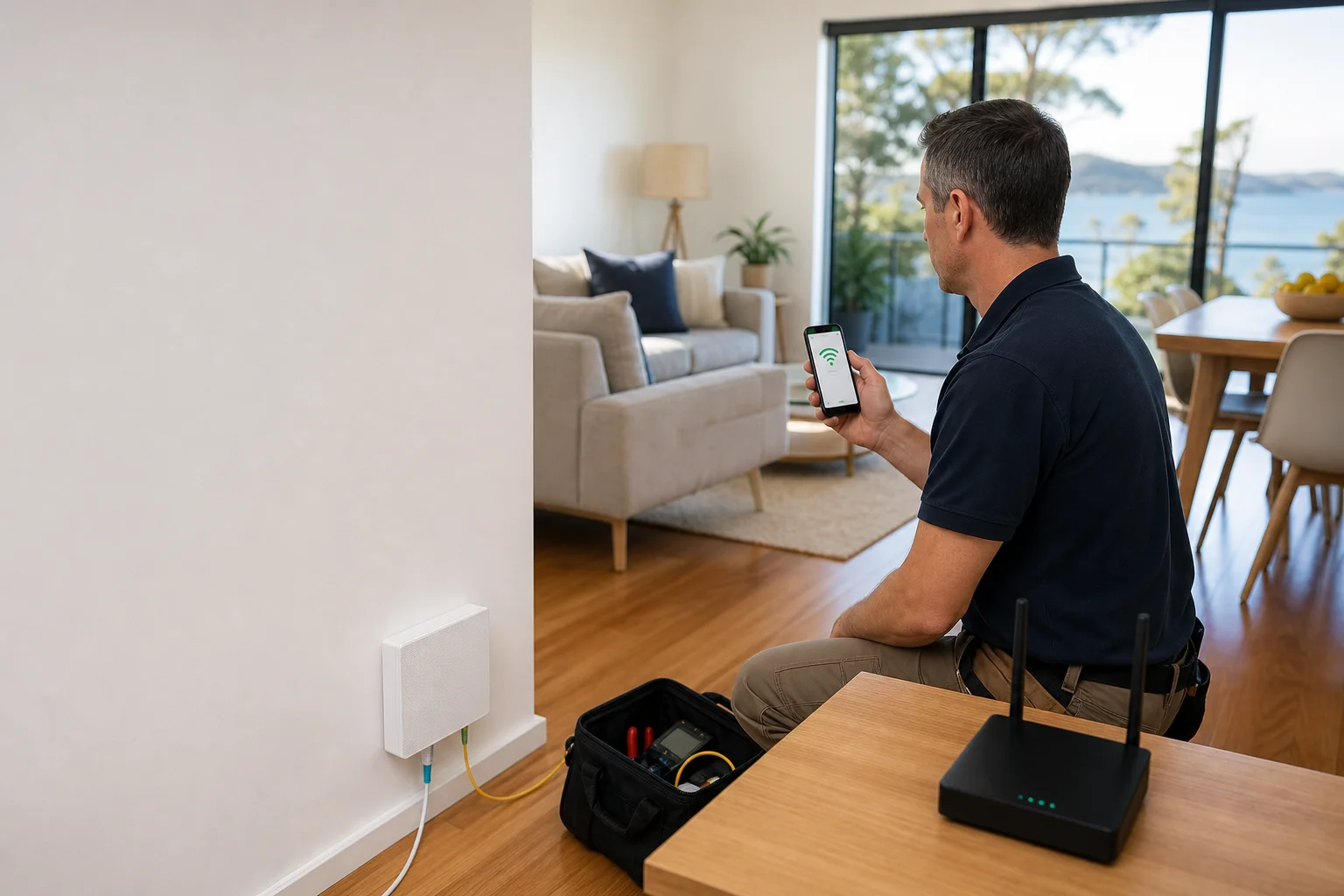
NBN Wi-Fi setup Newcastle starts at your home, not at a counter. We come to houses, units and townhouses across Newcastle, then check the connection at the wall outlet, the router position and the rooms where the signal falls away. The aim is simple: fix dropouts and dead spots at the source, and work out whether your service is FTTP, FTTN, HFC or FTTB before any gear gets moved around.
The Newcastle tech landscape
The NBN mix changes suburb by suburb across Newcastle. In denser buildings near the centre, you’ll see FTTB or FTTP in apartments and units, while established streets in Hamilton and Wallsend North often run on FTTN or HFC. That matters, because the fix for a weak link in a brick home is not the same as the fix in a unit with a shared building entry point. We also see router issues caused by power fluctuations during storm season, plus signal loss through walls, stairwells and concrete slabs. SERP results often mix ISP help pages and national installers, but the local gap is practical knowledge of Newcastle’s NBN mix and building-specific dead-spot fixes. That is where on-site work helps. We can stand in the lounge, the study and the back room, then see where the Wi-Fi falls over instead of guessing from a phone app alone.
For home network setup Wallsend North and the wider Newcastle area, we start with a Wi-Fi heat-mapping walk-through. That means checking where the signal is strong, where it fades, and which rooms need more coverage.
Continue reading
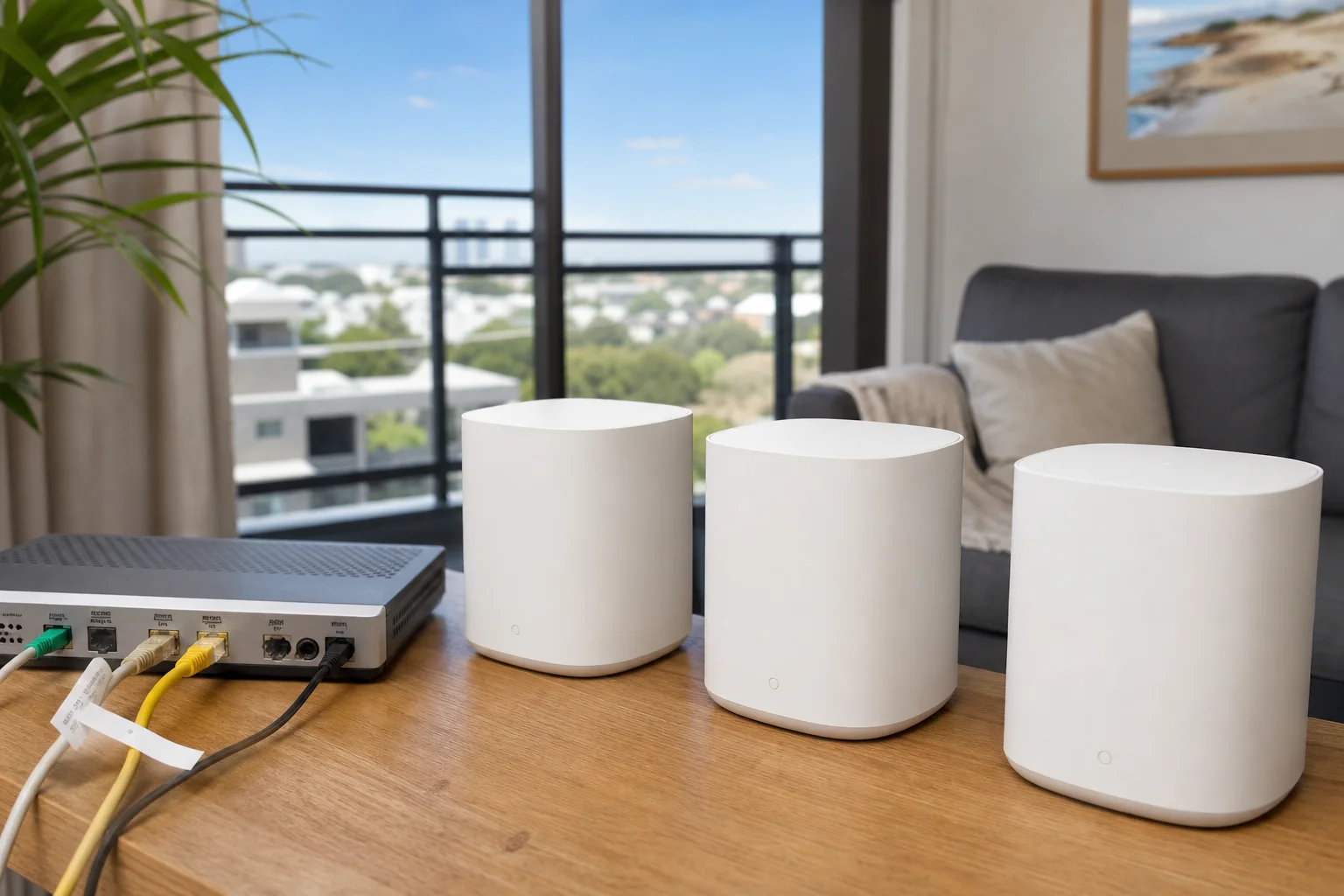
If your router is tucked away in a hallway cupboard or behind the TV, we’ll shift it to a better spot and tune the modem and channels so the network is less crowded. Where the home suits it, we place mesh nodes and, if cabling already exists, use Ethernet backhaul so the mesh points talk to each other properly. That helps in apartments in Wallsend North, double-storey homes in Mayfield West and older weatherboard or brick homes in Kotara South. We carry common parts, and we can set up hardware you already own if it is the right fit. The big difference from a shopfront job is that we work in the actual layout of your Newcastle home. A drop-off repair or retail handover can test a router on a bench, but it cannot show how brick, concrete and room placement affect signal once the box goes back into your place.
Common issues we see
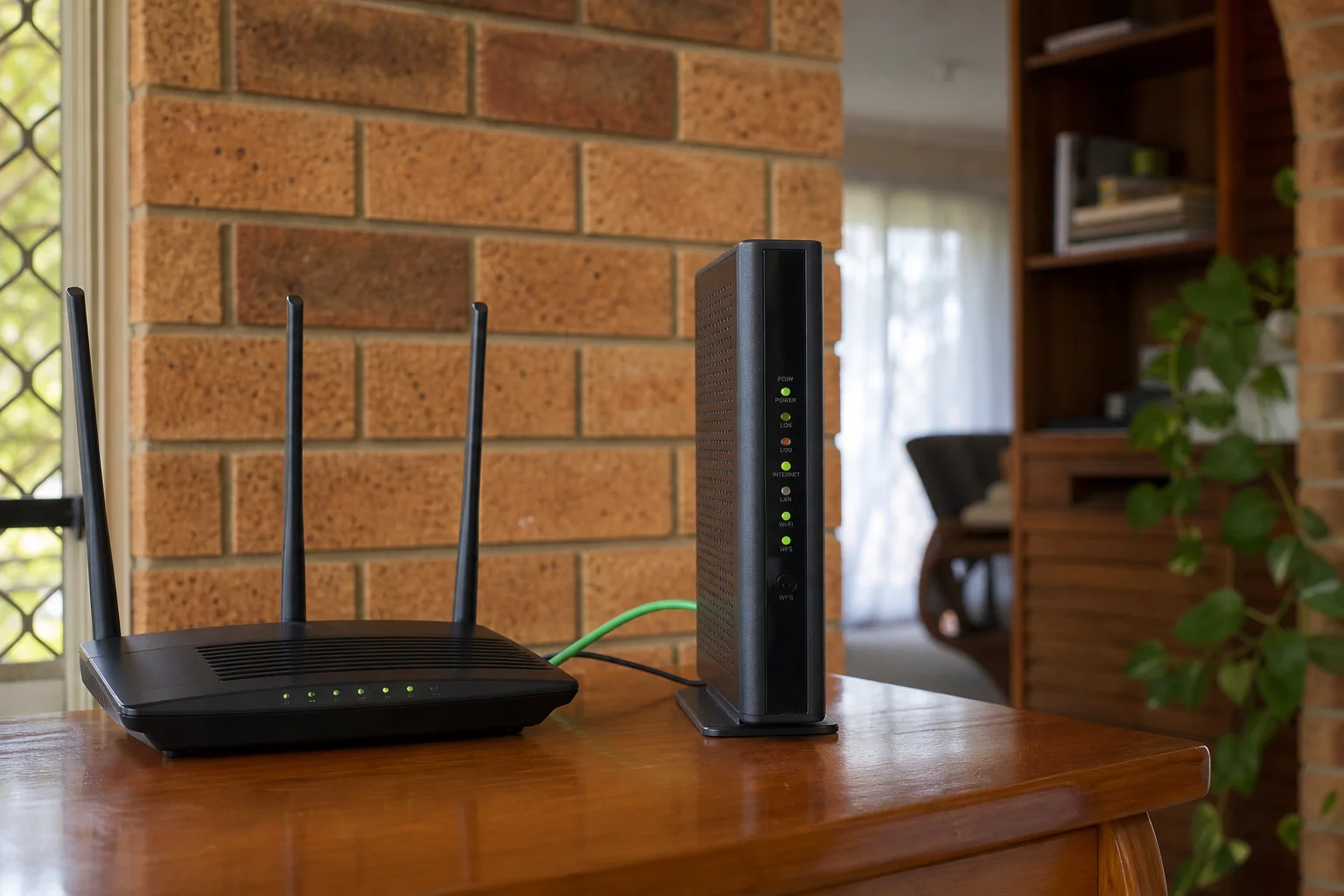
A lot of calls start with slow NBN Hamilton or similar complaints, but the cause is usually local to the house. Dropouts can happen when the router is under heat stress, when the modem sits too far from the rooms people actually use, or when a single-router setup is trying to cover a larger Newcastle block.
Read the full section
We also see Wi-Fi black spots behind brick or concrete, especially in older homes around Kotara South and in multi-level layouts where the lounge, bedrooms and garage are split across floors. Backyard, balcony and garage coverage can be weak even when the front rooms look fine. That is common with retailer routers that were fine in a small unit but struggle once they are put in a bigger house or behind a dense wall. The fix is usually a mix of better placement, cleaner channels and, where needed, mesh nodes or wired backhaul.
Your journey
What happens on a visit
Step 1 of 7
testing speeds at the NBN connection point…
We start by testing speeds at the NBN connection point and checking the service type on site.
What's included in your call-out
A fully-equipped mobile technician arriving at your address
The first hour of home wi-fi & nbn setup on-site
Diagnostic report — you know exactly what's wrong before we quote parts
Router placement and channel optimisation
Mesh or access-point configuration
NBN modem handoff and speed verification
Same-day parts sourcing where practical
Written invoice with the ATO ABN and GST breakdown
Response time & booking
Same-day for jobs booked before 2pm**Same-day for jobs booked before 2pm** — From central Newcastle, Merewether (2291) is 5 minutes south, Hamilton (2303) is 5 minutes west, and Charlestown (2290) is 15 minutes down the road via the Pacific Highway.
Suburbs & postcodes we cover in Newcastle
Pricing detail
| What | Price (GST-inclusive) |
|---|---|
| Standard call-out (first hour on site) | $169 |
| Each additional 30-minute block | $84.50 |
| Residential account holders | 10% off list |
| Business accounts | List price |
Parking & site access
Most Newcastle jobs are easier if there is driveway or visitor parking, especially in tighter streets around apartments and unit blocks. In body-corporate FTTB faults, the building manager or strata may need to handle the wider line issue, and we will tell you that plainly if the fault is not inside the unit. We also need access to the modem at the wall outlet, plus enough room to move between the NBN point, the router and the rooms where signal needs to improve.
Book a home wi-fi & nbn setup technician in Newcastle
Need help with NBN dropouts or weak Wi-Fi in Newcastle? Book a Home Wi-Fi & NBN Setup visit and we’ll check the connection, fix the layout and sort the coverage properly.
Questions & answers
Common questions in Newcastle
Coverage
Why does my NBN keep dropping out in Newcastle?
In Newcastle, dropouts often come back to a mix of service type, router placement and building layout.
- We see it in Hamilton terraces, Wallsend North homes and units with FTTB or FTTP where the gear is stuffed into a cupboard, then overheats or loses signal through brick and concrete.
- Storm-season power fluctuations can also cause resets.
- The first step is to test the NBN point, then check whether the modem, channels or mesh layout need changing.
Related home services in Newcastle
Nearby areas
Or return to the Home Wi-Fi & NBN Setup hub or Newcastle location guide.