
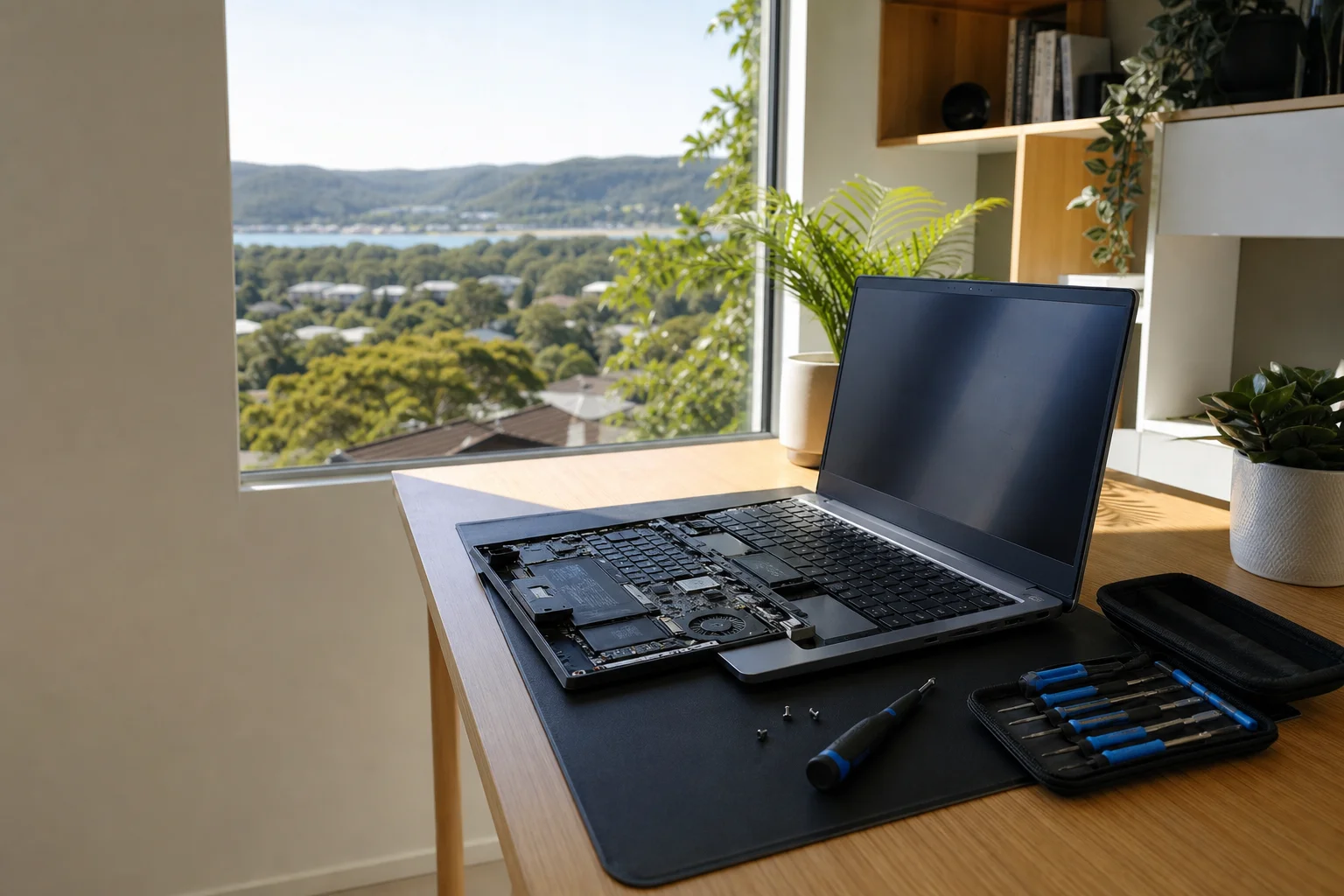
virus removal Gosford
virus removal Gosford is a mobile service we carry out on-site across Gosford and nearby streets, not a guesswork fix over the phone. We come to homes and small offices in North Gosford, Niagara Park and the surrounding Central Coast suburbs, check the problem on your own machine, and deal with the infection there. The call-out is $159 GST-inclusive, and we keep the job plain: no hype, no pushy extras, just a clear look at what is actually on the computer.
The Gosford tech landscape
Around Gosford, a lot of people search for virus help after a Windows laptop starts throwing fake alerts, a desktop runs slow, or a browser keeps jumping to odd pages. The search results are usually full of AV vendors, generic advice and broad how-to articles, while on-site clean-up plus scam education for Gosford is under-served. That gap matters in places like East Gosford, West Gosford and Point Clare, where people often want the machine checked at home rather than boxed up and taken into a shopfront. Some locals use retailers or national brands for new gear, then find they still need a technician who can sit in front of the actual device and clean it up properly. We work to that model, with a focus on the fault in front of us, not a one-size-fits-all script.
Our mobile technician works at your premises across Gosford, so the diagnosis happens on the same Windows laptop, desktop or Mac that is causing the trouble. We see a lot of Windows laptops and desktops hit by browser hijacks, fake-support pop-ups and bundled adware, and we do still find compromised Macs, especially when browser extensions or old passwords have been left in place.
Continue reading
The job usually starts with offline malware scans, then boot-time removal if the infection is hiding in startup, followed by browser and start-up clean-up, password resets and post-clean hardening. That is different from drop-off or shopfront repair, where the machine leaves your sight and you wait for a call. On-site work lets us see what the pop-ups are doing, whether the email account is also exposed, and whether the problem is a bad browser setting, a rogue extension or a deeper infection. Most clean-ups can be finished in one visit, but if the system is badly tangled, we will say so straight away and give you the options.
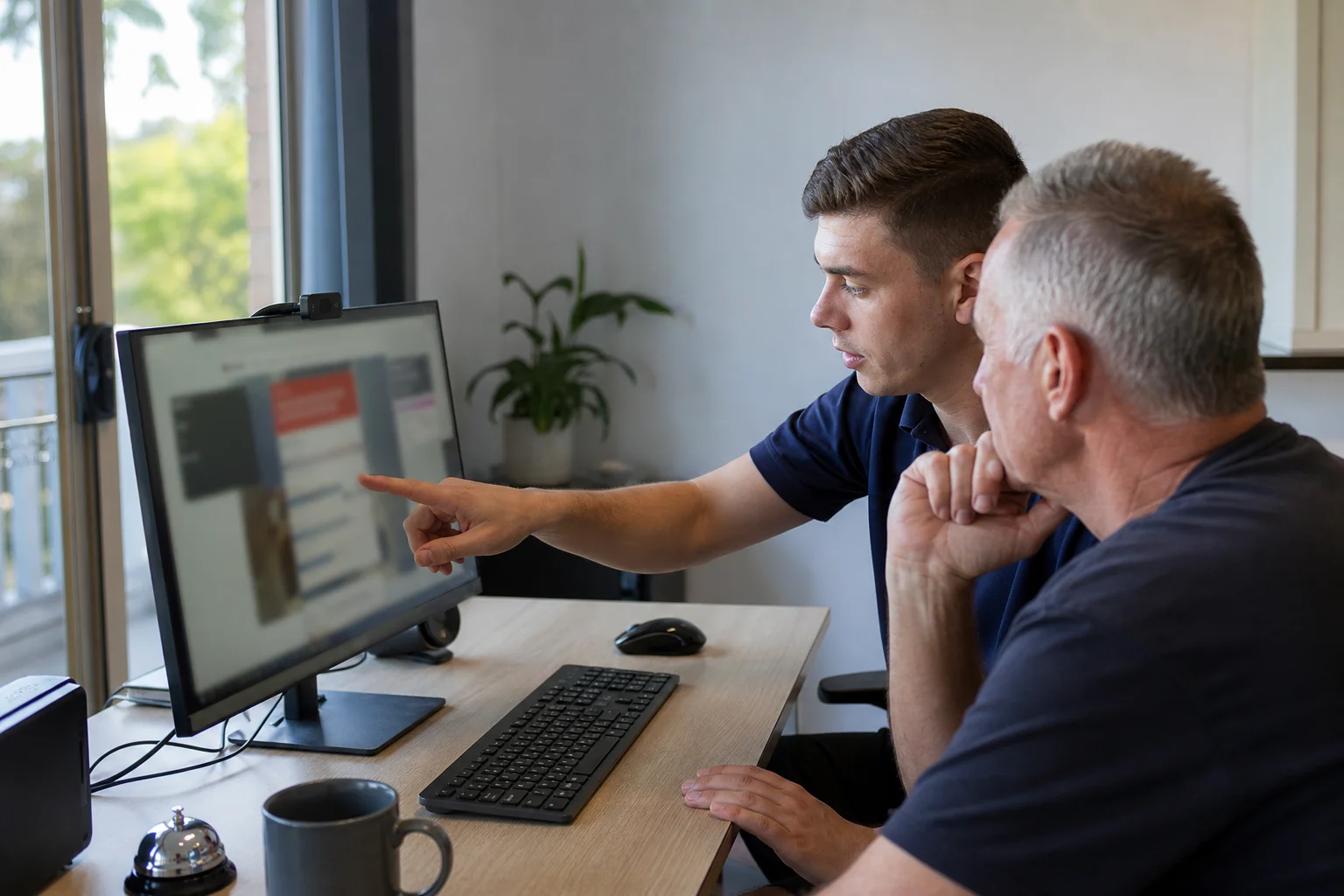
Common issues we see
We are often called for fake 'Microsoft' or 'Telstra' support pop-ups that fill the screen and try to pressure people into calling a number or paying for useless help. We also see browser redirects and injected ads, where a normal search turns into a scam pop-up Gosford users cannot close.
Read the full section
Ransomware locking files is more serious, because that can stop photos, work documents and accounts from opening at all. Another common one is slowdowns from crypto-mining malware, where the fan runs hard and the computer feels like it is fighting you. If the machine has been exposed for a long time, or the board, drive or operating system is too damaged, the honest answer can be replacement or rebuild rather than trying to save every file on an unsafe system. That is especially true when compromised email or banking logins have already been used elsewhere.
Your journey
What happens on a visit
Step 1 of 5
You book by phone or online with…
You book by phone or online with your postcode and a short description of the fault, such as pop-ups, redirects or ransomware help Gosford residents need after a scam page.
What's included in your call-out
A fully-equipped mobile technician arriving at your address
The first hour of virus & malware removal on-site
Diagnostic report — you know exactly what's wrong before we quote parts
Root-cause malware and spyware removal
Browser hijack and pop-up cleanup
Security hardening before we leave
Same-day parts sourcing where practical
Written invoice with the ATO ABN and GST breakdown
Response time & booking
Same-day for jobs booked before 12pm**Same-day for jobs booked before 12pm** — From central Gosford, Point Frederick and East Gosford are 5 minutes across the bridge; Point Clare (2250) is 5 minutes west; Woy Woy (2256) is 15 minutes south via Rip Bridge; Umina Beach (2257) is 20 minutes.
Suburbs & postcodes we cover in Gosford
Pricing detail
| What | Price (GST-inclusive) |
|---|---|
| Standard call-out (first hour on site) | $159 |
| Each additional 30-minute block | $79.50 |
| Residential account holders | 10% off list |
| Business accounts | List price |
Parking & site access
Gosford’s CBD around Mann Street often means metered street parking or a nearby car park, and some apartment towers need extra time for access or lifts. In suburbs like Point Clare, Wyoming and East Gosford, driveway parking is more common, while waterfront homes on Brisbane Water can have tighter entry or limited turning space.
Read the full section
Please make sure there is power at the computer, enough room to work, and any building or strata sign-in sorted before we arrive. For business sites, we also plan around trading hours and comms-room access so the visit does not block your staff.
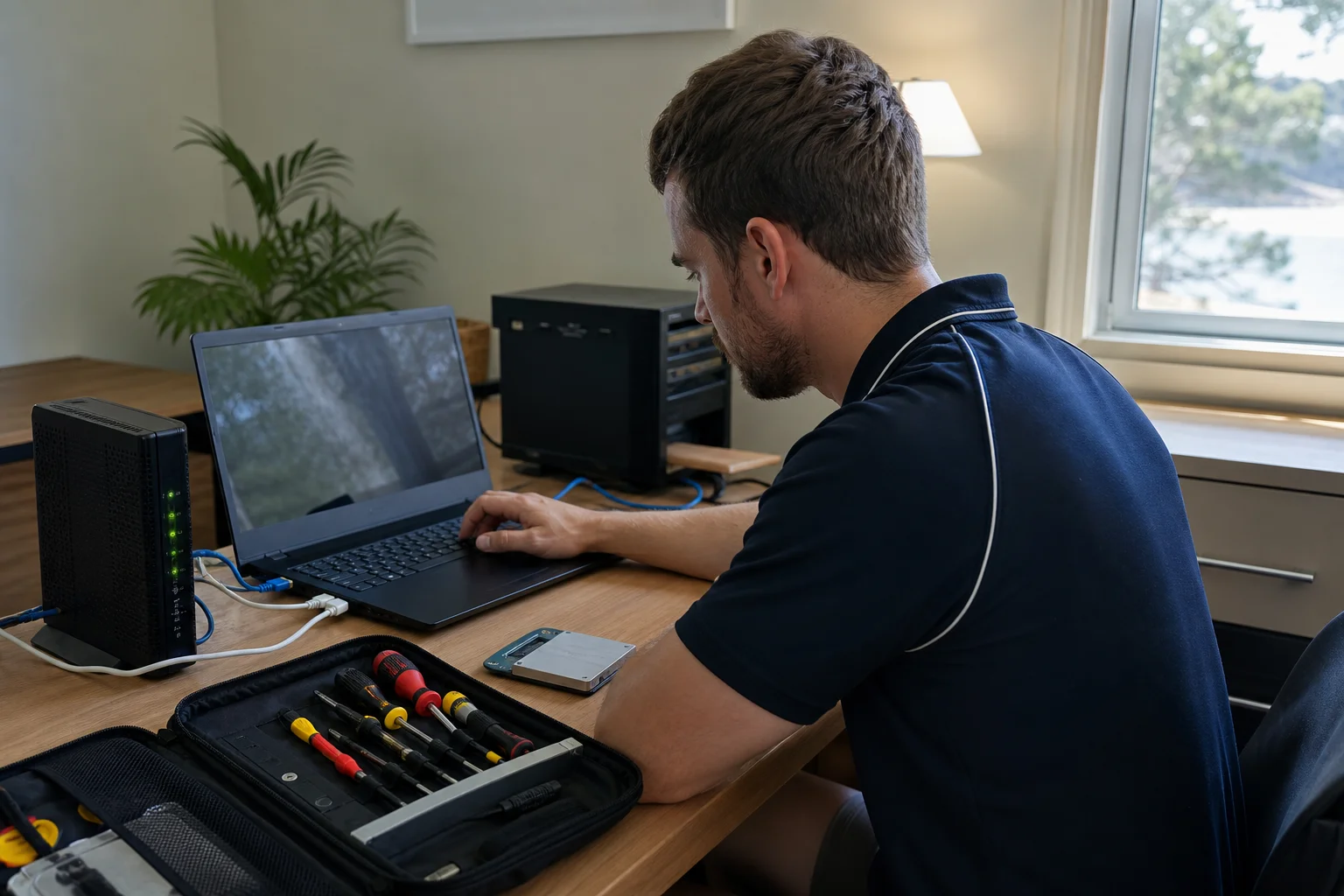
Book a virus & malware removal technician in Gosford
Book a local Gosford visit and we will come to your home or office, check the problem on site, and give you a clear fix path from the first call-out.
Questions & answers
Common questions in Gosford
Timing
How do I remove a virus from my computer in Gosford?
The safest way is to stop using the machine for anything sensitive, then get it checked on-site so the infection can be identified before more damage is done.
- In Gosford, we often find the issue is tied to a browser hijack, adware or a fake update, not just a single file.
- We use offline scans, boot-time removal and browser clean-up, then reset passwords if there is any sign of account exposure.
- That is better than clicking random guides online when the computer is already unstable.
Related home services in Gosford
Nearby areas
Or return to the Virus & Malware Removal hub or Gosford location guide.