
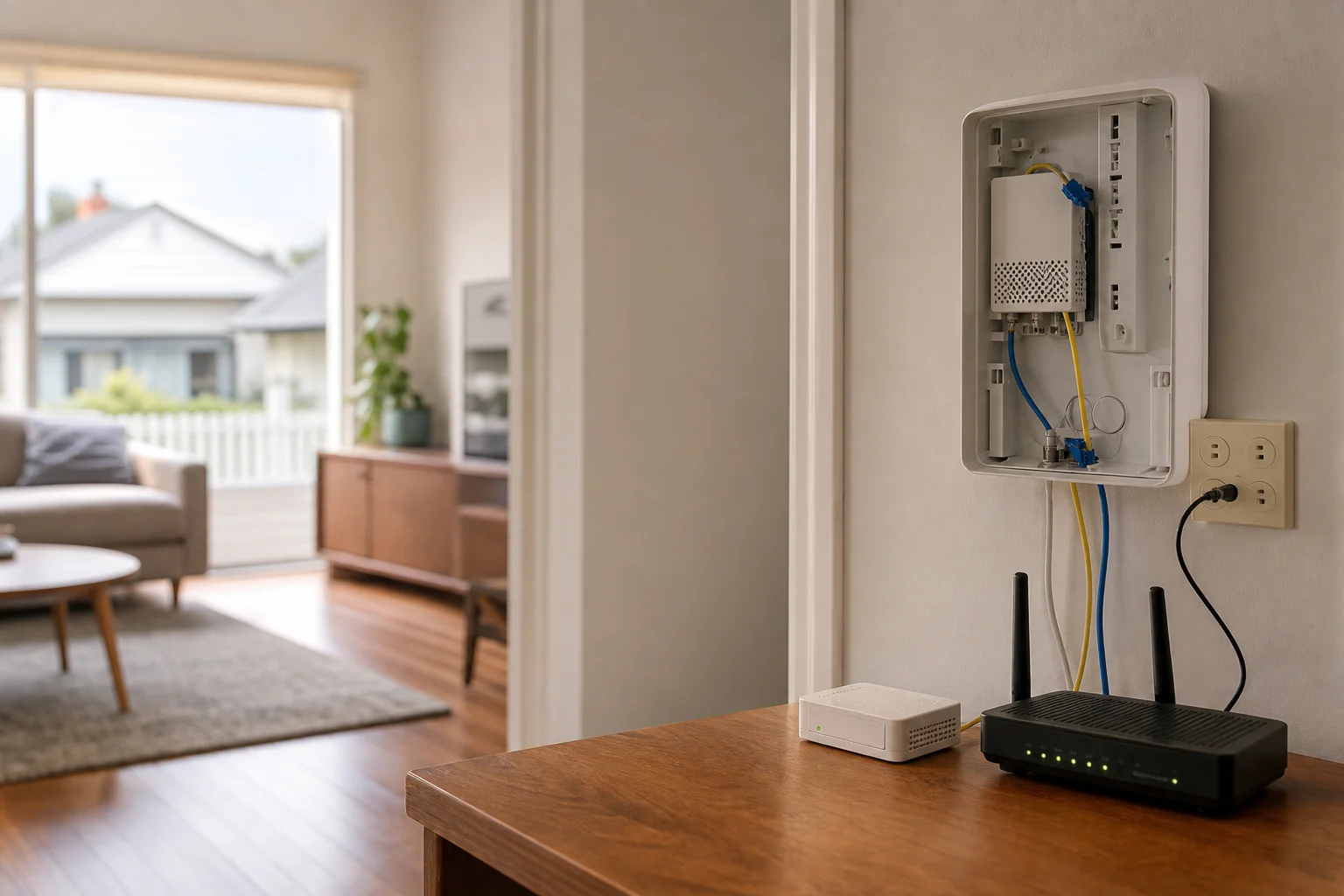
NBN Wi-Fi setup Maitland
NBN Wi-Fi setup Maitland starts with checking the house, not just the modem box. We work across Maitland homes and units, then work out why the signal drops out or falls away in the rooms you use most.
Read the full section
If your connection is patchy in a Telarah weatherboard, a Lorn double-storey, or a Bolwarra apartment, we look at the NBN technology and the Wi-Fi layout together. That includes knowing whether you’re on FTTP, FTTN, HFC or FTTB before anything gets moved.
The Maitland tech landscape
Around Maitland, the NBN mix changes from street to street. In newer or denser parts of town you may see FTTB or FTTP, while established homes in Thornton and Bolwarra often run on FTTN or HFC. That matters, because the fault might sit at the connection point, or it might be the router trying to push through brick, concrete or two storeys. The SERP is full of ISP help pages and national installers, but the gap is local knowledge of Maitland’s NBN mix and the way different building types create dead spots. A house near Green Hills can have a very different signal path to an older place in Telarah or a unit in Bolwarra. Storm-season power stress also shows up here, with resets and dropouts after flickers or surges. We check for that instead of guessing.
The job starts with a Wi-Fi heat-mapping walk-through. We move through the Maitland home and look for weak zones, then note where the signal breaks down behind brick walls, along a hallway, or up on a second level.
Continue reading
If the plan suits the house, we place mesh nodes where they actually help, not where they look tidy on a shelf. Where cabling exists, Ethernet backhaul gives the mesh a cleaner path than a wireless hop through concrete. We also do modem and channel optimisation so the router is not fighting with nearby networks or sitting on a crowded channel. In homes around Lorn and Bolwarra, retailer routers often struggle behind brick or concrete, so a single box in the lounge room is rarely enough. This is on-site work, so we can test the live setup at the wall outlet, the study, the bedroom and the backyard. It beats a drop-off or shopfront approach, because the problem in Maitland is usually how the house is built, not just the hardware on the bench.

Common issues we see
A lot of calls in Maitland come back to the same faults. Storm-season stress can trigger dropouts after power blips, especially where the modem or NBN box has had a rough reset history.
Read the full section
Brick and concrete walls create Wi-Fi black spots, and the router is often left in a corner away from the rooms people use. Single-router setups also get crowded once phones, TVs, laptops and consoles all connect at once. In older Telarah homes, the backyard or garage can sit outside the main signal path, so the Wi-Fi feels fine in the lounge room and weak where the kids actually use it. That is why a quick reboot rarely fixes the root cause. In Thornton, people often call about slow NBN Thornton speeds that turn out to be a mix of line quality, bad placement and too much load on one router.
Your journey
What happens on a visit
Step 1 of 6
We start at the NBN connection point…
We start at the NBN connection point and test speed and stability there, so we know whether the issue is on the NBN side or inside the house.
What's included in your call-out
A fully-equipped mobile technician arriving at your address
The first hour of home wi-fi & nbn setup on-site
Diagnostic report — you know exactly what's wrong before we quote parts
Router placement and channel optimisation
Mesh or access-point configuration
NBN modem handoff and speed verification
Same-day parts sourcing where practical
Written invoice with the ATO ABN and GST breakdown
Response time & booking
Same-day for jobs booked before 12pm**Same-day for jobs booked before 12pm** — From central Maitland, Rutherford is 10 minutes west, East Maitland/Green Hills is 5 minutes east, and Thornton (2322) is 10 minutes down the Hunter Expressway.
Suburbs & postcodes we cover in Maitland
Pricing detail
| What | Price (GST-inclusive) |
|---|---|
| Standard call-out (first hour on site) | $169 |
| Each additional 30-minute block | $84.50 |
| Residential account holders | 10% off list |
| Business accounts | List price |
Parking & site access
For Maitland homes, driveway or visitor parking makes the visit quicker, especially around unit blocks and tighter streets near the centre of town. If you live in an apartment with FTTB, body-corporate faults may need to go to the building manager first, because the issue can sit in the shared building gear.
Read the full section
We also need modem access at the wall outlet so we can test the live connection, not just the Wi-Fi name on a phone. In older homes around Telarah and Lorn, the router is sometimes tucked behind furniture or in a hallway cupboard, which slows down the job until it is pulled out and tested properly.
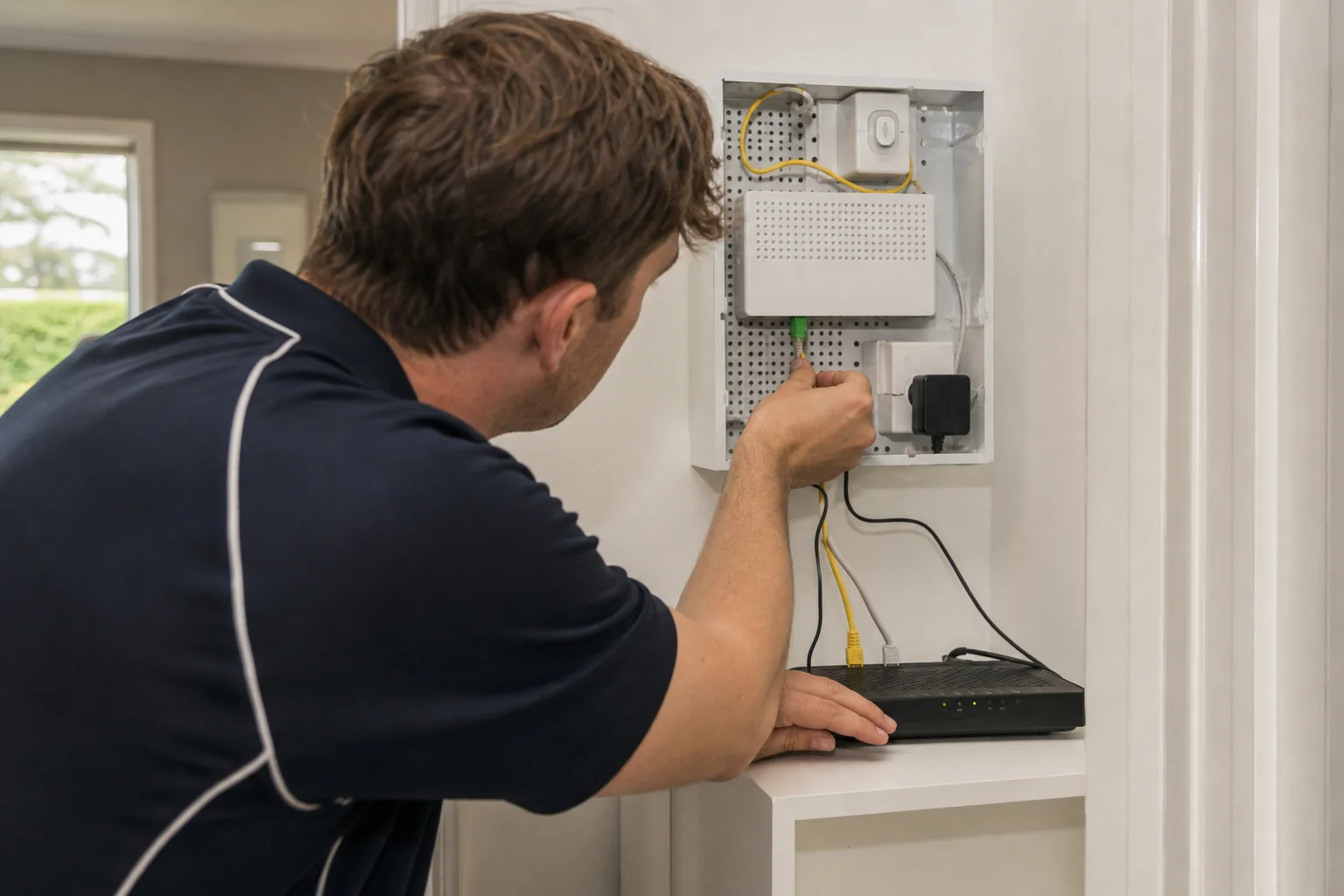
Book a home wi-fi & nbn setup technician in Maitland
If your Maitland home has dropouts, dead spots or a modem that keeps losing sync, book an on-site check and we’ll sort the Wi-Fi layout, NBN type and mesh placement at the property.
Questions & answers
Common questions in Maitland
General
Why does my NBN keep dropping out in Maitland?
In Maitland, dropouts usually come from a mix of storm-season stress, old cabling, and the way the router is placed in the house.
- If you are on FTTN or HFC in Thornton or Bolwarra, the connection can be more sensitive to power flickers and line noise.
- We test at the NBN point first, then check whether the modem, the router, or the home layout is making things worse.
- That stops us from guessing and saves time on repeat resets.
Related home services in Maitland
Nearby areas
Or return to the Home Wi-Fi & NBN Setup hub or Maitland location guide.