
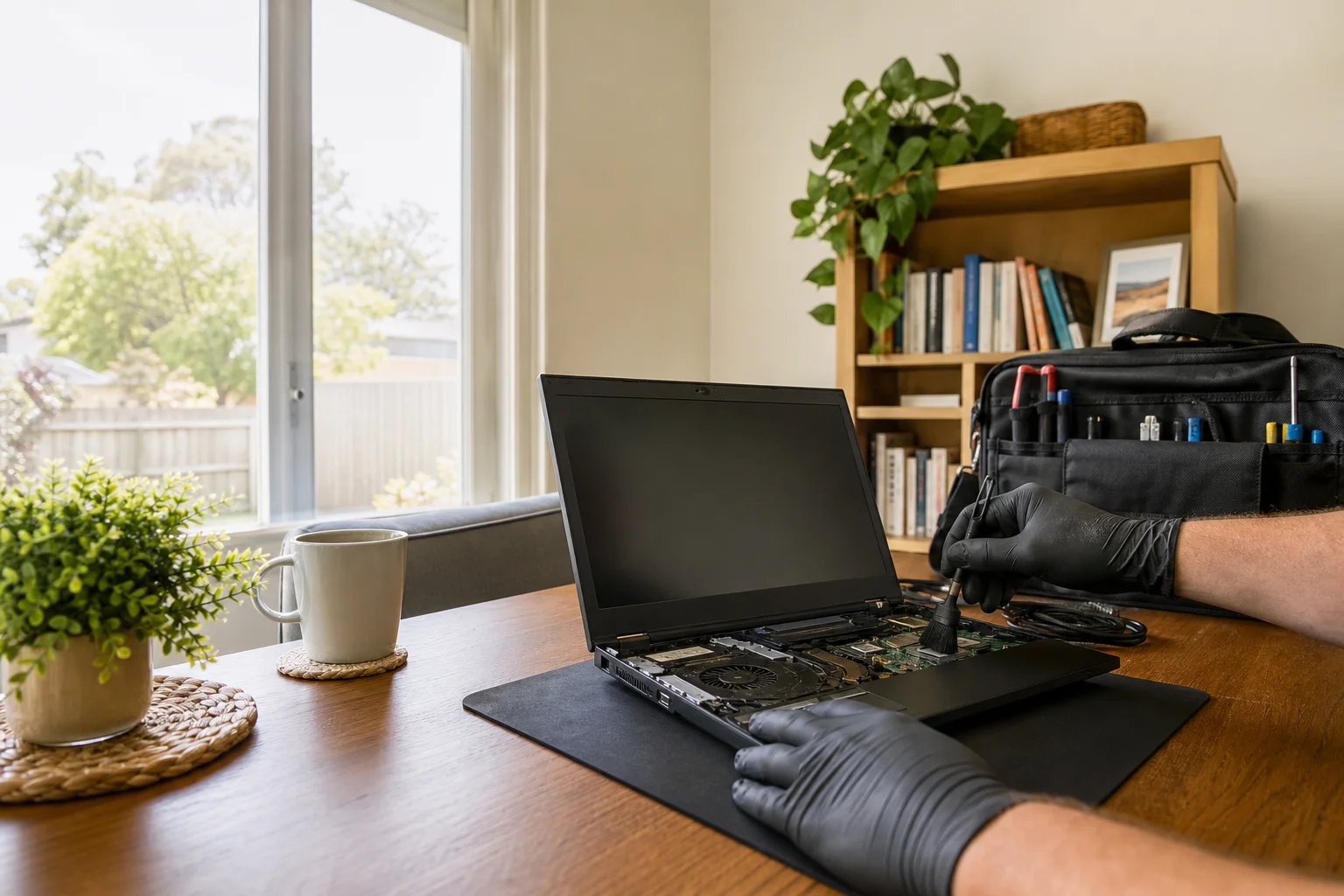
Virus removal Maitland
Virus removal Maitland starts at your place, not at a shop counter. We come to homes and home offices across Maitland, then check the problem on the computer where it sits, whether that’s a family Windows PC in Metford, a senior’s laptop in Bolwarra, or a shared machine in Lorn. The $159 GST-inclusive call-out covers diagnosis and the first clean-up steps, and we’ll tell you if the machine needs more than a basic removal.
The Maitland tech landscape
A lot of the calls we see in Maitland begin with fake support pop-ups, lock screens, or a browser that keeps opening ads over and over. Older PCs in Telarah and family desktops in Ashtonfield are common targets because they get used every day and often miss updates. We also see remote-access scams after a cold call, where someone talks the owner into letting them in. That’s the gap in the SERP: downloadable cleaner tools and national remote services, but no on-site removal plus scam-recovery guidance in Maitland. When a machine is already half locked up, being there in person matters more than sending a link.
For malware removal Maitland jobs, we work offline first so the threats can’t keep phoning home or spreading while we clean them. That means an offline scan and quarantine, then browser and startup cleanup so the junk doesn’t come back after reboot.
Continue reading
On Windows PCs in Maitland homes, we also check Defender setup, patching, and whether the machine has been set to run a dodgy toolbar or extension on every start. If you were hit by a scam call, we’ll talk you through account and password reset guidance in plain terms. This is on-site work, not a drop-off shopfront job, so we can test the machine in the same house or office where the problem showed up. If a full reinstall is the safer call for deep infections, we say so up front and quote it separately.
Common issues we see
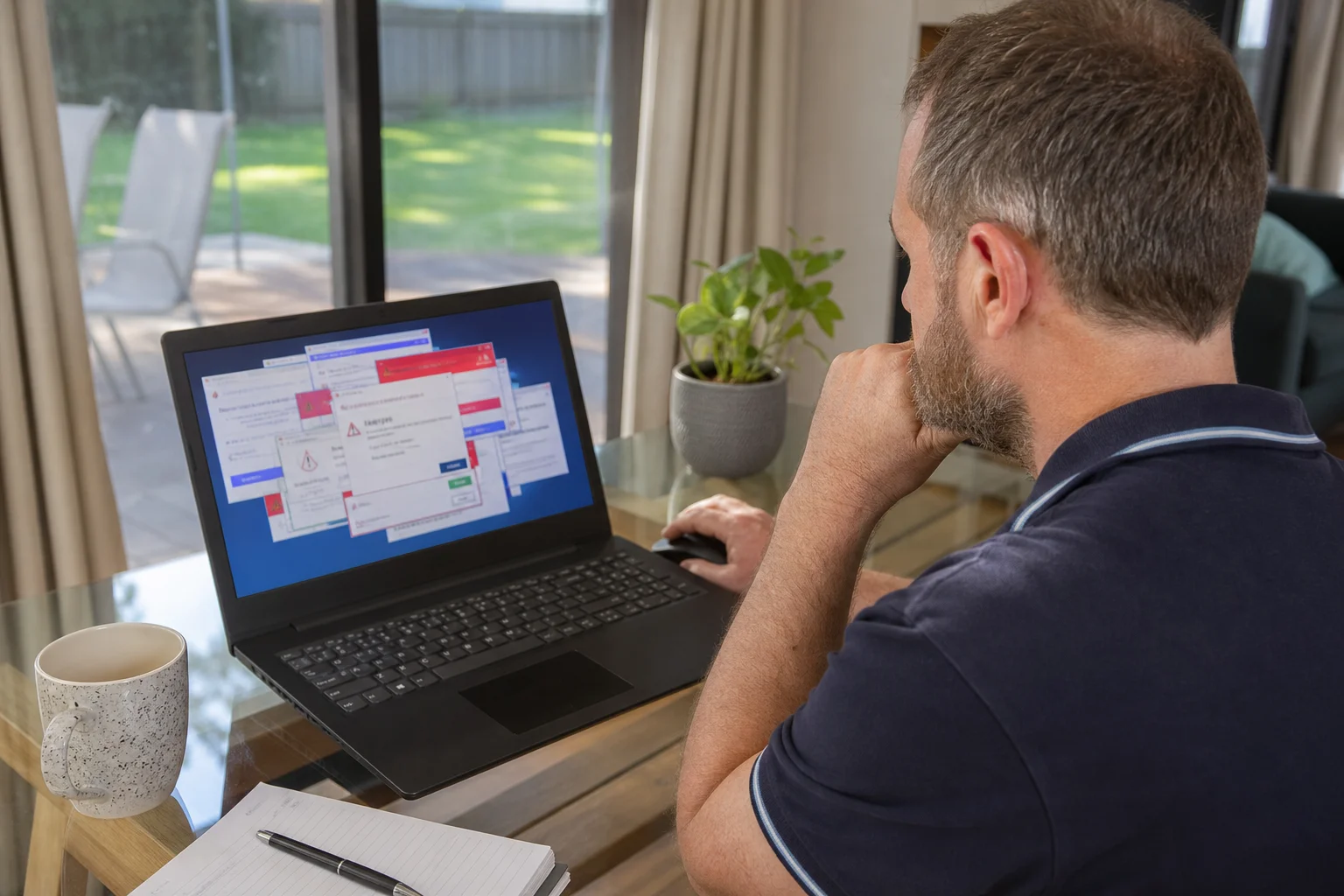
The usual faults are easy to spot once you know what to look for. Fake support pop-ups and lock screens often hit older laptops used by seniors in Bolwarra, and they can freeze the screen until the user rings a scam number.
Read the full section
Browser hijacks and constant ads show up on shared family PCs around Maitland when someone has clicked a bad download. Remote-access scam aftermath is another one: the caller has been in the machine, changed settings, or left a remote tool behind. We also see malware slowdowns, where a computer in Telarah boots slowly, fans spin up, and every click drags. Ransomware is rarer, but unpatched machines can still get caught if the owner delays updates. If you need computer virus Lorn help or remove malware Telarah support, those are the same types of faults we deal with most days.
Your journey
What happens on a visit
Step 1 of 7
The process is simple
The process is simple.
What's included in your call-out
A fully-equipped mobile technician arriving at your address
The first hour of virus & malware removal on-site
Diagnostic report — you know exactly what's wrong before we quote parts
Root-cause malware and spyware removal
Browser hijack and pop-up cleanup
Security hardening before we leave
Same-day parts sourcing where practical
Written invoice with the ATO ABN and GST breakdown
Response time & booking
Same-day for jobs booked before 12pm**Same-day for jobs booked before 12pm** — From central Maitland, Rutherford is 10 minutes west, East Maitland/Green Hills is 5 minutes east, and Thornton (2322) is 10 minutes down the Hunter Expressway.
Suburbs & postcodes we cover in Maitland
Pricing detail
| What | Price (GST-inclusive) |
|---|---|
| Standard call-out (first hour on site) | $159 |
| Each additional 30-minute block | $79.50 |
| Residential account holders | 10% off list |
| Business accounts | List price |
Parking & site access
We can work from an apartment, a driveway, or a desk in the spare room, depending on where the PC is in Maitland. On-site means the machine stays where it is, so there’s no need to unplug half the house or carry a heavy desktop across town.
Read the full section
For laptop work, we just need room to open the lid and a power point. Router access helps us check the network if malware has touched the home connection, and that matters in units, older houses, and shared homes around the centre of Maitland. If parking is tight at your place, tell us when booking so we can plan the visit properly.
Book a virus & malware removal technician in Maitland
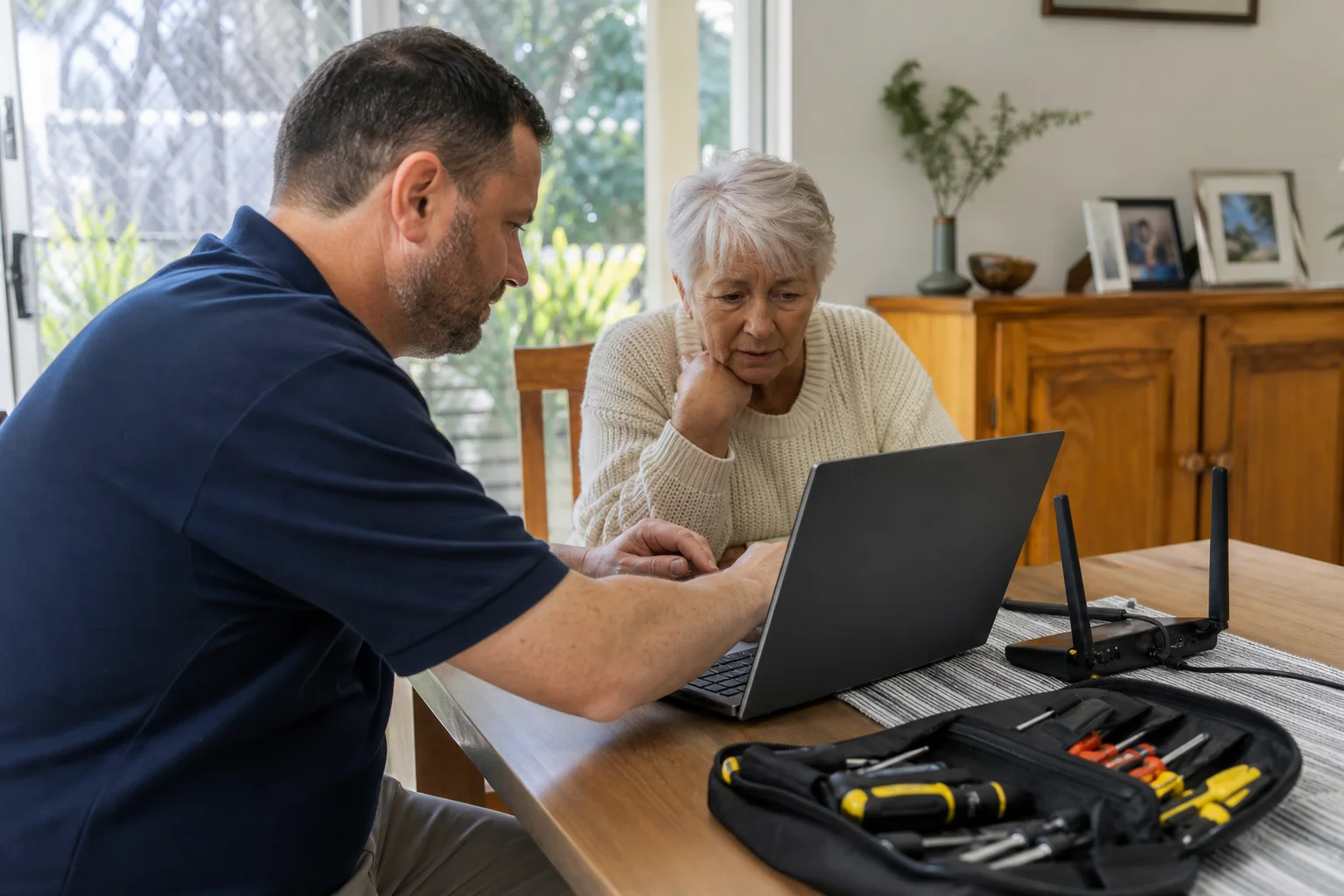
If you need virus removal Maitland support, book an on-site visit and we’ll clean the machine, check your accounts, and explain the next step before we leave.
Questions & answers
Common questions in Maitland
Repair
How do I remove a virus from my computer at home?
Start by disconnecting the computer from Wi-Fi or the ethernet cable so the problem can’t keep spreading.
- Then run an offline scan if you have one, but in many Maitland homes that still leaves browser hijacks, bad startup items, and hidden adware behind.
- That’s why we do the clean-up on site, whether the machine is a family Windows PC in Metford or an older laptop in Bolwarra.
- We also check Defender, patches, and login settings so the same issue does not come back after reboot.
Related home services in Maitland
Nearby areas
Or return to the Virus & Malware Removal hub or Maitland location guide.