
virus removal Newcastle
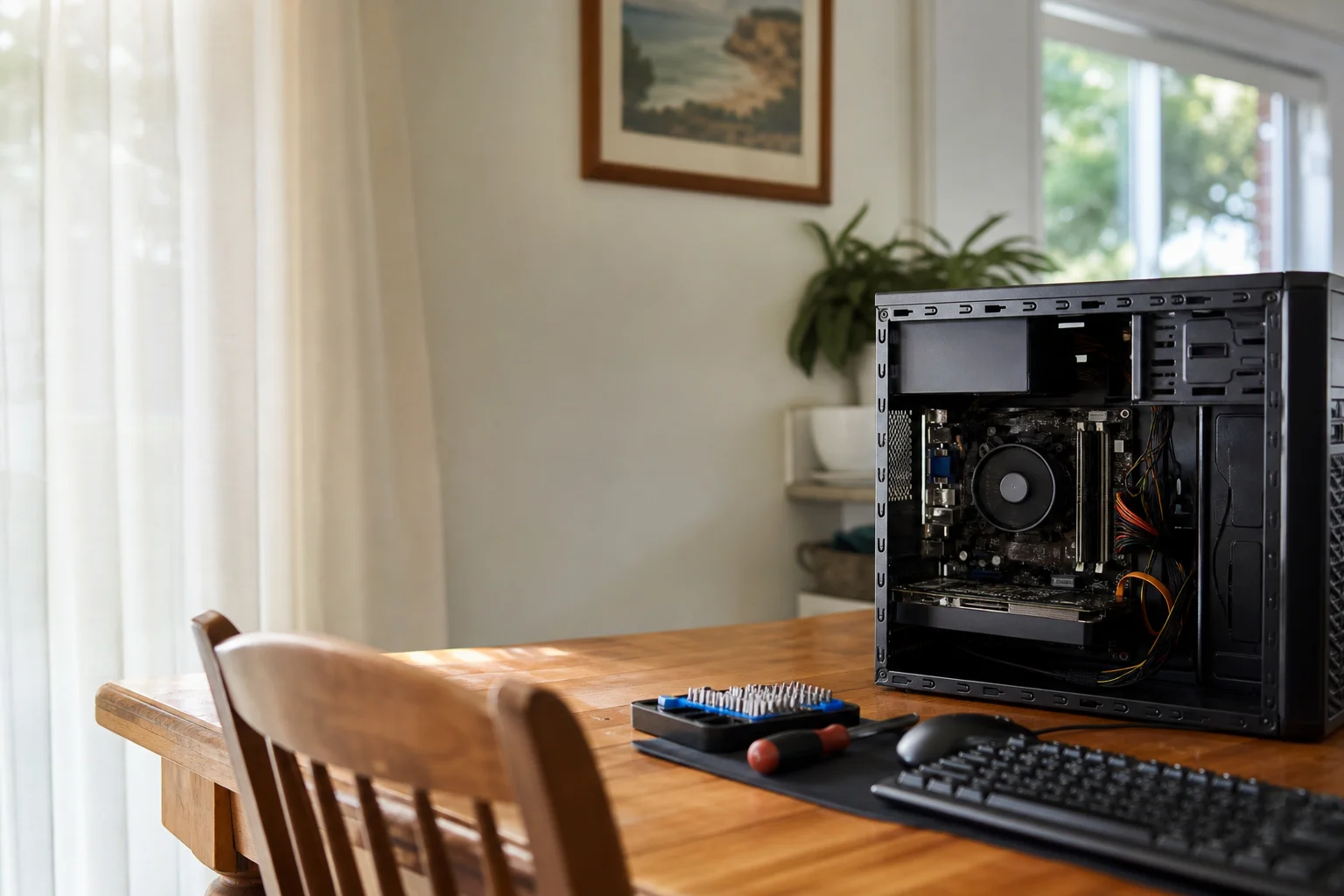
virus removal Newcastle starts at your place, not at a shop counter. We come to homes across Newcastle, from family Windows PCs in the suburbs to older laptops on a kitchen table in Wallsend North. The job is to clear fake pop-ups, browser hijacks, rogue software and scam pages where the machine sits, then explain what to do next if a scam caller has already been on the line.
The Newcastle tech landscape
Newcastle homes see the same sort of trouble again and again, especially on family PCs and older laptops used by seniors in Wallsend North. A fake support pop-up can lock the screen, then a phone scam follows asking for remote access or payment. Downloadable cleaner tools often make things worse, and national remote services can leave you with a machine that is still infected once the session ends. The gap in the market here is simple: on-site removal plus scam-recovery guidance in Newcastle, with someone who can see the machine, the browser, the network connection and the user account all in one visit. That matters in Mayfield West apartments, in shared homes near the city, and on PCs that have picked up a computer virus Mayfield West after a bad download.
We use offline scan and quarantine first, so the machine is not feeding the infection while we work on it. From there, we do browser and startup cleanup, remove unwanted extensions, check for redirected search settings, and tidy the bits that keep bringing the problem back.
Continue reading
If malware has touched passwords or email, we give account and password reset guidance before the PC goes back online. That is the point of malware removal Newcastle done on-site: you get the cleaning, the explanation and the next steps in the same house in Kotara South or New Lambton Heights. It is also different from drop-off or shopfront repair, where you leave the computer behind and wait. With on-site work, we can test the browser, the login screen and the NBN connection in real time, and we can set up Defender protection while the machine is still in front of us. If the issue is ransomware help Newcastle, we look at what can be recovered safely, what needs to stay isolated, and whether a full reinstall is the smarter call for that older desktop in a home office on The Hill.
Common issues we see
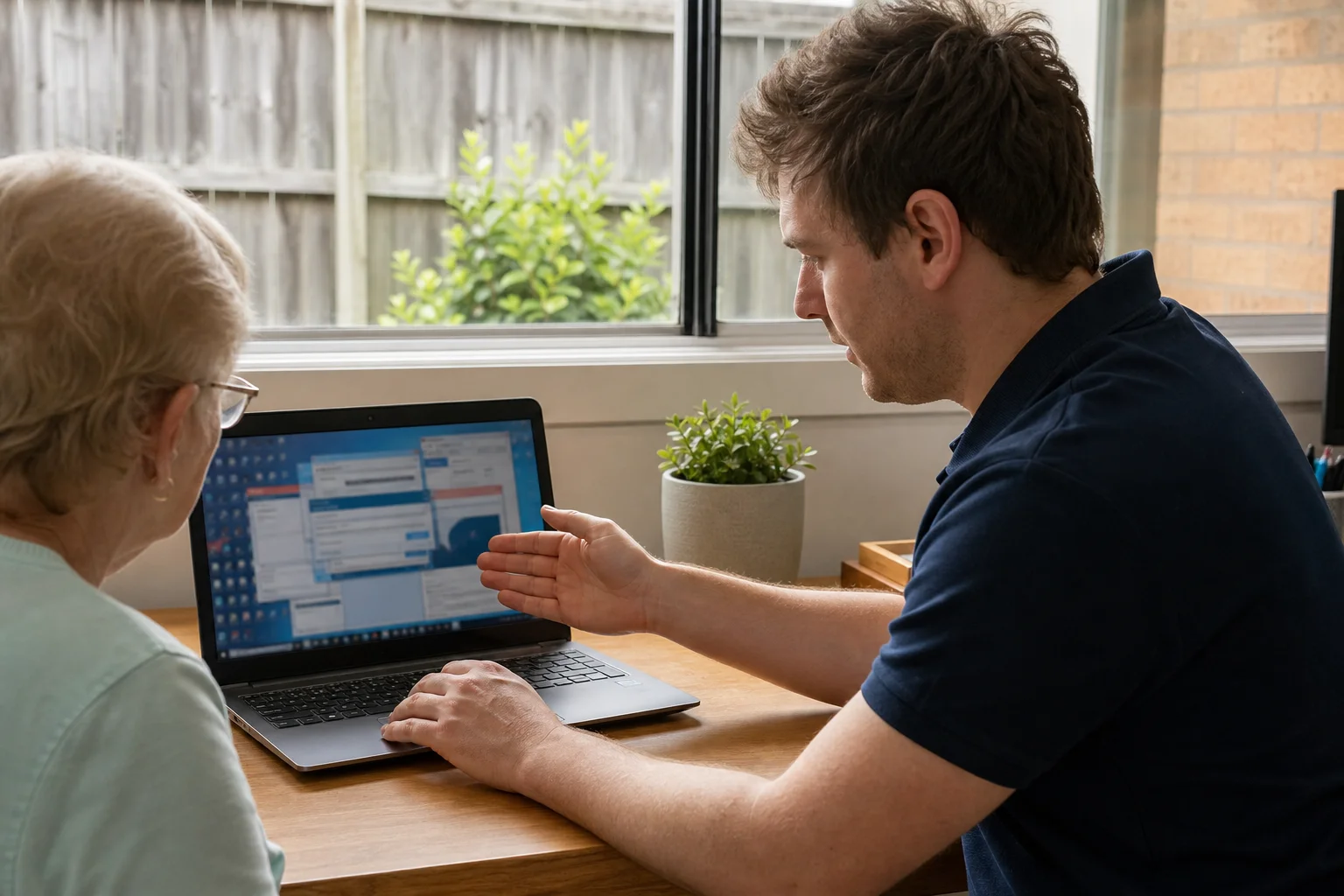
The most common call is a fake support pop-up that says the computer is blocked and needs urgent help. In Newcastle, that often lands on a family PC at home or a senior laptop in Wallsend North.
Read the full section
Browser hijacks are next, where search results jump to ad pages and the home page changes itself. Remote-access scam aftermath is another one: someone has already allowed access after a cold call, then notices new toolbars, strange files or payment requests. Malware slowdowns are common too, with the fan running hard and the machine taking ages to start. On older machines, ransomware can hit unpatched Windows installs and lock photos or documents. If you need remove malware Kotara South, the first step is to stop clicking and keep the machine offline until it is checked properly.
Your journey
What happens on a visit
Step 1 of 6
isolating the machine from Wi-Fi and any…
We start by isolating the machine from Wi-Fi and any shared network in the house, especially if it is one of those shared family PCs in New Lambton Heights.
What's included in your call-out
A fully-equipped mobile technician arriving at your address
The first hour of virus & malware removal on-site
Diagnostic report — you know exactly what's wrong before we quote parts
Root-cause malware and spyware removal
Browser hijack and pop-up cleanup
Security hardening before we leave
Same-day parts sourcing where practical
Written invoice with the ATO ABN and GST breakdown
Response time & booking
Same-day for jobs booked before 2pm**Same-day for jobs booked before 2pm** — From central Newcastle, Merewether (2291) is 5 minutes south, Hamilton (2303) is 5 minutes west, and Charlestown (2290) is 15 minutes down the road via the Pacific Highway.
Suburbs & postcodes we cover in Newcastle
Pricing detail
| What | Price (GST-inclusive) |
|---|---|
| Standard call-out (first hour on site) | $159 |
| Each additional 30-minute block | $79.50 |
| Residential account holders | 10% off list |
| Business accounts | List price |
Parking & site access
We can work in a driveway, a carport, or a unit with narrow parking near the city, so long as we can get to the machine and the modem. The laptop or desktop is fixed where it sits, whether that is a dining table in an apartment or a desk in a home office.
Read the full section
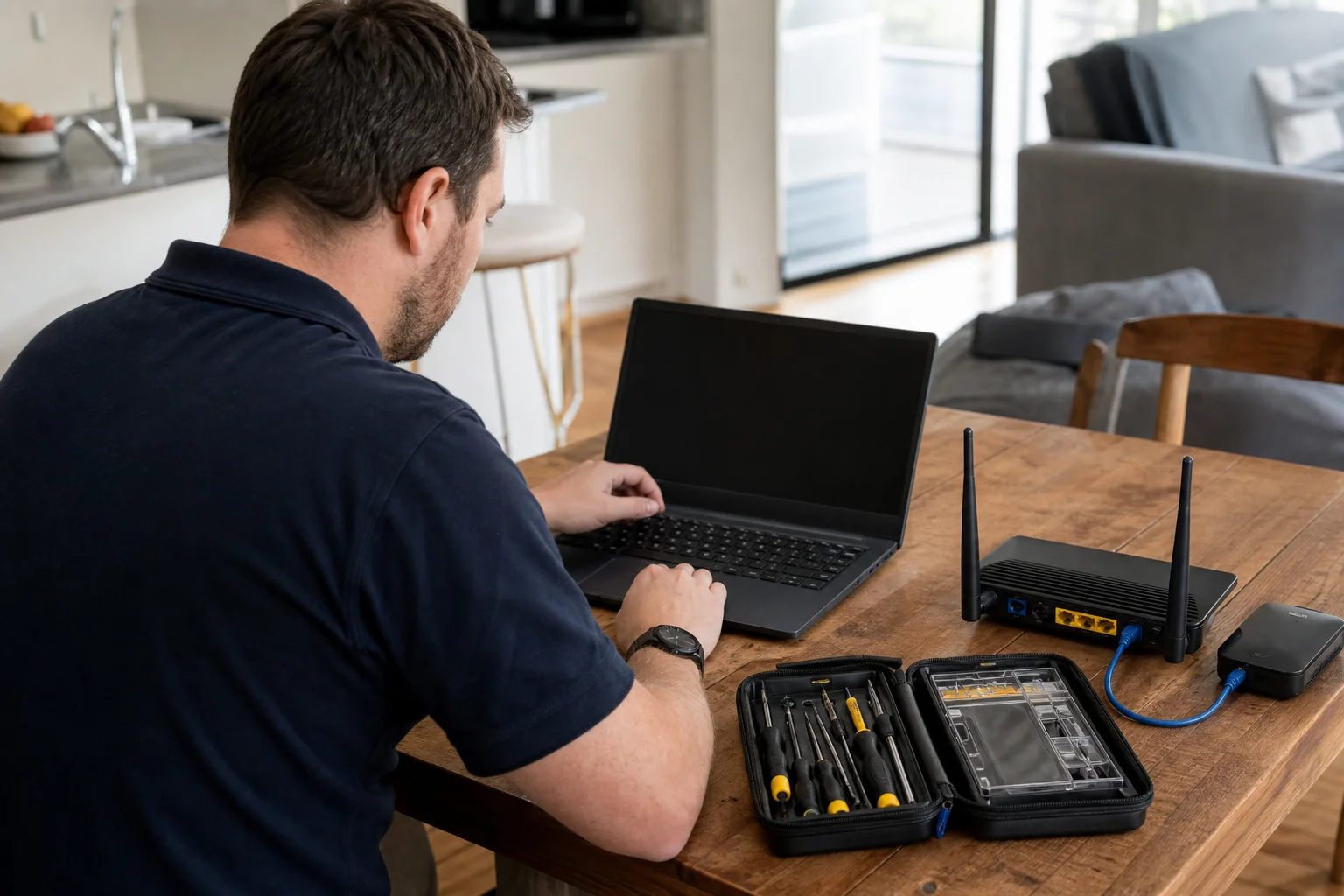
We may ask for router access to check the network and make sure the browser problem is not coming back from another device on the same connection. That helps in Newcastle homes where a printer, a tablet and a PC all share the same NBN setup.
Book a virus & malware removal technician in Newcastle
If you need virus removal Newcastle, book an on-site visit and we will clean the machine where it sits, then talk you through the next steps in plain English.
Questions & answers
Common questions in Newcastle
Repair
How do I remove a virus from my computer at home?
Start by disconnecting from Wi-Fi and unplugging any USB drive or external hard drive, especially if you are in a Newcastle unit or a house with shared family PCs.
- Do not keep clicking pop-ups or run random cleaner tools.
- A proper clean usually needs an offline scan and quarantine, then browser cleanup, startup cleanup and a check for account damage.
- If the machine is one of the older laptops used by seniors in Wallsend North, it is worth getting it checked on-site before you log back in.
Related home services in Newcastle
Nearby areas
Or return to the Virus & Malware Removal hub or Newcastle location guide.