
Senior tech help Maitland
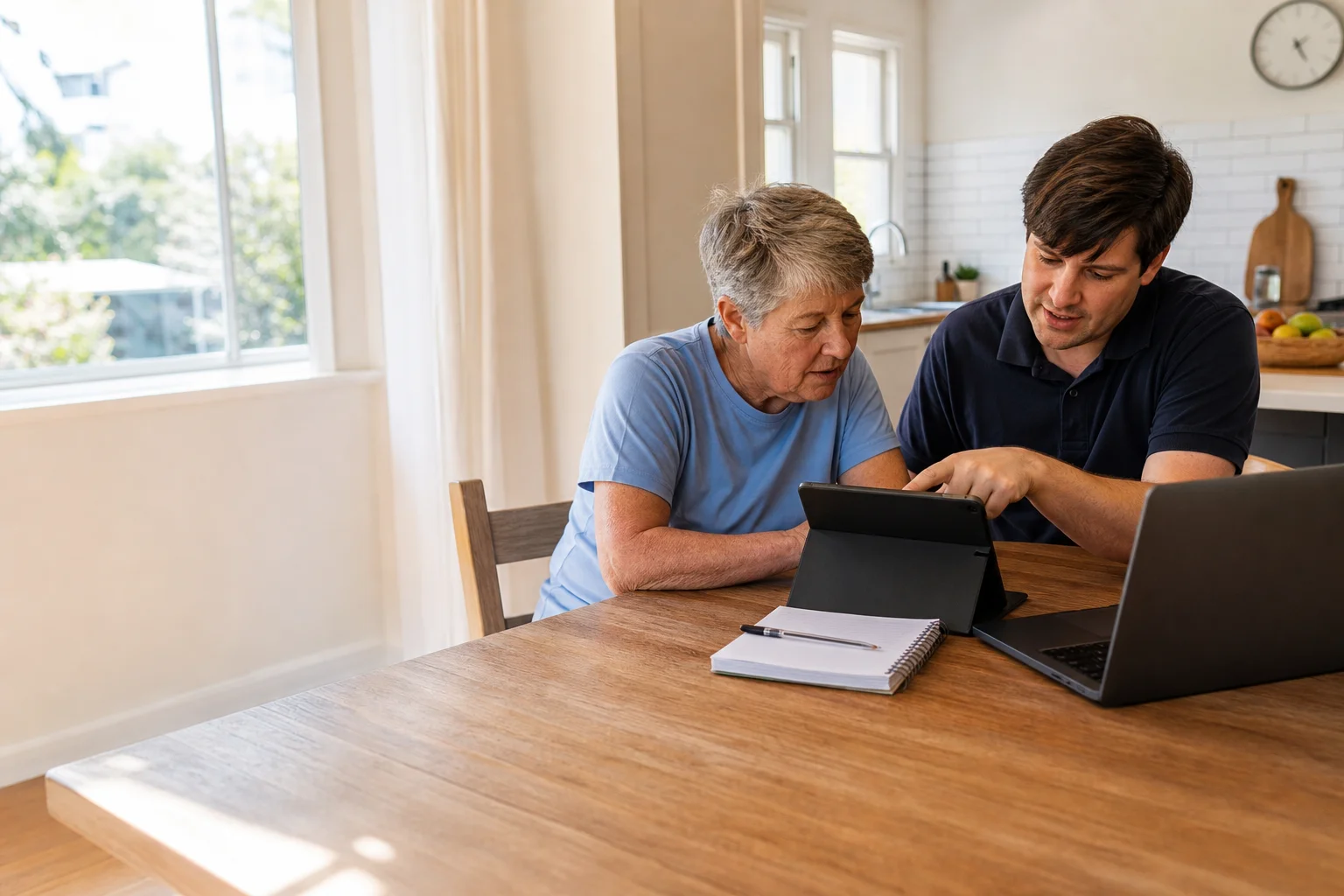
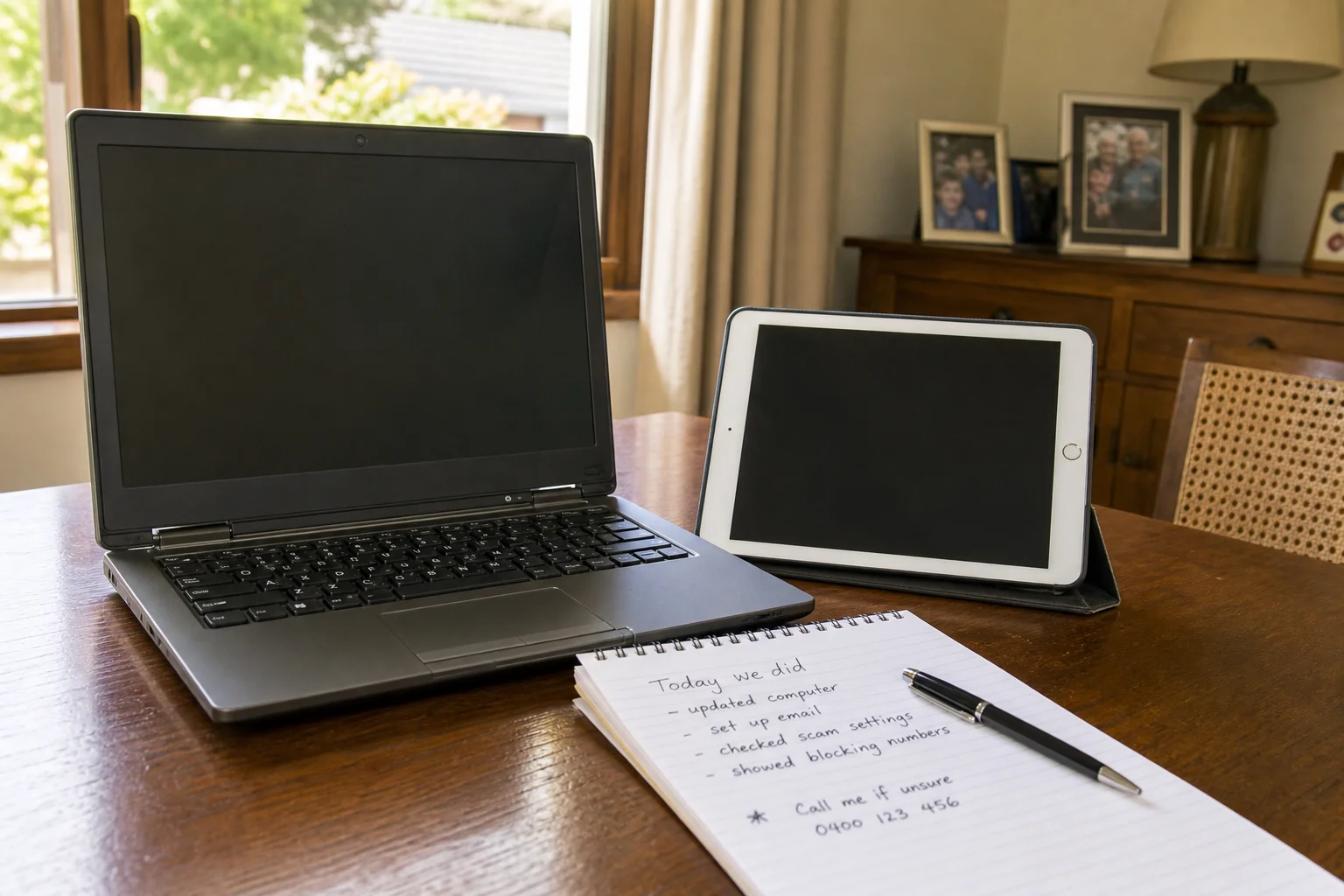
Senior tech help Maitland starts at your table, not at a counter. We visit homes across Maitland and sit with you at the kitchen table, lounge room or study, then work through the problem in plain language. Many jobs are for iPads and older laptops used by seniors across Maitland, and we leave written notes behind so the steps are there after we go.
The Maitland tech landscape
A lot of Maitland seniors are dealing with scam calls, fake pop-ups and messages that look real enough to cause stress. That shows up in Bolwarra, Lorn and Telarah, especially where family members live in different suburbs or cannot be there on the day. The search results are full of generic guides and national brands, but the real gap is patient one-on-one help in Maitland with written notes left behind. Small changes matter too. A larger font, a better zoom setting, a cleaner email screen or a simpler home screen can turn a device from confusing into usable for a retiree in Chisholm or Morpeth.
Our work covers accessibility and large-text setup, scam-awareness talk-throughs, and getting video calls ready for family. We can set up an iPad for easier reading, or tune a Windows laptop with large-text setups in Chisholm so the menus are less fiddly.
Continue reading
If the issue is an Apple ID or Microsoft account password, we do password reset with proper ID checks, not guesswork. That matters for family iCloud photo albums in Morpeth homes and for seniors who rely on email to speak with health providers or grandkids. On-site help is usually better than drop-off or shopfront repair for this kind of work, because the problem is often not the device itself. It is the way it has been set up, the logins on it, or the way the owner uses it at home. We can show computer lessons for seniors Maitland style, one step at a time, and write the steps on paper before we leave. That is also useful for tech support for elderly Morpeth, where a family member may come in later and needs a clear note to follow.
Common issues we see
The most common callouts are scam call and pop-up aftermath, forgotten Apple ID or Microsoft account passwords, screens that feel too small or too bright, email or Facebook lockouts, and video call setup for family. We also see help with iPad senior Aberglasslyn when the icons are hard to read or the tablet keeps asking for a login.
Read the full section
In Chisholm, a lot of people want scam call help senior Chisholm after one dodgy phone call or a browser warning that will not go away. We can clean up the mess, explain what was safe and what was not, and help make the device less exposed next time. For many households, my Aged Care computer help Maitland is really about getting online forms, email and account access sorted without turning it into a big project.
Your journey
What happens on a visit
Step 1
sitting down and understanding how the device…
We start by sitting down and understanding how the device is used day to day in Maitland, whether that is checking family photos, reading news, or joining a video call.
Step 2
Then we fix the immediate blocker first
Then we fix the immediate blocker first, such as a password problem, a pop-up, or a setting that is making the screen hard to read.
Step 3
we set up accessibility options and reminders…
After that, we set up accessibility options and reminders so the device is easier to use next week as well as today.
Step 4
We finish by leaving written notes on paper in simple language
We finish by leaving written notes on paper in simple language, so there is something to refer back to in a house in Lorn, Bolwarra or Telarah.
What's included in your call-out
A fully-equipped mobile technician arriving at your address
The first hour of senior tech help on-site
Diagnostic report — you know exactly what's wrong before we quote parts
Patient, plain-language walkthroughs
MyGov, Medicare, and scam-awareness support
Video-call setup for family contact
Same-day parts sourcing where practical
Written invoice with the ATO ABN and GST breakdown
Response time & booking
Same-day for jobs booked before 12pm**Same-day for jobs booked before 12pm** — From central Maitland, Rutherford is 10 minutes west, East Maitland/Green Hills is 5 minutes east, and Thornton (2322) is 10 minutes down the Hunter Expressway.
Suburbs & postcodes we cover in Maitland
Pricing detail
| What | Price (GST-inclusive) |
|---|---|
| Standard call-out (first hour on site) | $149 |
| Each additional 30-minute block | $74.50 |
| Residential account holders | 10% off list |
| Business accounts | List price |
Parking & site access
We usually come through the front door or intercom, and a family carer is welcome to attend or join by phone. A kitchen or living-room table is usually the best place to work, especially in older Maitland homes where the device is already used there.
Read the full section
If parking is tight on a street in Lorn or Bolwarra, let us know when booking so we can plan the visit around the access. The aim is a calm session, not a rush.
Book a senior tech help technician in Maitland
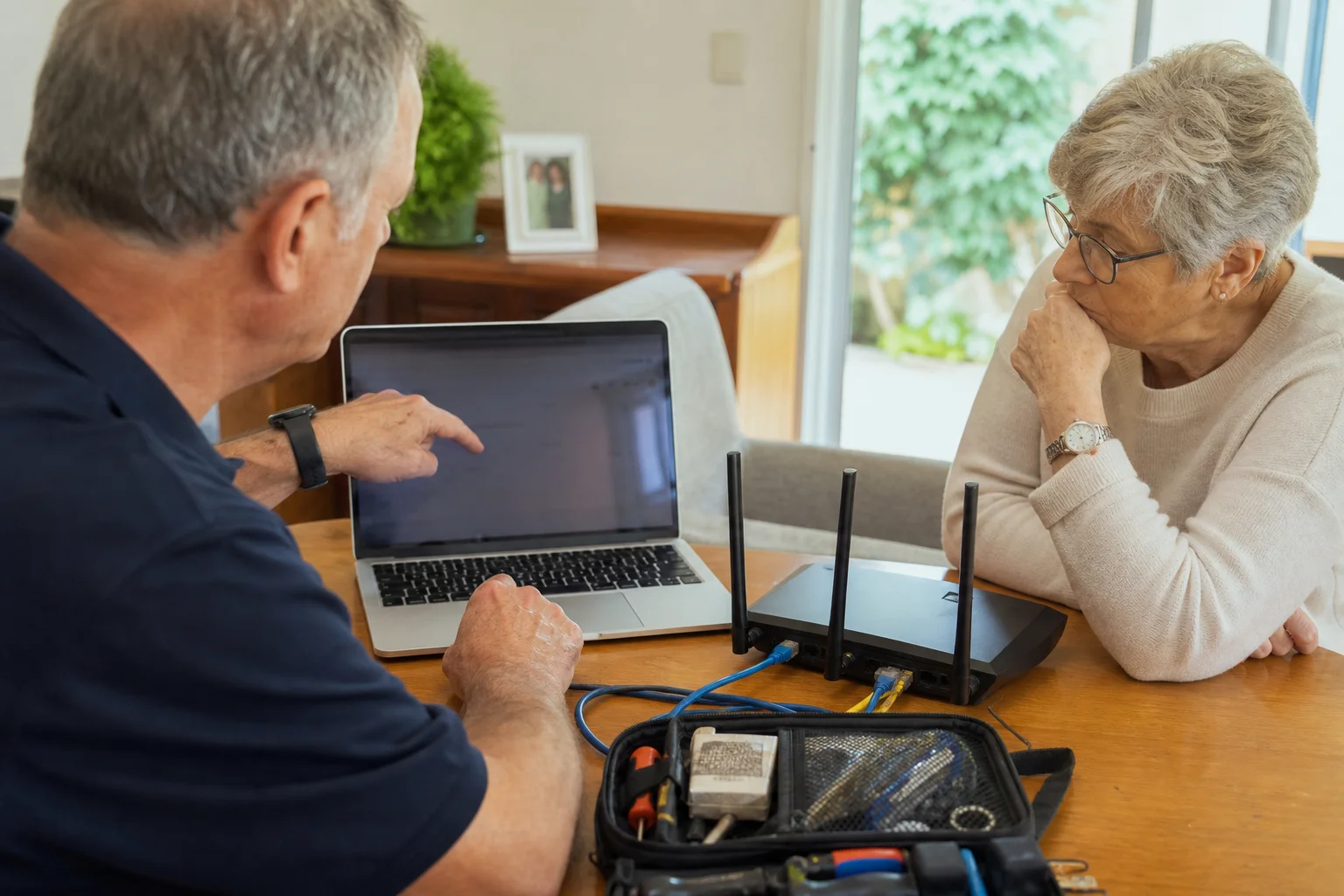
If you need patient senior tech help in Maitland, book a home visit and we will work through it at your table, then leave clear written notes behind.
Questions & answers
Common questions in Maitland
Repair
Do you help seniors with computers in Maitland?
Yes.
- We help seniors with computers in Maitland by coming to the home, looking at the actual device, and working through the issue in plain language.
- That can mean an iPad, an older laptop, email, printing, or a login problem.
- We keep it patient and local, whether the job is in Bolwarra, Lorn or Telarah, and we leave written notes so the steps are not forgotten later.
Related home services in Maitland
Nearby areas
Or return to the Senior Tech Help hub or Maitland location guide.