
Senior tech help Newcastle
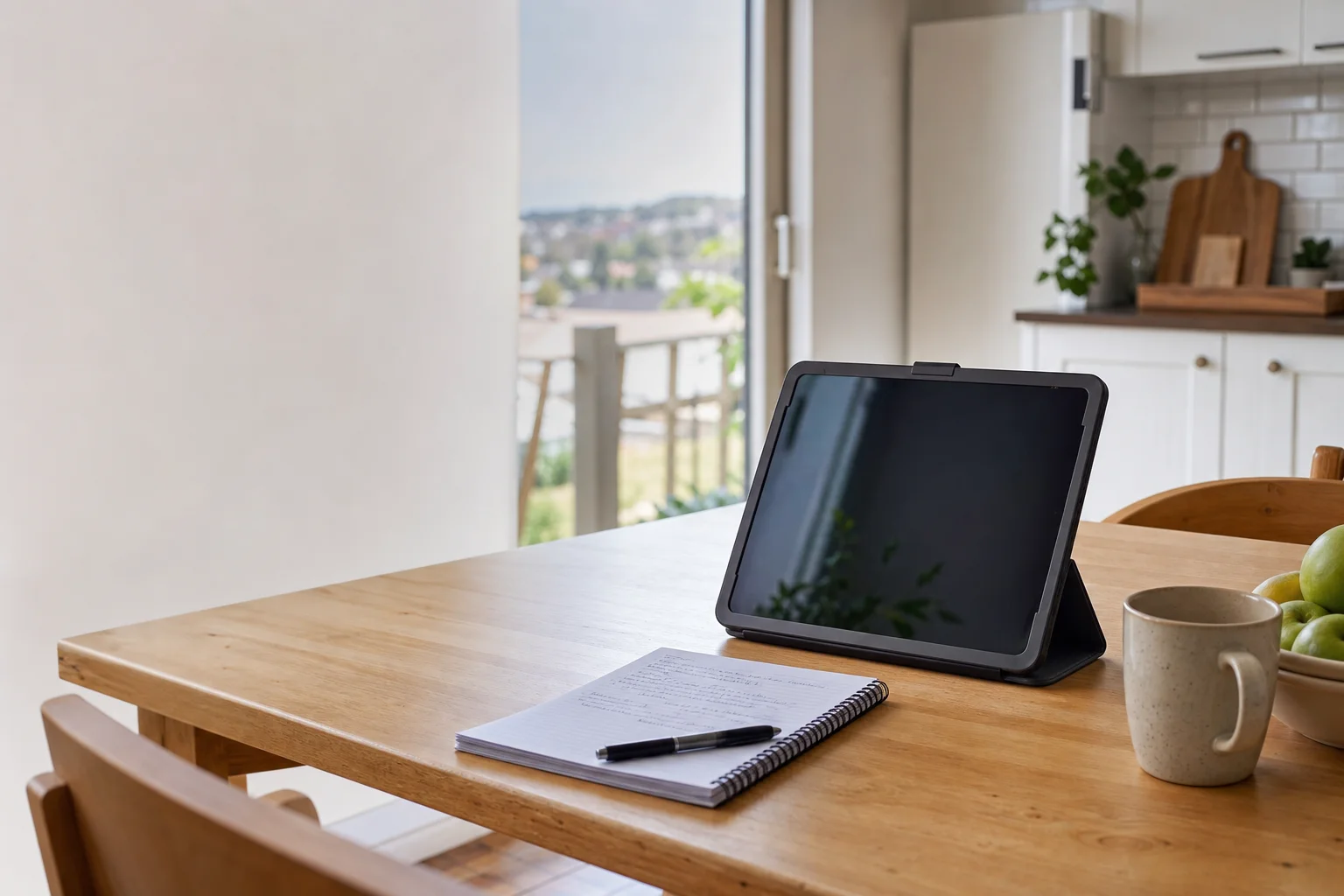
Senior tech help Newcastle starts at your place, not at a shop counter. We come to homes and units across Newcastle, including Wallsend North, Mayfield West and Kotara South, then work through the problem at the kitchen table or in the lounge room. The aim is simple: calm, one-on-one help, no jargon, and written notes left behind so the next step is easy to remember.
The Newcastle tech landscape
A lot of Newcastle seniors are dealing with scam calls, fake alerts and pop-ups on iPads and older laptops. In suburbs like Waratah South and Wickham West, the problem is often not the device itself but the mess left behind after one tap or one phone call. Family members cannot always get to the house in time, especially for retirees in Wallsend North or people living alone near the city edge, so a local visit fills that gap. Small changes matter too. A bigger font, a brighter screen turned down, or the right email login saved in the right place can turn a frustrating device into something usable again. Most search results are generic guides or national brands, but Newcastle households usually need patient one-on-one help with written notes left behind, not a video tutorial that stops halfway through.
We help with accessibility and large-text setup on iPads and older laptops used by seniors across Newcastle. That often means lifting the font size, changing display contrast, cleaning up the home screen, and making buttons easier to read for someone in Mayfield West or Kotara South.
Continue reading
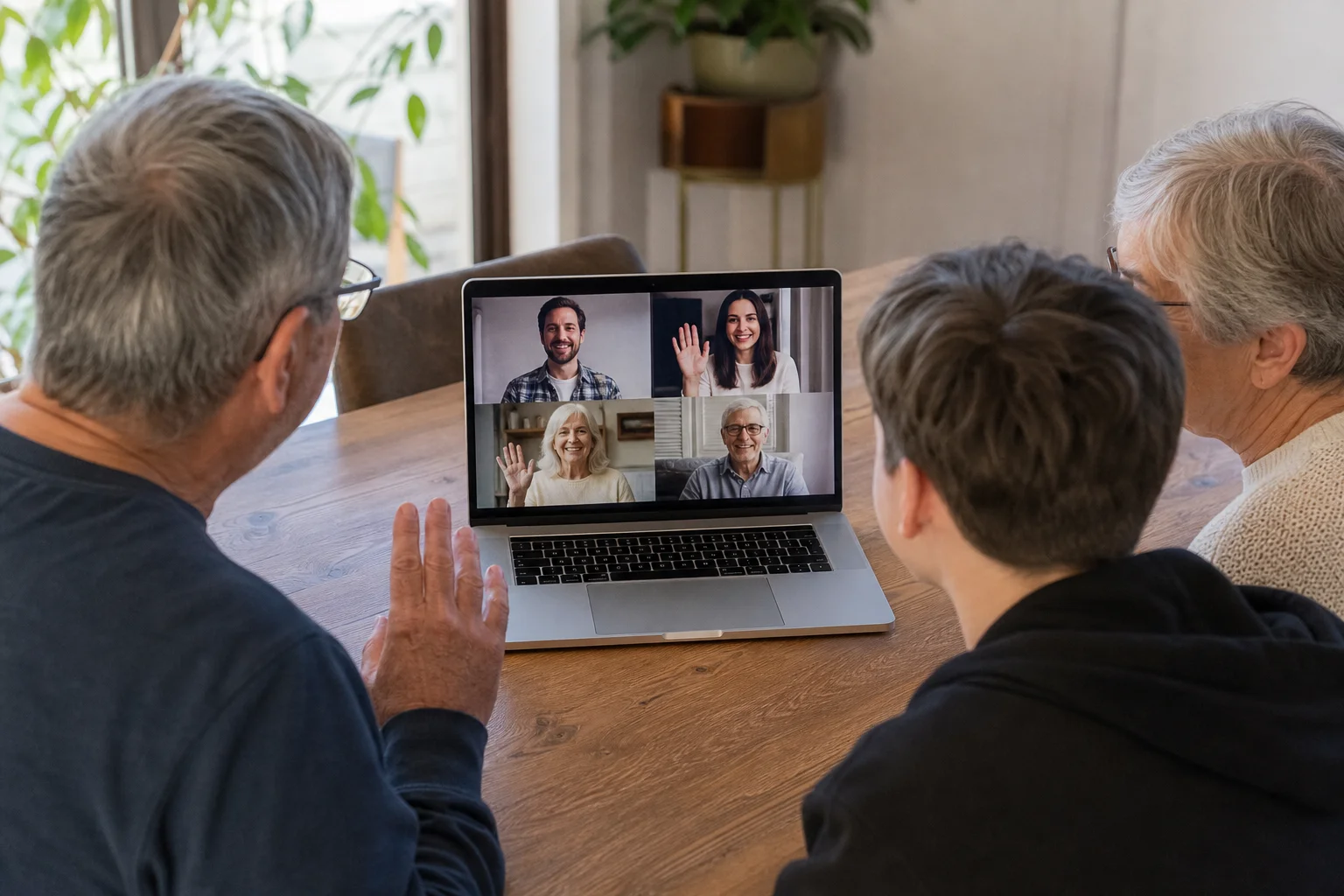
We also talk through scam-awareness in plain English, including what to do when a caller says your bank account, Medicare or email is at risk. For families in Wickham West with iCloud photo albums, or households in Waratah South using Windows laptops, we can set up video calls with relatives, test the microphone and camera, and save the steps on paper. This is on-site help, so the fix happens where the problem is. That is different from a drop-off or shopfront repair, where you leave the computer behind and hope the user can explain the issue later. We bring common tools, work through the settings, and leave written instructions so your parent or carer can follow the same steps next time. If you are after computer lessons for seniors Newcastle, we can turn a repair visit into a short lesson as well, so the person using the device feels more confident.

Common issues we see
The common calls we get around Newcastle are the same ones that cause stress at home. Scam call and pop-up aftermath is a big one, especially after someone in Waratah South clicks a warning that looks official.
Read the full section
Forgotten passwords are another, whether it is an Apple ID on an iPad in Wickham West or a Microsoft account on an older laptop in Wallsend North. Screens that are too small or too bright come up often too, especially for people who are trying to read emails or family photos without straining their eyes. Email or Facebook lockouts can stop contact with family, and video call setup for family is often the final step after the device has been ignored for months. If you need scam call help senior Waratah South, we can slow the process right down and show what to ignore, what to delete, and what to keep.
Your journey
What happens on a visit
Step 1 of 5
sitting down and asking how the device is used day to day
We start by sitting down and asking how the device is used day to day, whether that is checking photos in Mayfield West, reading news in Wallsend North, or joining a family call from Kotara South.
What's included in your call-out
A fully-equipped mobile technician arriving at your address
The first hour of senior tech help on-site
Diagnostic report — you know exactly what's wrong before we quote parts
Patient, plain-language walkthroughs
MyGov, Medicare, and scam-awareness support
Video-call setup for family contact
Same-day parts sourcing where practical
Written invoice with the ATO ABN and GST breakdown
Response time & booking
Same-day for jobs booked before 2pm**Same-day for jobs booked before 2pm** — From central Newcastle, Merewether (2291) is 5 minutes south, Hamilton (2303) is 5 minutes west, and Charlestown (2290) is 15 minutes down the road via the Pacific Highway.
Suburbs & postcodes we cover in Newcastle
Pricing detail
| What | Price (GST-inclusive) |
|---|---|
| Standard call-out (first hour on site) | $149 |
| Each additional 30-minute block | $74.50 |
| Residential account holders | 10% off list |
| Business accounts | List price |
Parking & site access
We can come through a front door, side gate or intercom, and family carer support is welcome during the visit. A kitchen table or living-room table is usually best because there is room to see the screen and write notes.
Read the full section
Parking in Newcastle can be tight near some units and older streets, so having the access details ready helps the booking run on time. If there is a door code, buzzer or hard-to-find entry, please mention it when booking so we are not standing on the footpath in the rain.
Book a senior tech help technician in Newcastle
If your parent or grandparent needs calm, one-on-one support, book senior tech help Newcastle and we will come to the home, sort the problem, and leave notes behind.
Questions & answers
Common questions in Newcastle
Pricing
Do you help seniors with computers in Newcastle?
$149 GST-inclusive
Yes.
- We provide senior tech help Newcastle in homes across the area, from Wallsend North to Mayfield West and Kotara South.
- That can mean fixing a login, enlarging text, setting up email, or helping someone use an iPad without rushing them.
- We work at the kitchen table, explain things in plain language, and leave written notes so the steps are easy to follow later.
- The $149 GST-inclusive call-out applies to the visit.
Related home services in Newcastle
Nearby areas
Or return to the Senior Tech Help hub or Newcastle location guide.