
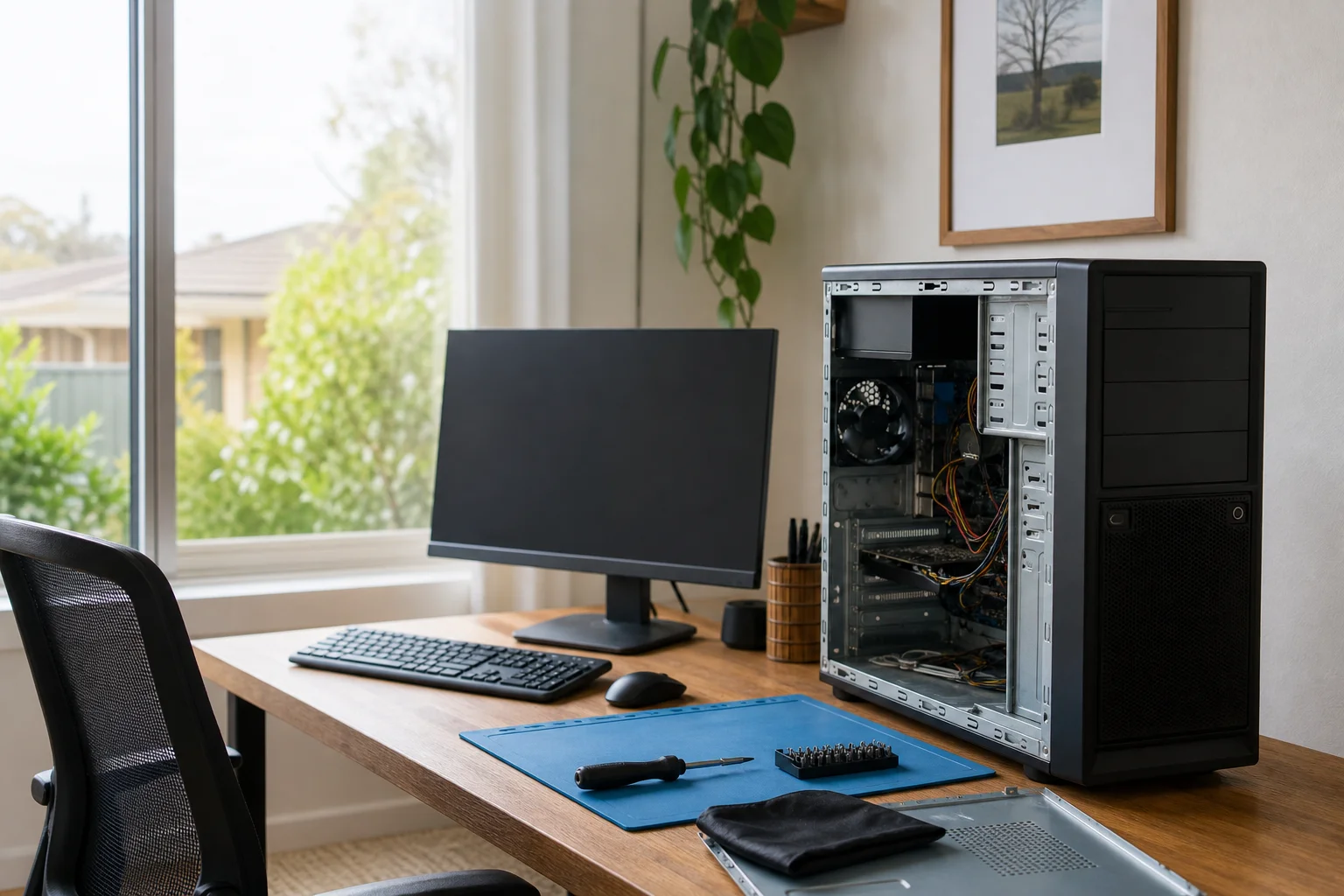
Virus removal Raymond Terrace
Virus removal Raymond Terrace starts at your home or office, not with a guess over the phone. Doorstep IT comes to Raymond Terrace, Eagleton and nearby streets to check the machine where it sits, clear pop-ups, and deal with scam software on the spot. If you were caught by a cold call or a fake support window, we also talk you through the next steps before more damage spreads across the PC or your accounts.
The Raymond Terrace tech landscape
Around Raymond Terrace, we see the same pattern on family Windows PCs and older laptops used by seniors in Eagleton. Fake support pop-ups, lock screens and browser warnings often push people into calling numbers they should not trust. Some people also search for a quick download, but those cleaner tools can miss the real problem or add more junk on top. That is the gap on local search: national remote services and downloadable cleaners are easy to find, but they do not give on-site removal plus scam-recovery guidance in Raymond Terrace. If the machine is in a shared home office in Seaham or a lounge room in Millers Forest, the fix still needs to start with the actual device and the actual symptoms.
Our malware removal Raymond Terrace work is built around offline checks first. We disconnect the machine from the network, then run an offline scan and quarantine approach so active threats have less room to hide.
Continue reading
That helps with browser hijacks, constant ads, and the sort of fake alerts that keep reappearing after a restart. We also clean the browser, remove bad startup items, and set up Defender or patching steps so the machine is less exposed after we leave. On-site service matters here because a drop-off shopfront can hold your computer for days, while an on-site visit in Raymond Terrace, Heatherbrae or Eagleton lets us see the problem in the home network, on the same router, with the same user accounts. If passwords may have been exposed, we give account and password reset guidance before you sign back in.
Common issues we see
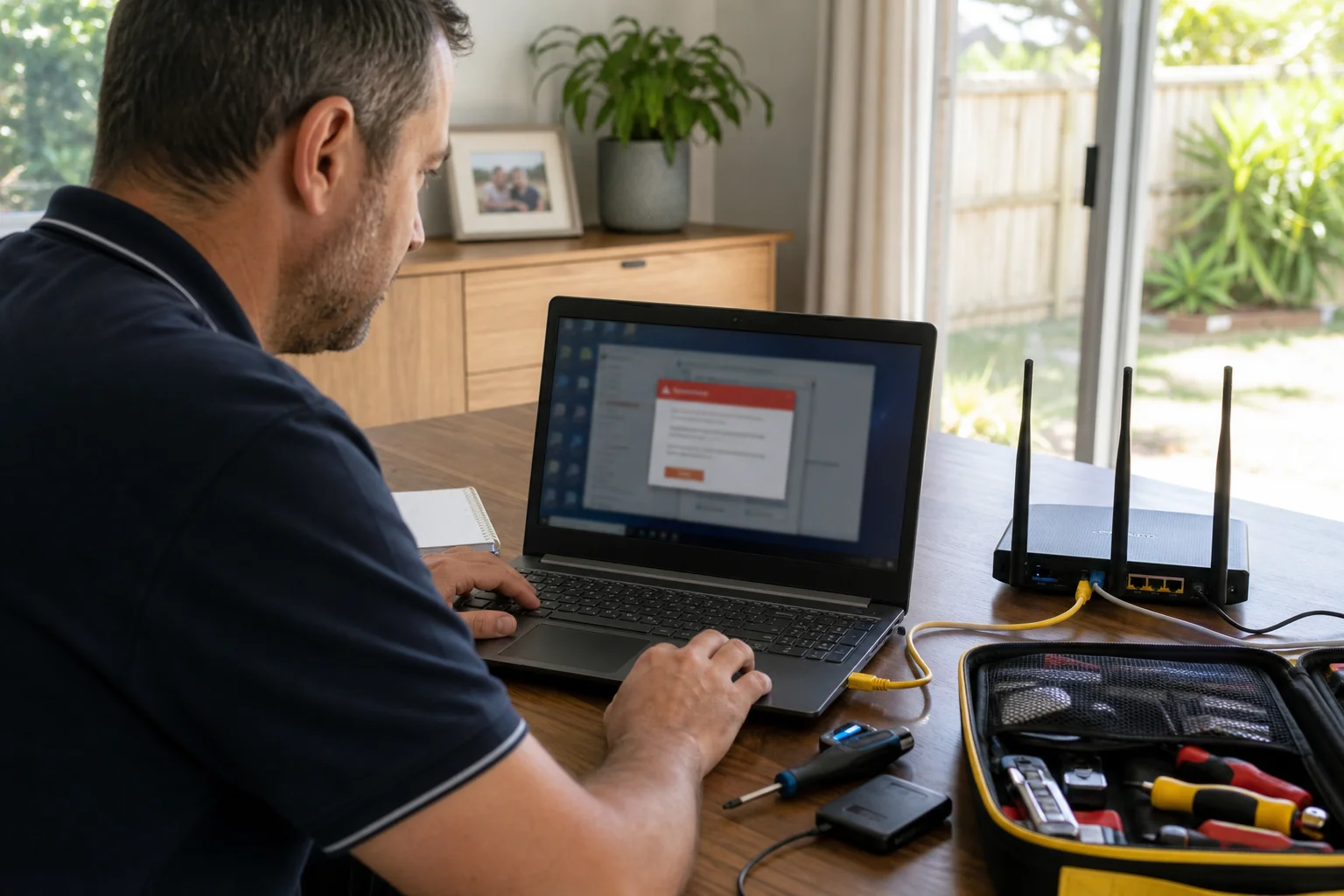
The most common call in Raymond Terrace is a fake support pop-up that locks the screen and pushes a phone number. We also see browser hijacks, unwanted toolbars, and constant ads on shared home computers in Heatherbrae apartments.
Read the full section
Remote-access scams after a phone call are another regular one, especially where someone in Karuah or Eagleton has been told to “fix” a security issue. Malware slowdowns are common on older laptops, and unpatched machines can also get hit with ransomware if they have been left behind for too long. In those cases, you want the infection cleaned first, then a plain explanation of what was changed and what still needs attention.
Your journey
What happens on a visit
Step 1
isolating the machine
We start by isolating the machine, which means cutting off the network and stopping the threat from phoning home.
Step 2
Then we scan and quarantine offline
Then we scan and quarantine offline, so the active infection is handled without depending on a browser window or a risky remote session.
Step 3
After that we clean browsers and startup items
After that we clean browsers and startup items, remove the junk that keeps reloading at boot, and patch the system where it makes sense.
Step 4
If accounts may have been touched
If accounts may have been touched, we finish with clear advice on passwords, email logins and any banking steps that should be taken from a safe device in Raymond Terrace or Seaham.
What's included in your call-out
A fully-equipped mobile technician arriving at your address
The first hour of virus & malware removal on-site
Diagnostic report — you know exactly what's wrong before we quote parts
Root-cause malware and spyware removal
Browser hijack and pop-up cleanup
Security hardening before we leave
Same-day parts sourcing where practical
Written invoice with the ATO ABN and GST breakdown
Response time & booking
Same-day for jobs booked before 11am**Same-day for jobs booked before 11am** — Raymond Terrace town is compact — most jobs within 5–10 minutes of the town centre. Heatherbrae industrial estate is 5 minutes south along the New England Highway.
Suburbs & postcodes we cover in Raymond Terrace
Pricing detail
| What | Price (GST-inclusive) |
|---|---|
| Standard call-out (first hour on site) | $159 |
| Each additional 30-minute block | $79.50 |
| Residential account holders | 10% off list |
| Business accounts | List price |
Parking & site access
We can work with apartment parking, driveway parking, or a car parked out front in Raymond Terrace, so long as we can get the machine in place and powered on. The computer is worked on where it sits, which is handy for family desks, kitchen tables and small home offices in Heatherbrae or Seaham. Router access helps us check whether the infection spread through the network or through a bad browser sign-in, and it lets us confirm what needs changing before we leave the house.
Book a virus & malware removal technician in Raymond Terrace
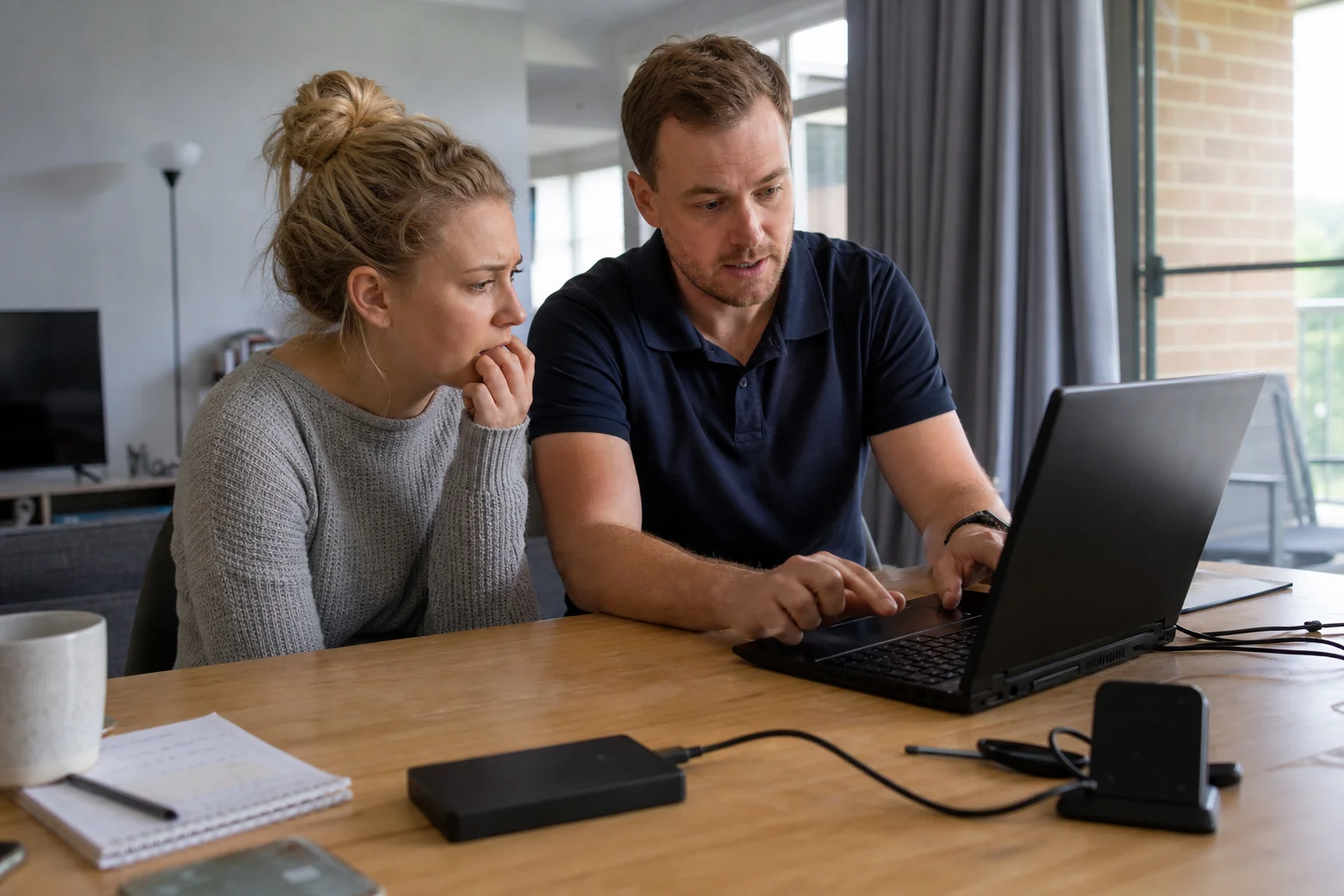
Need virus removal in Raymond Terrace? Book an on-site visit and we’ll check the machine at your place, clean the infection, and give clear next steps for accounts and recovery.
Questions & answers
Common questions in Raymond Terrace
Repair
How do I remove a virus from my computer at home?
At home, the first job is to stop the machine from staying online while you sort it out.
- In Raymond Terrace, that usually means unplugging Ethernet or turning off Wi-Fi, then running an offline scan if you know how.
- The safer option is to have someone come to the house, check the PC on the same desk it was used on, and clean the browser, startup items and any fake security prompts before the problem spreads to other logins.
Related home services in Raymond Terrace
Nearby areas
Or return to the Virus & Malware Removal hub or Raymond Terrace location guide.